




Service Area Pages That Rank: Templates + Examples for Multi-Location Businesses
If you serve multiple cities, you have a choice: build service area pages that actually help people, or crank out copy-paste “city pages” that quietly bleed rankings and leads. This guide is for home services, healthcare, legal, BPO/call center teams, SaaS, e-commerce, and any growth-minded brand that needs scalable local landing pages without stepping on SEO landmines.
You will learn how to structure service area pages, what to write so each page earns its place in search, how to avoid duplicate content traps, and how to connect everything with internal links and schema. Also: yes, we are Content God (Content Generated on Demand). We did not notice the whole “God” thing until it was too late.
Now that the robes fit, let’s talk about how to build local pages that deserve to rank.
Service area pages vs. location pages (and why the difference matters)

A location page is best when you have a real, staffed location in that city with consistent business details customers can verify (address, hours, signage, local phone). A service area page is best when you travel to the customer and serve a city or region without a public storefront, which is common in HVAC, plumbing, mobile repair, and many home services.
If you are a service-area business using Google Business Profile, Google explains that service-area businesses may hide their address and list service areas instead, depending on how you serve customers under the service-area business guidance.
What changed (and what’s new) for city pages in 2024–2026
Local pages have always been vulnerable to “scale at all costs” strategies. The difference now is that Google is more explicit about spam patterns tied to mass-produced pages and other shortcuts, especially after the March 2024 core update and spam policy updates, which put renewed focus on scaled content abuse and other manipulation tactics.
Translation: you can still scale, but your pages need a reason to exist beyond swapping {CITY} into the headline. When your service area page is genuinely useful and specific, you are building an asset. When it is a template with a city-name paint job, you are building a liability.
The #1 rule: don’t create doorway pages

If your strategy is “one page per city, all funneling to the same service,” you are close to the line. Google’s spam policies describe doorway abuse as pages created to rank for specific queries that funnel users to essentially the same destination, offering little unique value.
The goal is not “avoid city pages.” The goal is “avoid pages that exist only to capture variations of a keyword.” Service area pages that rank usually do three things well: they match intent, they prove local relevance, and they reduce friction for the next step (call, book, request quote, intake).
How to think about intent for service + city searches

Most “service + city” searches have a simple intent: find a trustworthy provider who can serve that area, understand pricing or next steps, and feel confident enough to contact you. Your page should answer the questions a real customer in that city would ask, in the order they tend to ask them.
Google’s guidance on creating helpful, reliable, people-first content is a good north star here: write for humans first, and make sure the page has a clear purpose and genuine utility.
Service area page template (the “Rankworthy” layout)
Use this as your base template. The win is not the template itself; the win is what you add that is unique to each city or region.
1) Above-the-fold block (answer intent immediately)

- H1: {Service} in {City, State} (or {Neighborhood/Region})
- One-sentence positioning: who you help and what outcome you deliver
- Primary action: “Call now,” “Request a quote,” “Schedule,” “Check availability”
- Trust signals: licensed/insured (if applicable), years in business, warranty, same-day availability
2) “Do you serve my area?” section (qualify the lead)

- List key neighborhoods, nearby suburbs, ZIP codes, or landmarks you commonly serve
- Clarify service radius, travel fees (if any), and response times
- Add seasonal or weather-related context where relevant (HVAC, roofing, landscaping)
3) The city-specific proof section (the part most pages miss)

This is where you stop being generic. Add 2–4 items that are truly local to that market.
- Local job patterns: “Most calls we get in {City} are for…”
- Local constraints: building types, common system brands, lot sizes, water hardness, storm season realities
- Local operations: tech routes, dispatch coverage, after-hours availability by area
- Local partnerships: suppliers, property managers, referral networks (only if real)
4) Services section (service menu tuned to that city)
- List 6–12 sub-services with short descriptions
- Include “when to call” symptoms (HVAC noises, breaker tripping, clogged drains, pest sightings)
- Add city-relevant modifiers when true (historic homes, coastal corrosion, rural well systems)
5) Pricing and estimates (set expectations, reduce fear)
- Explain how estimates work (phone quote vs on-site evaluation)
- List pricing variables (parts, access, time, permits) without making promises you cannot keep
- Add financing or membership plans if offered
6) Social proof (make it local without being creepy)

- Show reviews or testimonials that reference nearby areas when you have them
- Use brief case snapshots: problem, fix, timeframe, outcome
- Keep claims specific and honest
7) FAQ (build relevance and win long-tail queries)
- “How fast can you get to {City}?”
- “Do you charge a trip fee for {City}?”
- “Are you licensed/insured in {State}?”
- “What should I do before the tech arrives?”
- “Do you handle permits/inspections?” (electrical, HVAC, roofing)
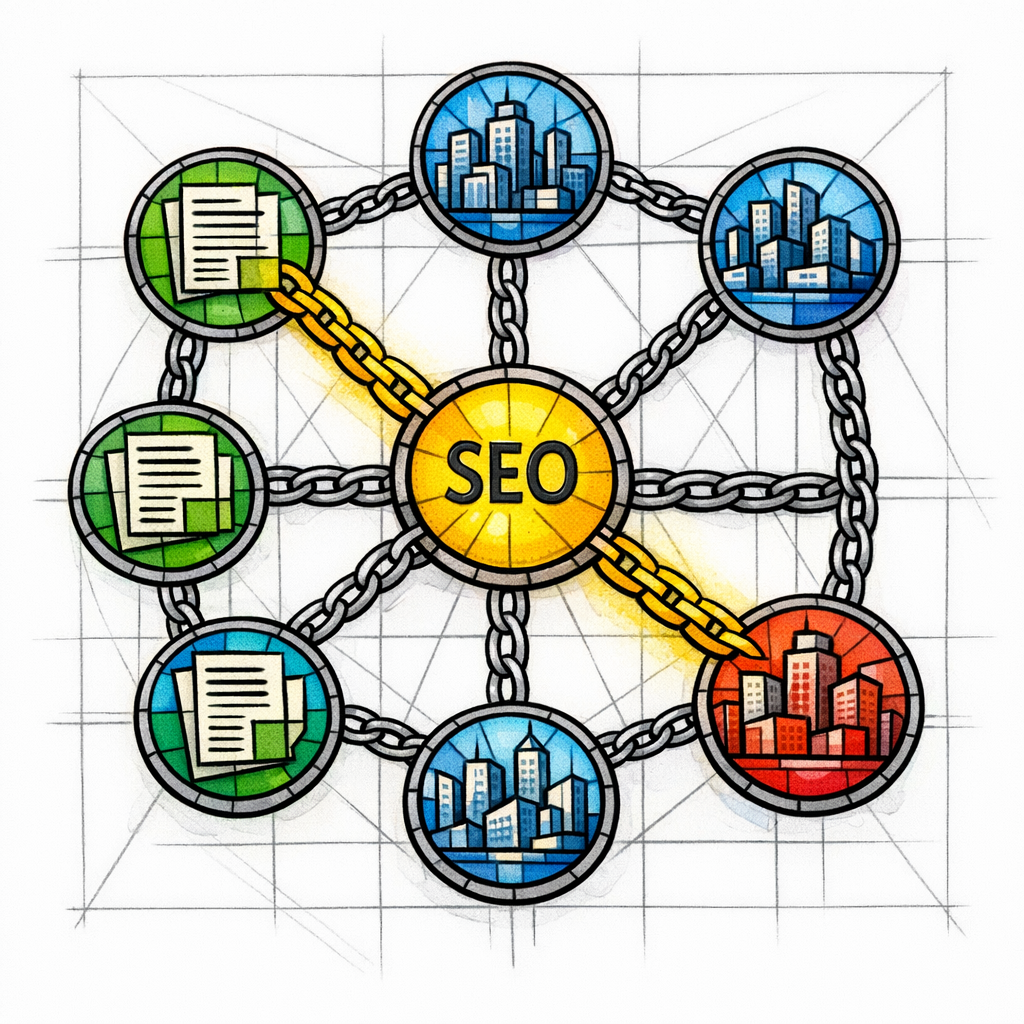
8) Internal links (connect the page into a local SEO system)
Internal linking is not decoration. It is how you teach search engines and users how your site is organized. Google recommends using links that are crawlable so Google can find and understand your content under its guidance on making links crawlable.
- Link to your core service page (the parent topic)
- Link to 2–6 nearby city pages (where it makes sense geographically)
- Link to 1–3 relevant blog posts or FAQs that answer common questions in that market
- Link to your contact page with a clear action
How to avoid duplicate content (without going insane)

Multi-location teams fear one thing: duplicate content. The truth is more nuanced. Google explains that duplicate content is not inherently a violation, but it can make it harder for Google to choose which version to index and rank when pages are too similar.
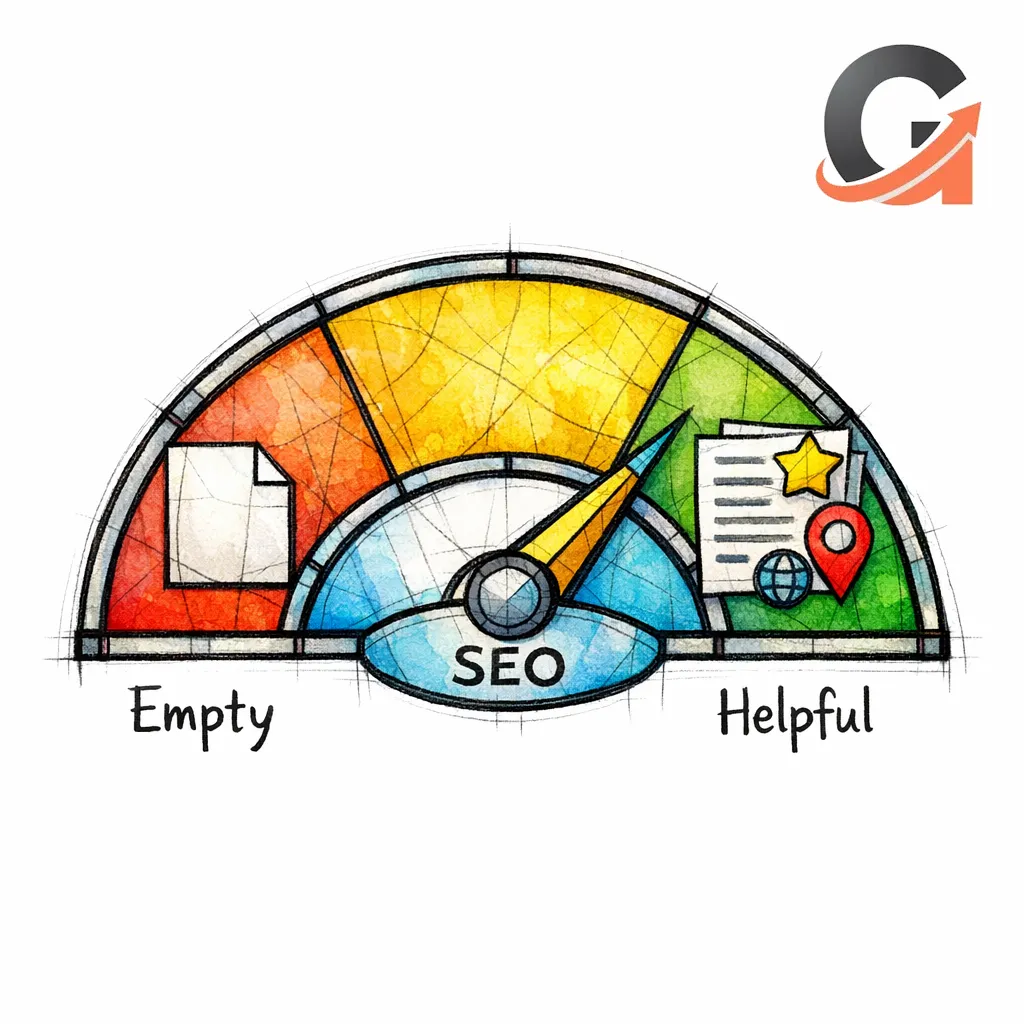
So the practical goal is not “100% unique wording.” The goal is “unique value.” Here is how you engineer it.
The “30/30/30/10” uniqueness framework
- 30% city-specific proof: job patterns, constraints, local service notes, routes, response times
- 30% city-specific service mix: reorder sub-services based on what is common in that market
- 30% local FAQs and objections: address the hesitations you actually hear in that city
- 10% shared boilerplate: brand story, certifications, process overview
What to reuse (safe to standardize)

- Your general process (how scheduling works, what to expect)
- Company credentials and warranties (as long as they are true everywhere)
- Global policies (refunds, financing terms, service hours)
What to customize (must be different)

- Opening paragraph and the “Do you serve my area?” block
- Service mix order and examples
- Local proof section and case snapshots
- FAQs and “before we arrive” prep steps
Local schema markup: what to add (and what not to fake)

Structured data will not magically rank your page. But it can help Google understand your business details and may make you eligible for certain rich results when implemented correctly under Google’s Local business structured data documentation.
Local schema essentials for service area pages:
- @type: choose the most specific type available (for example, PlumbingService, HVACBusiness, Dentist)
- name, url, telephone: consistent with your website and listings
- areaServed: list the cities/regions you truly serve
- openingHours: only if accurate
- sameAs: link to official profiles (not random directory spam)
What not to do: invent addresses, stuff keywords into business names, or claim locations you cannot serve. The algorithm is patient, but it is not naïve.
Examples: service area pages that “feel local” (without keyword stuffing)

These are example angles and sections you can adapt. The pattern is what matters: intent first, then proof, then friction removal.
Example 1: HVAC “AC Repair in Phoenix, AZ”

- Local proof: common failure patterns during peak heat weeks, typical turnaround by area
- Service mix emphasis: AC repair, capacitor replacement, refrigerant leak checks, thermostat issues
- FAQ: “Do you offer same-day service during heat advisories?” and “How do I keep my unit running until you arrive?”
- Conversion detail: what to text or tell the dispatcher for faster triage
Example 2: Plumbing “Water Heater Installation in Raleigh, NC”
- Local proof: housing stock patterns (newer builds vs older homes) and how that changes installation time
- Service mix emphasis: tank vs tankless, expansion tanks, venting considerations, disposal
- FAQ: permits/inspections expectations and what causes sudden loss of hot water
- Trust detail: warranty terms explained in plain language
Example 3: Law firm “Personal Injury Lawyer in Denver, CO”
- Local proof: what intake needs to evaluate a case quickly (timelines, documentation checklist)
- Service mix emphasis: car accidents, slip and fall, trucking, rideshare (only if you actually handle them)
- FAQ: “What does it cost to talk?” and “What should I avoid saying to insurers?”
- Conversion detail: “Call now” plus an alternate confidential form option
Example 4: Healthcare “Weight Loss Clinic in Tampa, FL” (or health-adjacent platform pages)
- Local proof: appointment availability by neighborhood and what the first consult includes
- Service mix emphasis: medically supervised programs, labs, telehealth options, follow-up cadence
- FAQ: privacy expectations, eligibility, and how outcomes are tracked
- Trust detail: clinician credentials and clinical oversight explained clearly
Example 5: BPO/Answering service “24/7 Answering Service in Dallas, TX”
- Local proof: coverage for local time zones and overflow handling for seasonal spikes
- Service mix emphasis: dispatching, appointment setting, lead qualification, bilingual support
- FAQ: onboarding time, script updates, and integrations
- Conversion detail: “Get a quote” plus a fast requirements checklist
Common mistakes (and the truth behind them)
Mistake 1: “If I build 200 city pages, I’ll rank in 200 cities”
If the pages are near-identical and exist mainly to capture keyword variations, you risk creating a doorway pattern that Google explicitly warns about in its spam policies on doorway abuse.
Mistake 2: Changing only the city name and calling it “localized”
That approach can create indexing and ranking confusion when many pages look the same, which is part of why Google discusses the practical issues caused by duplicate content.
Mistake 3: Pretending you have offices everywhere
If you are a service-area business, do not invent storefront signals. Align your on-site content with how you present yourself in listings, especially if you set service areas under Google’s service-area business rules.
Mistake 4: Treating internal links like an afterthought
City pages that are isolated tend to stay weak. Build a crawlable, logical network of links as recommended in Google’s guidance on crawlable links, so users and search engines can move from general services to local proof to contact.
Mistake 5: Schema as a substitute for content
Structured data supports understanding; it does not replace real page quality. Use schema according to Google’s Local business structured data guidelines, but earn rankings with substance.
On-page SEO for local pages (the essentials that compound)
Once your page has real local value, the on-page basics help it get discovered and convert. Keep it clean, consistent, and written for humans who want to act.
- Title tag and H1: lead with service + city, then add a differentiator (licensed, same-day, emergency)
- Intro paragraph: confirm you serve the area and name the top 2–3 services people call for
- Headers: structure around questions customers ask, not just keywords
- Media: real photos of crews, trucks, or before/after where appropriate
- Conversion: repeat the primary action after each major section
What to do next (a scannable build checklist)
Here is the checklist to ship service area pages that rank and convert. If you do this consistently, you do not need miracles. You need a system. You are welcome.
- Choose page types: separate true location pages (staffed) from service area pages (mobile)
- Map cities to intent: emergency vs routine, residential vs commercial, high-margin services by market
- Draft with the Rankworthy layout: above-the-fold clarity, local proof, tailored service mix, FAQs
- Add uniqueness with the 30/30/30/10 framework: proof, service mix, FAQs, shared boilerplate
- Build internal links: service hub page ↔ city pages ↔ supporting articles ↔ contact
- Add LocalBusiness schema: correct type, accurate details, areaServed (no invented locations)
- Quality check: does this page help a real person in this city choose and book you?
- Scale responsibly: publish in batches, measure leads and rankings, improve what underperforms
Get a free SEO audit today!
If your service area pages are not ranking, it is rarely because you need “more cities.” It is usually because the pages do not prove local relevance, they look interchangeable, or they are not connected into a site structure that search engines can understand.
Get a free SEO audit today! If you want Content Generated on Demand from the one and only Content God, we will identify which city pages are holding you back, where duplicate patterns are creeping in, and what to change first to win leads in the markets you actually care about.
Stop praying for better search results — download your free copy of the SEO Bible and learn the true path to SEO Salvation.