




SEO Reporting for Lead Gen: A Dashboard That Connects Rankings to Calls, Forms, and Revenue
If you run SEO for a business that survives on leads, you already know the pain: rankings go up, traffic wiggles around, and everyone still asks, “Cool. How many calls did we get?” That is not a hostile question. That is the only question that matters when your business lives or dies by booked jobs, signed retainers, patient intakes, demos, or orders.
This guide is for home services, healthcare and health-adjacent brands, legal teams, BPO and call center companies, e-commerce, SaaS, multi-location businesses, founder-led brands, publishers, agencies, and SEO marketers who need one view that ties SEO activity to real outcomes. You will learn the exact dashboard sections to build, what KPIs to choose, how to connect source data, how to avoid the most common reporting traps, and what to do next to get a lead-gen dashboard live.
One note before we begin: yes, our name is Content God. We didn’t notice the whole “God” thing until it was too late. Sorry for any confusion this caused.
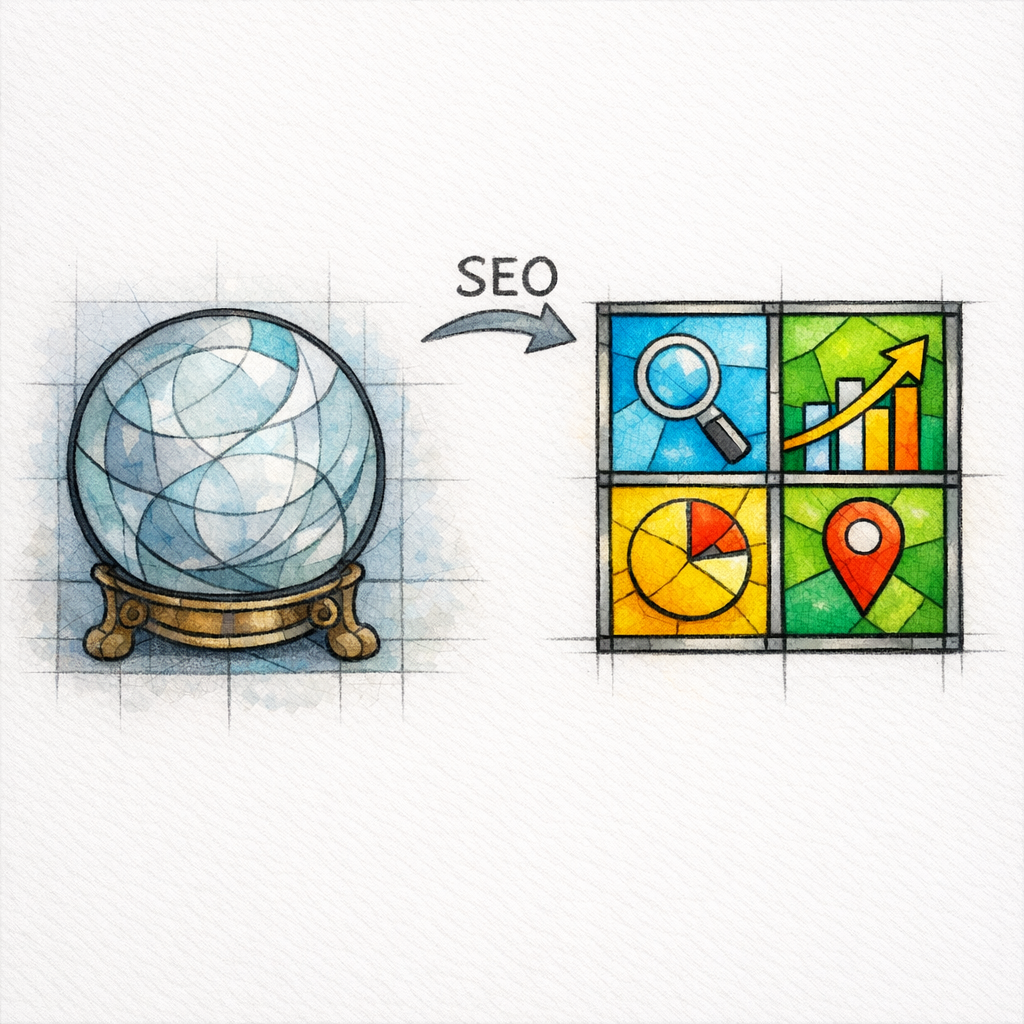
Now that we have repented, let us proceed with absolute certainty. Because if your SEO reporting does not connect rankings to calls, forms, and revenue, then your “dashboard” is not a dashboard. It is divination. And you deserve better than praying over screenshots.
What an SEO reporting dashboard must do for lead generation

A lead-gen SEO dashboard has one job: turn search visibility into a measurable pipeline story. It should show how demand is captured (rankings and local visibility), how it converts (calls and forms), and how it becomes revenue (qualified leads, booked appointments, closed-won deals, or completed jobs).
The dashboard must answer three executive questions without debate:
- Visibility: Are we being found for the services and problems we want to solve?
- Conversions: Are we turning that visibility into calls, forms, chats, bookings, and qualified leads?
- Revenue: Are those leads turning into money, and can we prove it with pipeline data?
Why most SEO reporting fails (and why lead-gen teams feel it first)
Most SEO reports are built around what is easy to measure, not what the business needs. Rankings are easy. Sessions are easy. A spreadsheet of “top pages” is easy.
Lead gen is different because you do not get paid for “engagement.” You get paid for calls answered, forms processed, appointments booked, and deals closed. If your report cannot bridge that gap, it will be ignored or attacked, usually by someone holding a phone bill and asking why the phones are quiet.
The dashboard blueprint: 6 panels that tell the whole story

1) Demand and visibility (the “are we present?” panel)

This panel frames your SEO opportunity and tracks whether visibility is expanding where it matters. Use query-level data to avoid the fantasy of “traffic” that does not match intent.
Practical metrics to include:
- Non-branded search clicks and impressions from Google Search Console for your core services and locations
- Average position trends for priority query groups (not 1,000 random keywords)
- Share of visibility by service line (HVAC vs plumbing, personal injury vs family law, etc.)
Keep it ruthless: if a keyword does not represent a service you sell or a problem you solve, it does not belong in your lead-gen dashboard. You can track it elsewhere, in a separate “content ops” view.
2) Local visibility (the “are we chosen nearby?” panel)

If you serve local customers, the local pack is often your first battlefield. Rankings alone cannot tell you whether you are getting chosen in maps results, because the conversion often happens without a click.
Use Google Business Profile performance metrics to track the actions that matter when searchers are ready to hire:
- Calls initiated from your listing
- Website clicks from your profile
- Direction requests (where relevant)
For multi-location brands, show these metrics by location, then roll them up to region and total. The goal is to make wins and problems obvious at a glance.
3) Landing page performance (the “what is actually converting?” panel)

SEO lead gen is not “the blog.” It is the set of pages that convert: service pages, location pages, comparison pages, and high-intent educational pages that push visitors into a call or form.
Track:
- Organic entrances by landing page
- Conversion rate by landing page (calls, forms, bookings, chats)
- Top converting page groups (by service line, location, and intent)
When this panel is correct, you can stop arguing about “more traffic” and start scaling what already produces leads. It becomes a blueprint for what content to build next and what pages to refresh first.
4) Calls and forms (the “are we generating leads?” panel)

This is where most SEO reporting either becomes real or remains theater. Calls are the lifeblood for home services, legal intake, healthcare scheduling, and many BPO providers. Forms often dominate SaaS, e-commerce support flows, and high-consideration requests.
To keep measurement clean, define conversions using Google Analytics events and key events so your dashboard counts real actions, not vague engagement.
For phone leads, connect call tracking and reporting that can attribute calls back to marketing sources, such as Google Ads call reporting (even if your primary focus is organic). The principle is the same: calls must be counted, attributed, and qualified.
Minimum lead-gen conversion metrics:
- Total calls (and unique callers if available)
- Total forms (and form completion rate)
- Lead quality proxy (duration, qualified disposition, booked appointment, or sales-accepted flag)
5) Attribution and campaign hygiene (the “can we trust the source?” panel)
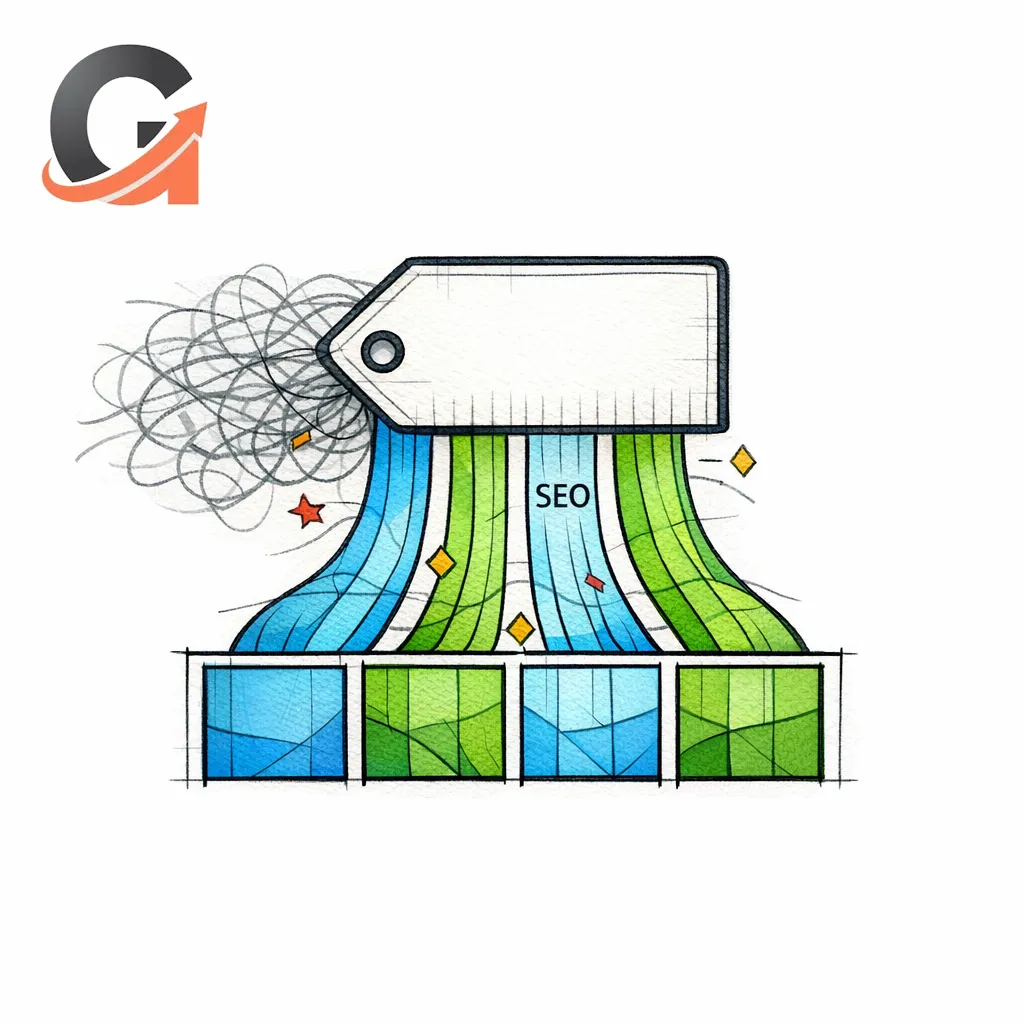
Attribution is where good dashboards go to die, mostly because teams mix channels and pollute source data. You do not need perfect attribution. You need trustworthy attribution.
Use consistent tagging so non-SEO campaigns do not get miscounted as “organic.” Follow UTM parameter best practices for email, paid social, SMS, affiliates, and anything else that might otherwise appear as “direct” or “organic.”
What to display:
- Organic vs paid vs referral vs direct lead volume (high level)
- Top assisted pages (pages that appear before conversion, not only the last click)
- Lead source confidence notes when tracking is incomplete (be honest, not defensive)
6) Pipeline and revenue (the “did it make money?” panel)

This is the panel that ends arguments. It takes your leads and ties them to outcomes in your CRM: qualified, booked, closed-won, average deal size, and revenue.
Your dashboard should let a leader answer:
- How many qualified leads came from organic search this week and month?
- How many became booked jobs / consultations / demos?
- How much revenue is tied to those closed outcomes?
If you cannot connect to revenue yet, do not fake it. Start with “sales accepted” or “booked appointment” as your north star, then mature to closed-won as data quality improves.
What changed and what’s new in SEO reporting for 2026-era lead gen
What is “new” is not a single magical metric. What is new is the expectation that SEO reporting behaves like revenue reporting: consistent definitions, fewer vanity charts, and cleaner attribution across tools.
Three shifts are shaping better dashboards right now:
- SEO visibility is measured closer to queries and local actions, using systems like Google Search Console and Google Business Profile performance metrics, not just rank trackers.
- Conversions are measured as events, which is why teams standardize around Google Analytics events and key events definitions rather than ad hoc “goals.”
- Revenue accountability is moving upstream, with dashboards expected to show pipeline stages and lead quality, not just raw lead counts.
The result is a simpler dashboard that is harder to argue with: fewer charts, stronger definitions, and a direct line from “found” to “called” to “closed.”
How to build the dashboard (tools, data sources, and structure)

You can build this in many stacks. The key is not the tool. The key is the data contract: what is counted, how it is attributed, and how it is reviewed.
A practical build approach for many teams is to use Looker Studio as the reporting layer because it can unify multiple sources into one view. Then connect the inputs that matter most for lead gen:
- Search visibility: query and page performance from Google Search Console
- On-site conversions: events and key events from Google Analytics events and key events
- Local actions: calls and clicks from Google Business Profile performance metrics
- Phone leads: call tracking or call reporting systems, using frameworks like Google Ads call reporting as a model for attribution and call metadata
- Revenue: CRM pipeline stages and closed outcomes
Build the dashboard in the same order leadership thinks: visibility, leads, pipeline, revenue. When you do that, the report reads like a story, not a scavenger hunt.
Industry-specific KPI choices (so your dashboard matches how you make money)

Home services (HVAC, plumbing, electrical, roofing, landscaping, garage doors, pest control)
Your world runs on phones and schedules. Your dashboard should obsess over local visibility and call quality, not just rankings.
- Primary conversions: calls, booking requests, quote forms
- Quality signals: answered calls, qualified calls, booked jobs
- Local focus: location-level performance using Google Business Profile performance metrics
Healthcare and health-adjacent brands
Your credibility is part of conversion. Your dashboard should separate informational demand from appointment intent, and report the pages that drive patient action.
- Primary conversions: appointment requests, calls, insurance verification forms, demo requests (for software)
- Trust and clarity: conversion rate by condition/service pages
- Operations alignment: pipeline stages like scheduled, attended, and retained
Legal and law firm marketing teams
Your leads are expensive, emotional, and time-sensitive. Your dashboard should emphasize intake quality and speed-to-contact, not raw form fills.
- Primary conversions: calls, chat-to-intake, case evaluation forms
- Quality signals: qualified intake, signed retainer, case value bands
- Visibility focus: non-branded query trends from Google Search Console
BPO, call center, and receptionist services
You sell reliability and outcomes. Your dashboard should show which pages generate high-intent inquiries and which comparisons drive decisions.
- Primary conversions: demo requests, pricing page assists, inbound calls
- Pipeline focus: SQL volume, demo-held rate, closed-won count
- Attribution hygiene: consistent tagging using UTM parameter best practices
E-commerce and SaaS
Even when the end conversion is a purchase, subscription, or trial, lead-gen logic still applies: intent, conversion, and revenue. Your dashboard should connect content and landing pages to trials, purchases, and retained revenue signals.
- Primary conversions: purchases, trials, demo requests, email captures
- Quality signals: activation events, pipeline stage movement, repeat purchase (when available)
- Content focus: which educational pages assist conversion journeys
Common mistakes and misconceptions (that quietly destroy trust)

Mistake 1: Reporting rankings as if they are revenue
Rankings are a means, not the end. A dashboard that celebrates “Position 3” while leads drop will be treated like propaganda.
Fix it by pairing visibility with conversion metrics in the same view. If a keyword group rises but calls do not, you have a landing page or offer problem, not an SEO problem.
Mistake 2: Counting “all calls” without qualifying them

Not every call is a lead. Misrouted calls, spam, vendor calls, job seekers, and wrong numbers will inflate your “performance” until the business stops believing you.
Fix it by tracking qualified calls and booked outcomes. If you can only do one improvement this month, do that one.
Mistake 3: Letting “direct” swallow your marketing
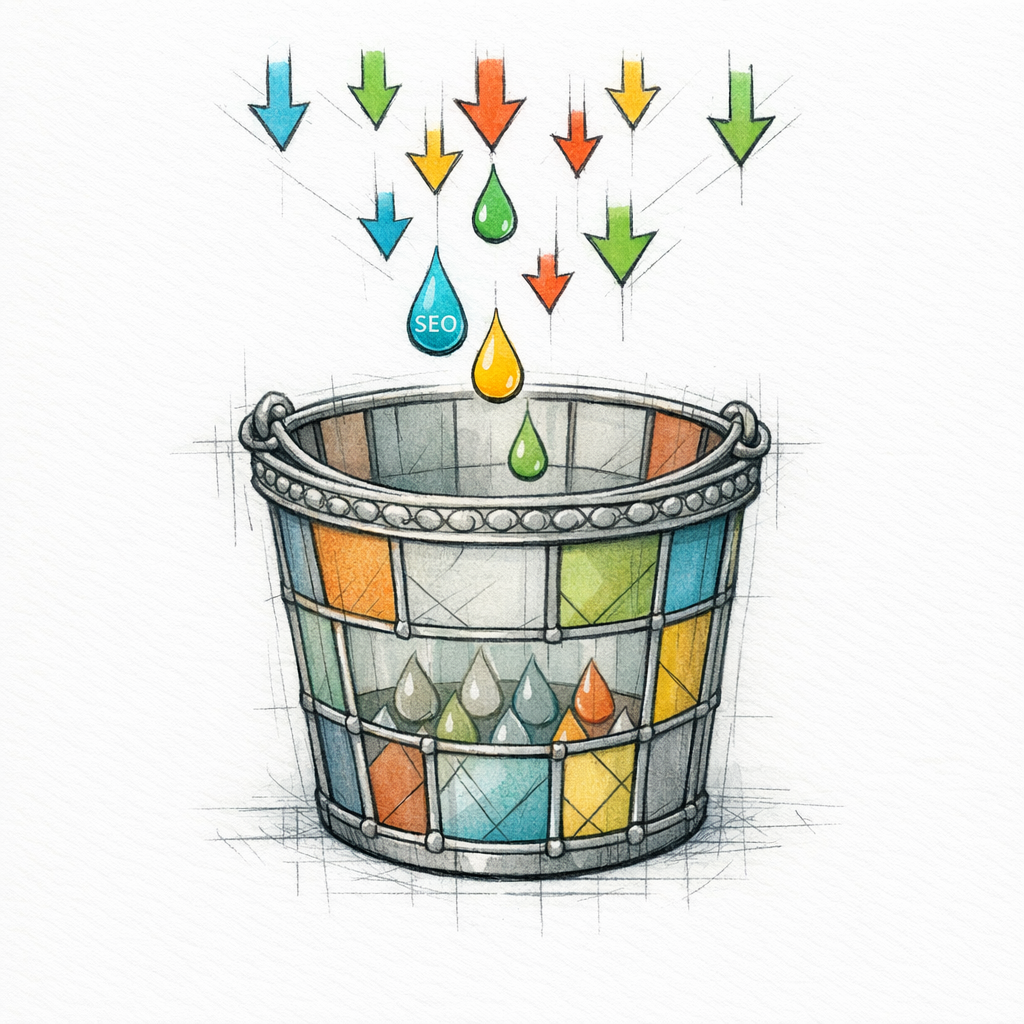
Direct traffic is often a bucket for untagged campaigns and broken attribution. When direct grows mysteriously, it is usually a measurement failure, not a brand miracle.
Fix it with consistent tagging using UTM parameter best practices, and keep a simple governance rule: if you send a link, you tag the link.
Mistake 4: Mixing local and organic without explaining the overlap
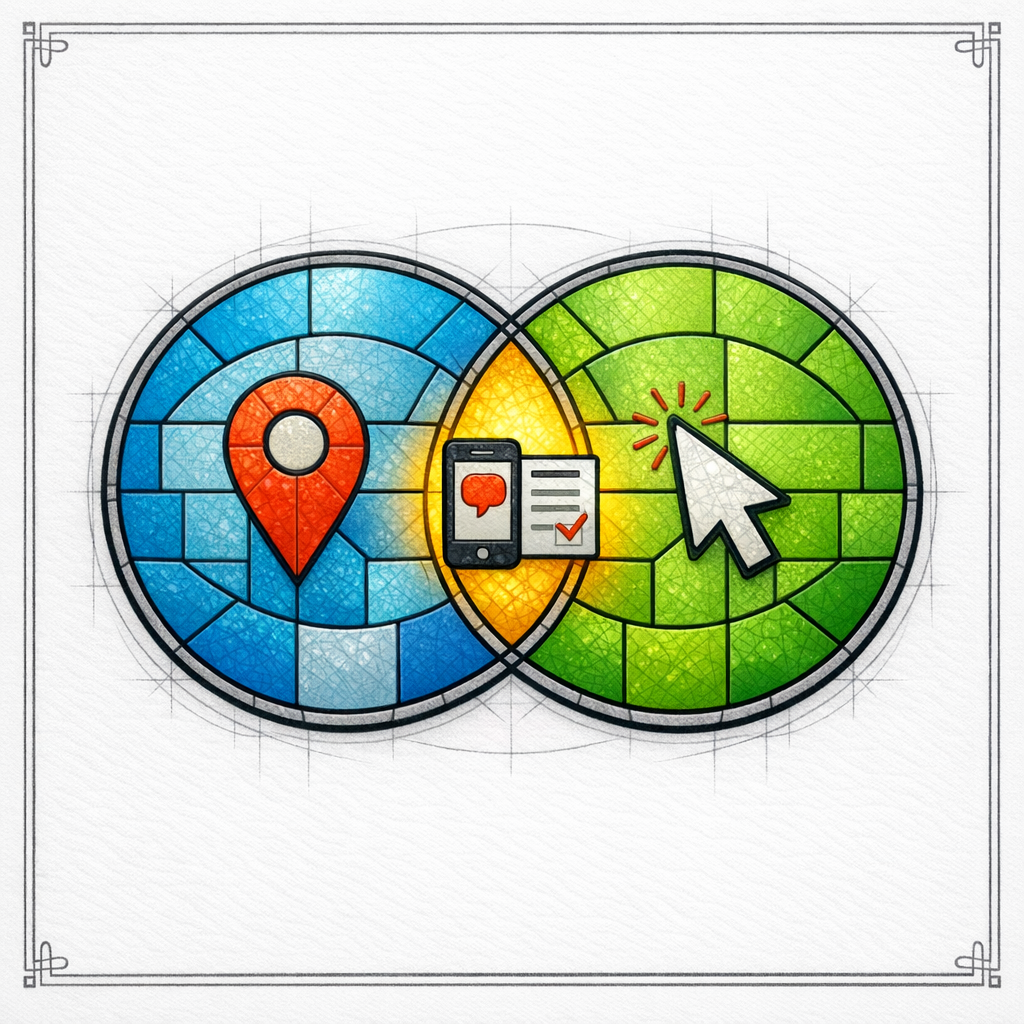
Local actions can happen without a website visit, while organic conversions usually require one. If you merge them without clarity, you will double count or undercount and nobody will trust the total.
Fix it by separating “Google Business Profile actions” from “website conversions” while still rolling both into a unified “SEO-influenced leads” total with clear definitions.
Mistake 5: Making the dashboard beautiful but unusable
If your dashboard needs a presenter to explain it, it is not a dashboard. It is a slide deck pretending to be a dashboard.
Fix it by using plain labels, consistent time windows, and a single definition for each KPI. A leader should understand the story in 60 seconds.
What to do next: a practical build checklist

- Define your lead: Write down what counts as a lead (call, form, booking, chat) and what counts as qualified (duration, disposition, booked, sales-accepted).
- Standardize conversions: Implement and verify events and key events in Google Analytics events and key events.
- Clean attribution: Establish a tagging rule based on UTM parameter best practices so campaigns do not contaminate organic reporting.
- Connect visibility sources: Pull query and landing page data from Google Search Console.
- Connect local performance: Add location actions using Google Business Profile performance metrics.
- Make calls real: Connect call tracking and ensure calls can be attributed and qualified, using systems modeled after Google Ads call reporting.
- Bring in pipeline: Map CRM stages and add a simple “organic source” view for qualified, booked, and closed outcomes.
- Build the 6 panels: Demand, local, landing pages, calls/forms, attribution hygiene, pipeline/revenue.
- Schedule review: Weekly operator view (fixes and tests) and monthly exec view (trend and investment decisions).
Dashboard design notes (so it’s readable, not mystical)
Use your typography intentionally. Headings should be clear and scannable, which is why Poppins SemiBold works well for section titles. Body text should be calm and dense, which fits Inter Regular.
For UI labels and small callouts, use Inter Medium to keep emphasis subtle. Your dashboard should feel like a control panel, not a sermon.
Then again, if it becomes a sermon, make sure it’s the kind where the congregation leaves with fewer questions and more leads.
Get a free SEO audit today!
If you want a dashboard that connects rankings to calls, forms, and revenue, you need two things: clean measurement and content that actually targets lead-generating intent. If you are tired of guessing, let Content God review your current tracking, pages, and reporting so you can see exactly where leads are being created or lost.
Get a free SEO audit today! And if you want the doctrine as well as the deliverables, Stop praying for better search results — download your free copy of the SEO Bible and learn the true path to SEO Salvation.
When you are ready to stop stitching together screenshots and start running SEO like a revenue channel, outsource your blog and content pipeline to Content God. Omniscience is optional. Consistent output is not.