



Programmatic SEO for SaaS: Scaling Integration Pages, Use Cases, and Long-Tail Content Without Losing Quality
Programmatic SEO (pSEO) is the fastest way to turn a SaaS product’s structured knowledge into thousands of pages that match real search intent, especially for integration pages, use cases, comparisons, and long-tail “how-to” queries. It is also the fastest way to accidentally publish thin, duplicative pages that never rank, or worse, trigger quality problems that ripple across your whole domain.
This guide is for marketing teams, founders, and agencies building scalable SEO systems for SaaS, plus any brand with repeatable landing-page patterns (home services, healthcare, legal, BPO/call centers, e-commerce, and multi-location businesses). You will learn how to design a quality-first pSEO framework, what “good” looks like for integration and use case pages, how to build an internal linking strategy that compounds, and how to govern production so scale does not become spam.
One quick note: we are Content God, which stands for Content Generated on Demand. We did not notice the whole “God” thing until it was too late, and yes, it has caused confusion.
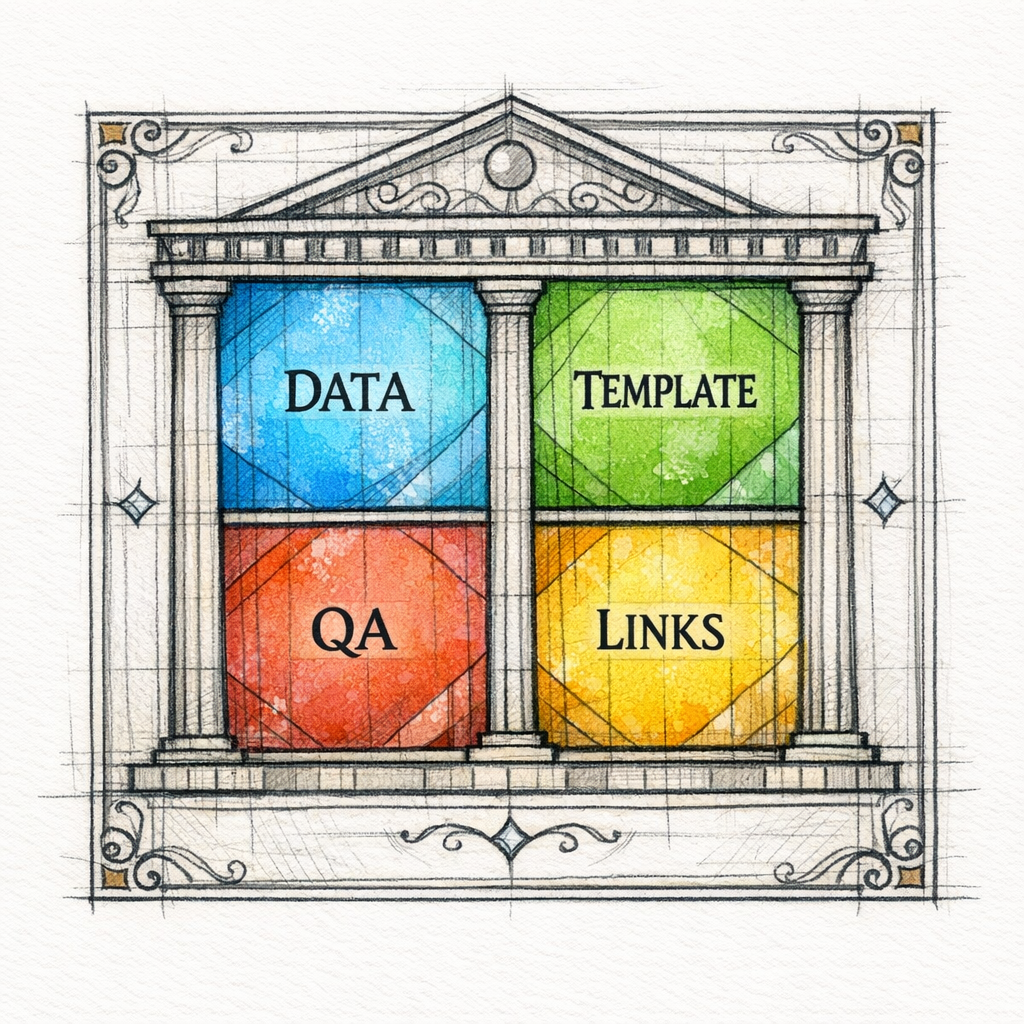
Now that we have acknowledged it: welcome to the temple. You are here for one reason, pilgrim. You want more qualified traffic from search without sacrificing quality, brand safety, or conversions. Let us build your programmatic content system so it multiplies leads instead of multiplying problems.
What programmatic SEO really is (and what it is not)
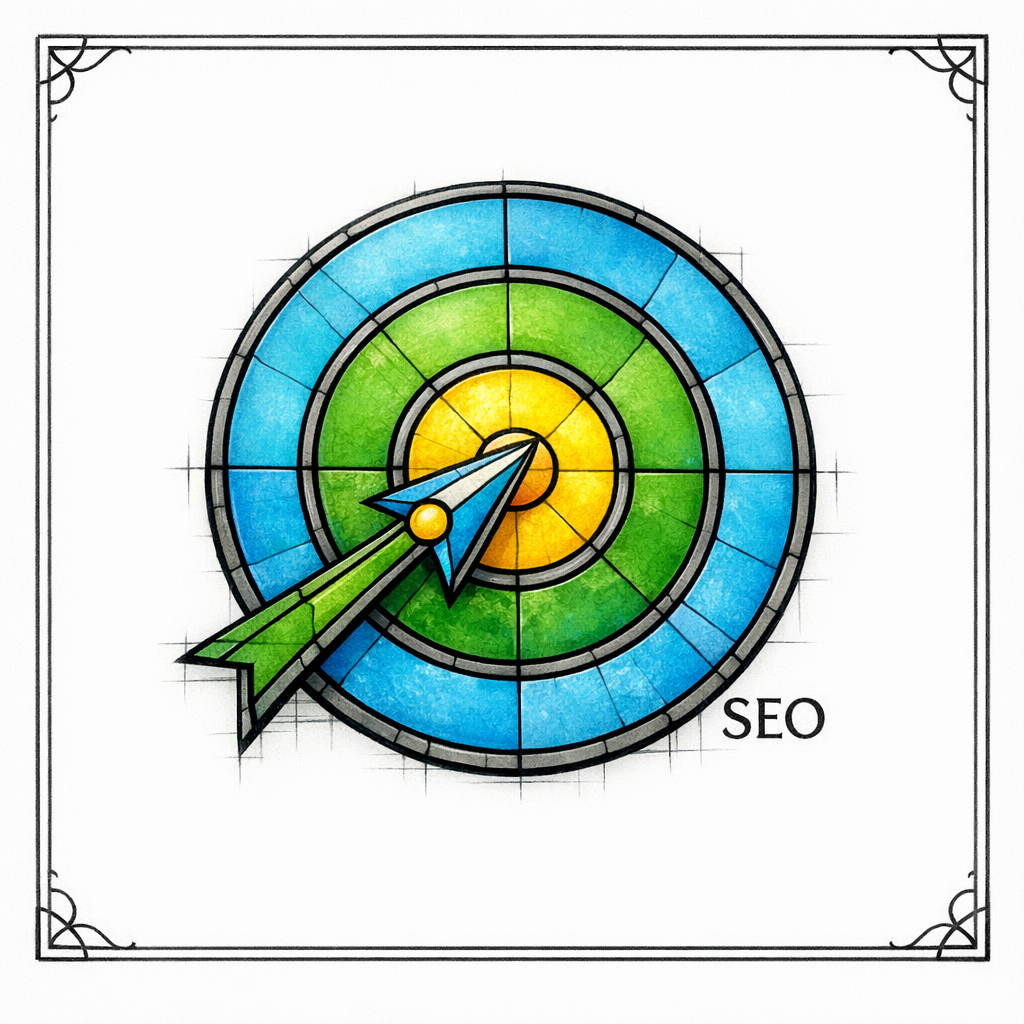
Programmatic SEO is a method, not a content type. It means you use a reliable dataset plus a repeatable template to publish many pages that still feel specific, useful, and distinct.
It is not “spin up 10,000 AI pages and pray.” In fact, Google explicitly calls out risks with scaled production when the goal is to manipulate rankings, including in its discussion of scaled content abuse.
In practice, strong pSEO looks like this:
- One page = one clear intent (integration setup, “best for” comparison, industry workflow, city + service, etc.).
- Each page has unique evidence (specific steps, constraints, screenshots, feature availability, examples, or policies).
- Templates create consistency, but the content still changes meaningfully based on the underlying entity data.
What changed (and why “scale carefully” matters more now)

Google has been unambiguous that mass publishing low-value pages is a losing strategy. The March 2024 spam update reinforced stronger action against spammy practices, including scaled content approaches when they are used to game search.
At the same time, Google continues to evolve core ranking systems, including through broad changes like the March 2024 core update. For pSEO teams, the message is simple: “more pages” is not the strategy; “more helpful pages” is.
If you operate in sensitive verticals (healthcare, legal, finance), quality governance is not optional. Google’s own guidance emphasizes creating content that demonstrates E-E-A-T (experience, expertise, authoritativeness, and trust), which becomes harder to maintain as you scale unless you design for it.
The quality-first pSEO system (the blueprint that keeps scale from becoming spam)

Programmatic SEO succeeds when it behaves like product development. You define the page types (features), you define the data model (inputs), you ship templates (UI), and you enforce governance (quality and safety).
Think of it as building a content factory with a built-in conscience. Or, in Content God terms: we are not summoning traffic demons. We are building a search engine offering worthy of being indexed.
1) Start with page types that map to revenue
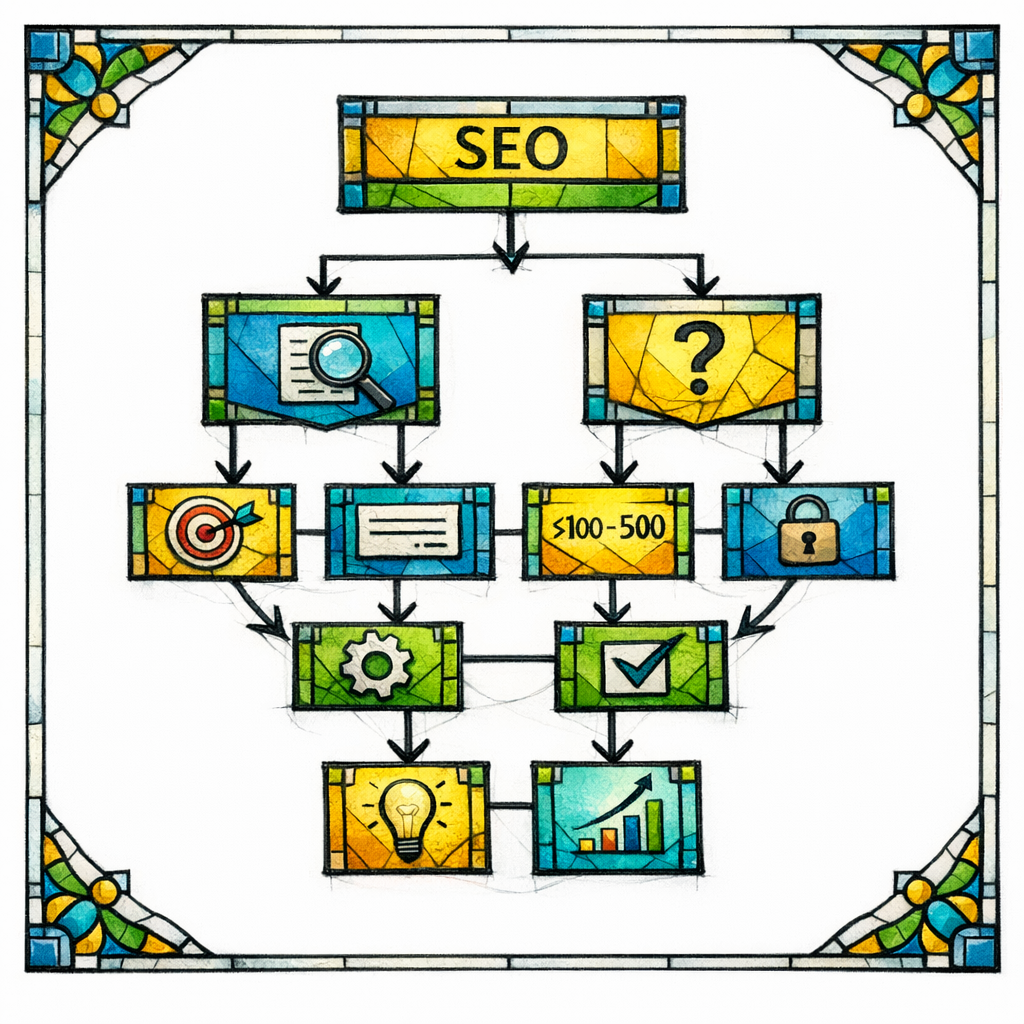
Not every “keyword pattern” deserves a page. Choose page types that connect cleanly to what you sell, what your product does, and what your best customers already want.
- Integration pages: “Product A + Product B integration,” “connect X to Y,” “sync X with Y.”
- Use case pages: “How to do X with [Your Product],” “workflow automation for [role/industry].”
- Industry pages: “CRM for HVAC,” “intake software for mass tort,” “patient engagement for specialty practices.”
- Comparison pages: “Your Product vs Competitor,” or “Best alternatives to X” (only when you can be fair and specific).
- Location/service patterns (for local and multi-location brands): city + service, county + service, service area clusters.
2) Build a dataset that contains “proof,” not just labels

Most pSEO fails because the dataset is too shallow. If your database only includes a list of integration names or industry names, your pages will read like mad libs.
A quality dataset includes attributes that let you write something meaningfully different on each page:
- Capabilities: supported triggers/actions, sync direction, limits, data fields, required plans.
- Setup reality: prerequisites, estimated setup steps, common errors, authentication method.
- Usefulness hooks: top workflows, templates, example automations, common “jobs to be done.”
- Trust details: security notes, compliance positioning, support options, documentation links (where you can legally reference them).
3) Design templates that force uniqueness
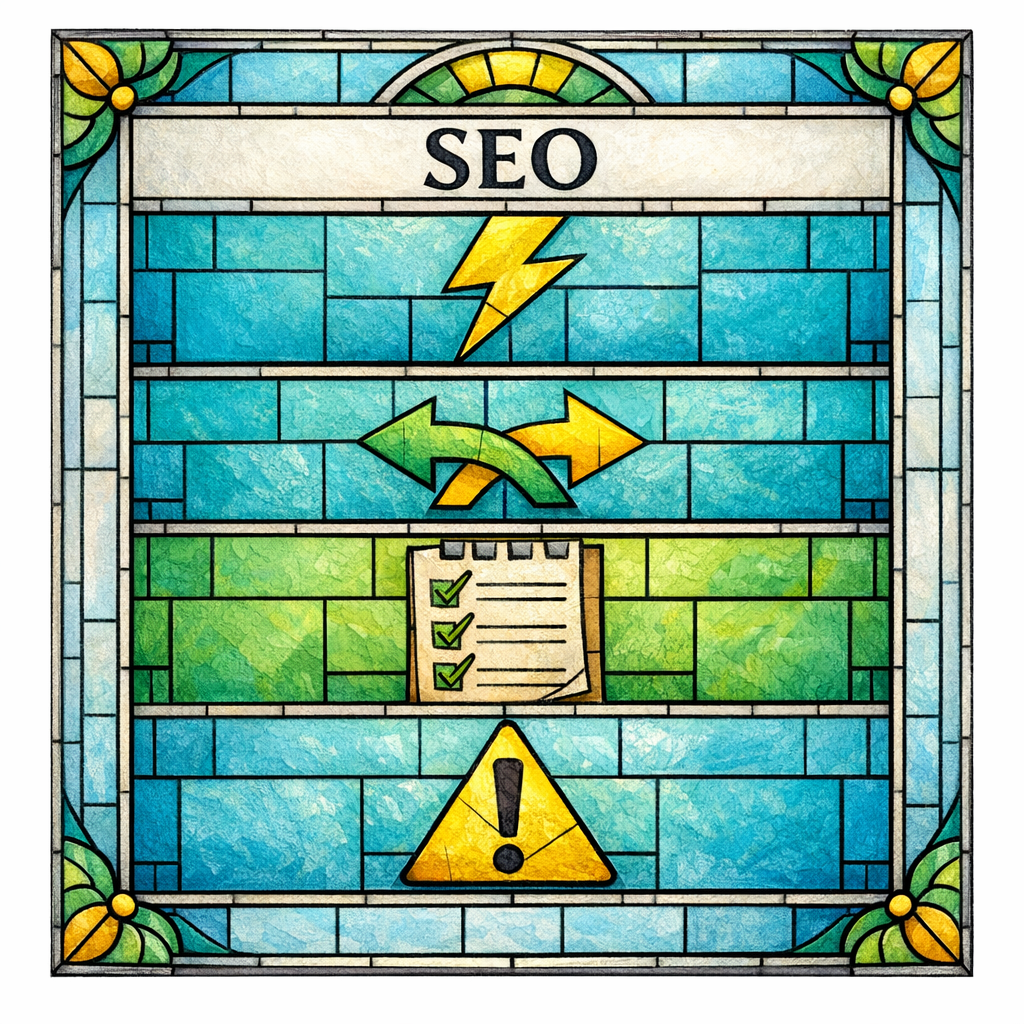
A good template does not just define headings. It defines required variables and conditional logic, so the page cannot be published unless it contains real, entity-specific substance.
Practical template components that drive “unique per page” value:
- Outcome-first introduction that changes by integration or use case (not generic “connect apps”).
- “How it works” section populated by actual supported actions, objects, and data mapping notes.
- Real examples (use-case-specific workflows) generated from your library of workflows, not from synonyms.
- Constraints (limits, required tiers, unsupported edge cases) so the page reads honest, not hype.
- Next-step conversion block matched to stage (demo, trial, integration guide, or consultation).
4) Add governance rules before you add volume

Governance is how you prevent “scale” from outpacing “truth.” If you want pSEO to work in SaaS, healthcare, legal, or any reputation-sensitive niche, publish rules are your commandments.
Anchor your governance in what Google is telling you to optimize for: content that is made to help people and demonstrates E-E-A-T. That does not mean every page needs a physician author or attorney author, but it does mean your pages should not pretend, speculate, or overclaim.
- Accuracy gates: block publication if key fields are missing (pricing tier, requirements, limitations, etc.).
- Voice and claims policy: what you can say, what must be qualified, and what must be avoided.
- Review lanes: which page types require SME review, and what “SME-reviewed” actually means.
- Update cadence: integrations and product capabilities change; outdated pages become trust debt.
Scaling SaaS integration pages without losing quality

Integration pages are the most natural pSEO wedge for SaaS because search intent is explicit and often high-converting. The risk is that teams publish a directory of identical pages with swapped logos and no real guidance.
To keep integration pages ranking-worthy, treat them like mini setup guides plus decision pages. Your goal is to answer: “Can I do this?” “How hard is it?” and “What will I get when it’s working?”
A high-performing integration page structure

Use a consistent structure so your site is easy to crawl and users feel oriented, but make sure each section changes based on the integration pair.
- What you can automate: list specific workflows (not categories). Include 5 to 12 that match common use.
- Data you can sync: objects and fields when available (contacts, deals, tickets, invoices, etc.).
- Setup overview: prerequisites, authentication type, and typical steps.
- Limitations and gotchas: rate limits, required plans, unsupported triggers, one-way vs two-way sync.
- Who this is for: role-based examples (RevOps, support, billing, operations) or industry-based variations.
If you are generating these pages at scale, you will inevitably create partial overlaps. When multiple URLs cover essentially the same content, consolidate intentionally using Google’s canonicalization guidance for duplicate URLs rather than letting near-duplicates compete against each other.
Integration pages that serve multiple industries (without becoming generic)
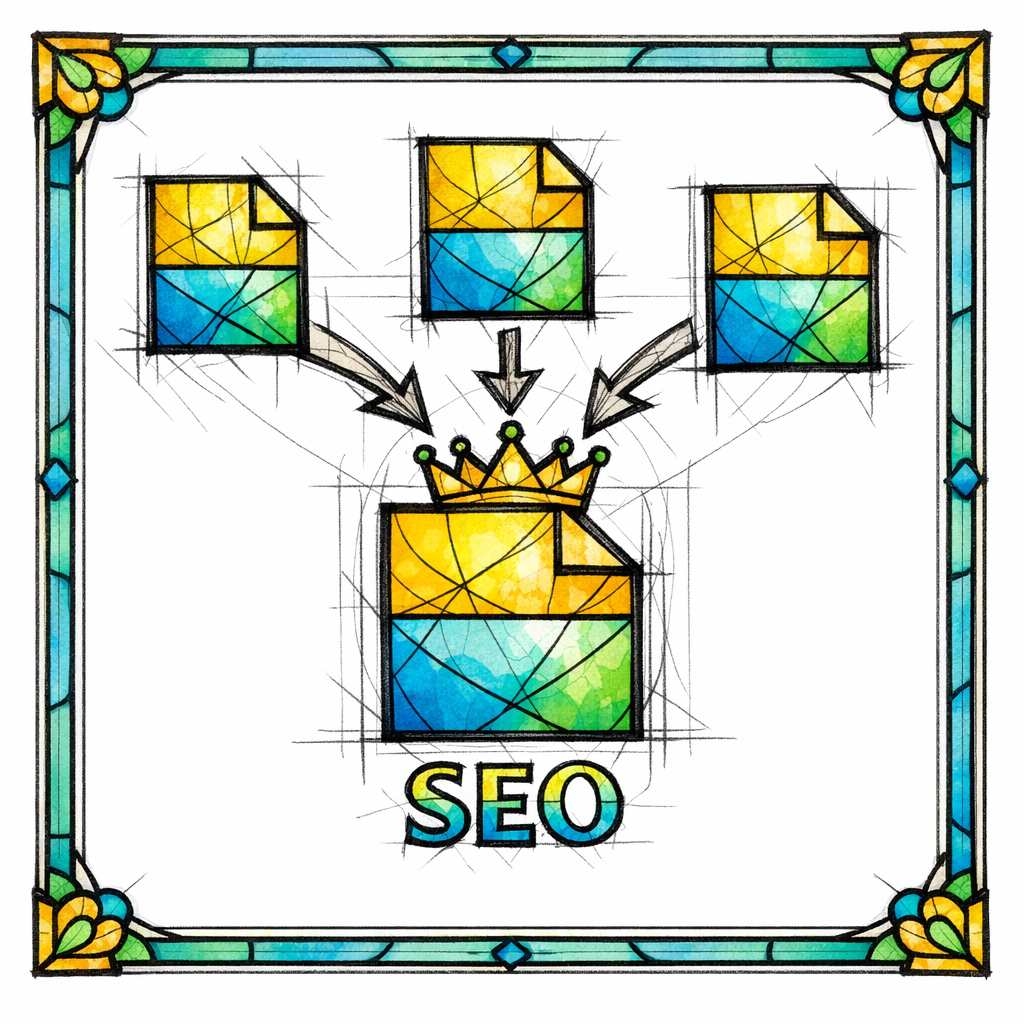
If your audience spans home services, healthcare, legal, and BPO, your integration pages can still be sharp. The trick is to keep the core integration truth consistent, then use conditional blocks for industry-specific workflows.
Examples of industry-specific blocks that work well:
- Home services: “When a lead submits a form, create a job, assign a tech, send an estimate.”
- Healthcare: “When an appointment is scheduled, trigger reminders and update engagement status” (be careful about claims and PHI handling).
- Legal: “When intake qualifies, create a matter, route to the right attorney, schedule consult.”
- BPO/call centers: “When a call disposition is set, update CRM and trigger follow-up sequences.”
These blocks prevent your integration directory from reading like a glorified list of app names. They also create natural internal linking opportunities to the deeper use case pages that close the loop.
Scaling SaaS use case pages that rank and convert
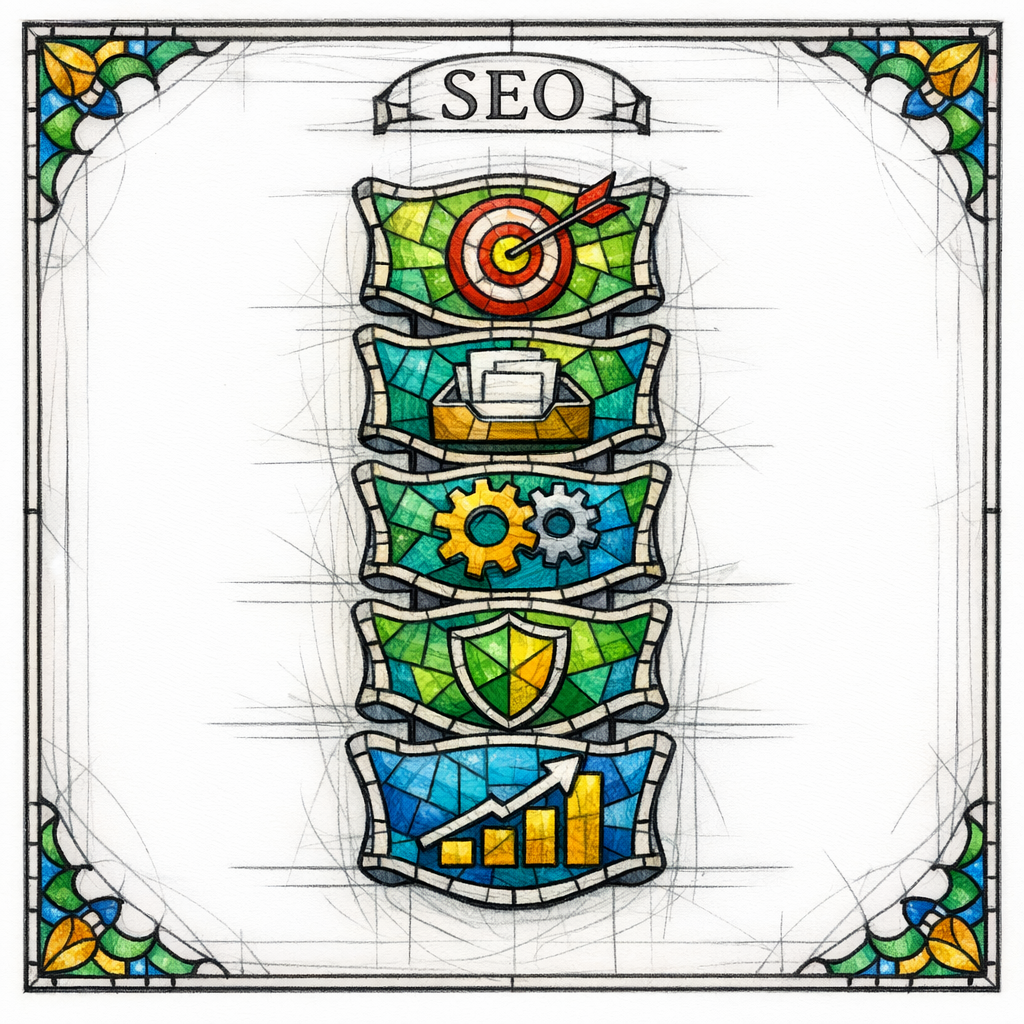
Use case pages win when they feel like a playbook, not a brochure. The user is trying to solve a problem, and they want a path, not poetry.
Use case pSEO is especially powerful for product-led SEO because it maps to “I want to do X” queries. But it also has a common failure mode: teams create hundreds of “Use case for [industry]” pages that say the same thing with different nouns.
Build use case pages around a workflow spine
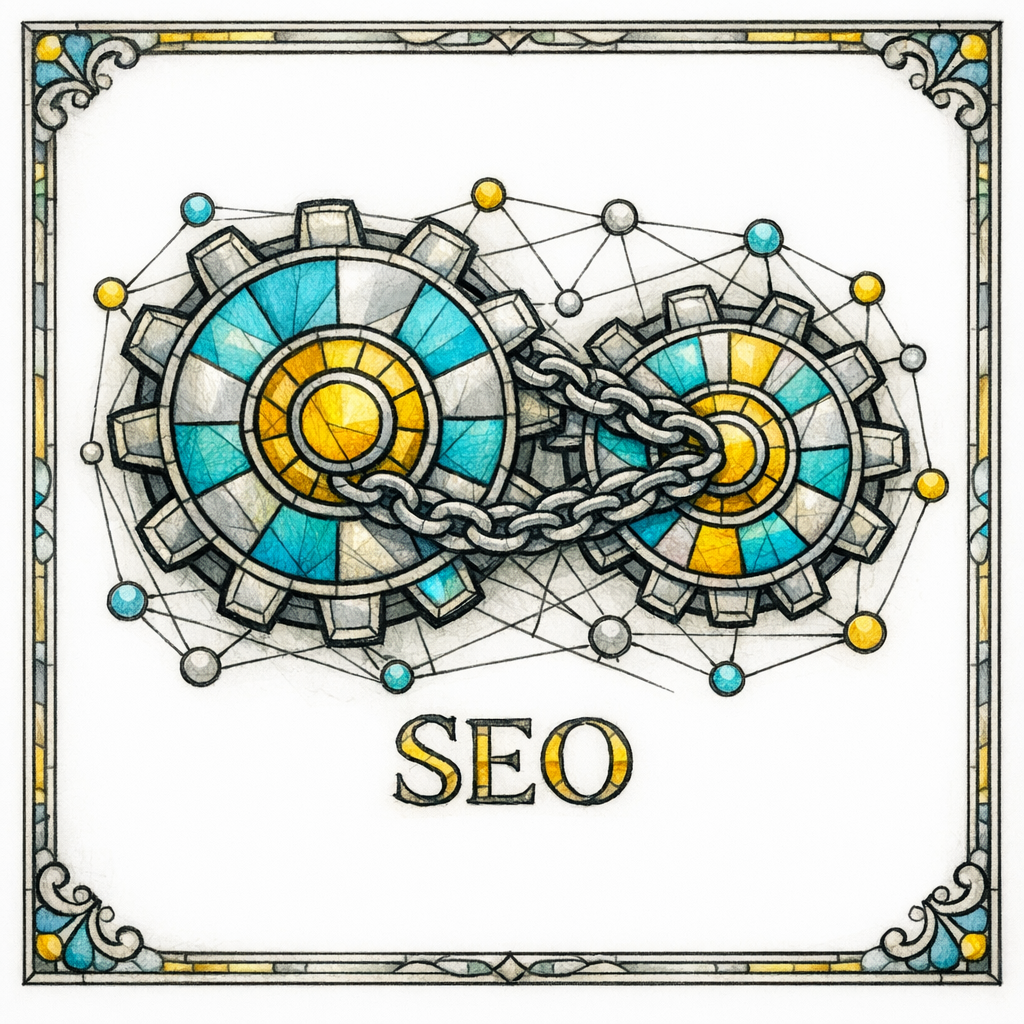
Every scalable use case page should be built around a consistent workflow framework. This is what keeps content grounded, helps internal linking, and makes it easier to review for accuracy.
A workflow spine that scales:
- Goal: what outcome the user wants (reduce no-shows, speed up dispatch, improve lead response time).
- Inputs: where the data comes from (forms, CRM, call tracking, EHR, chat, billing system).
- Actions: what your product actually does (route, enrich, notify, log, sync, score).
- Safeguards: permissions, audit trails, review steps, error handling.
- Success metrics: what to measure (response time, conversion rate, SLA adherence) without inventing numbers.
Make use case pages internally linkable by design
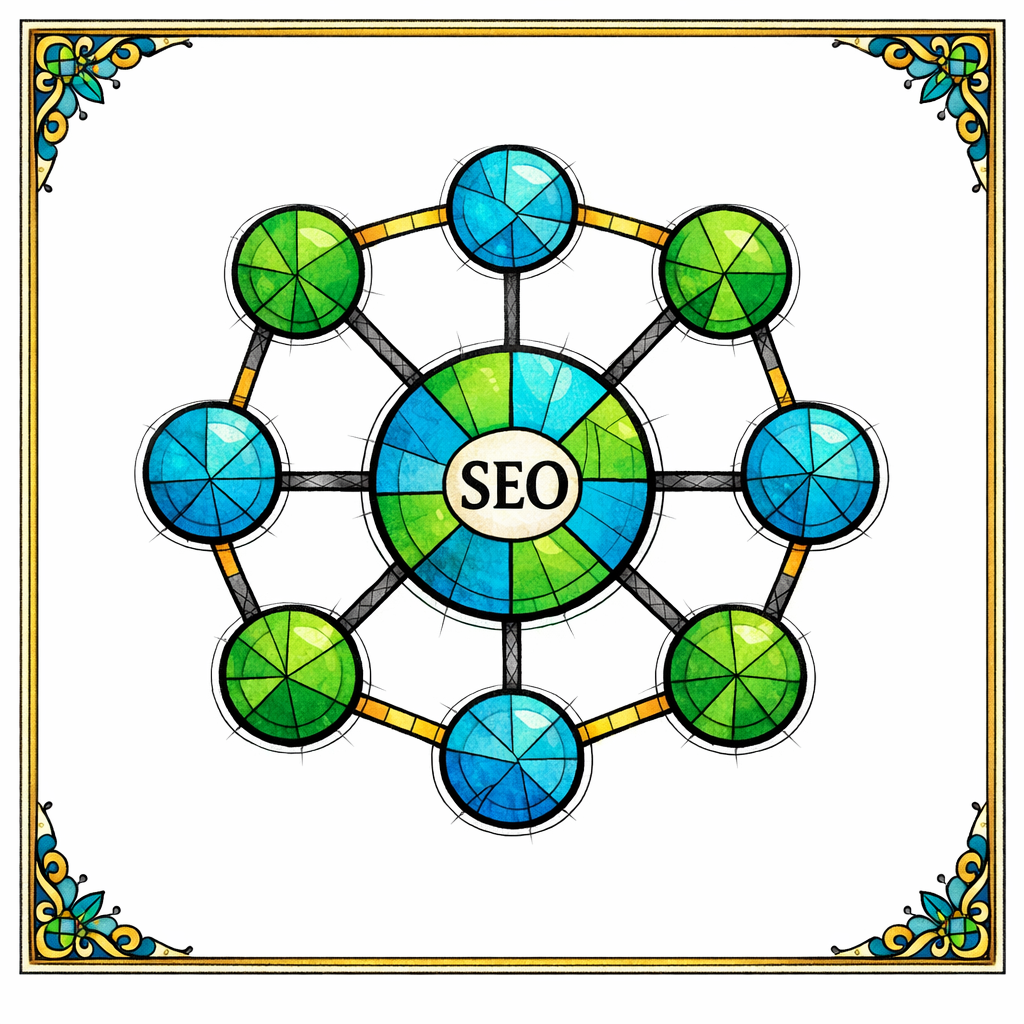
A use case page is only as powerful as its place in your content graph. Each use case should link to:
Relevant integration pages that implement the workflow.
- Relevant integration pages that implement the workflow.
- Feature pages that explain enabling functionality.
- Implementation guides or documentation (if appropriate).
- Adjacent use cases (the “next workflow” a user typically needs).
This is not just for users. Google documents that it relies on links that it can crawl and understand, which is why following Google’s link best practices matters when you are publishing large volumes of pages.
Long-tail content at scale (without flooding your site with fluff)

Long-tail SEO is where most SaaS sites leave money on the table. The long tail includes specific, high-intent queries that are too numerous to target manually, but too valuable to ignore.
The trap is publishing long-tail pages that merely restate the keyword. The solution is to build long-tail content clusters that share a template but still provide distinct resolution, steps, and examples.
Three long-tail clusters that pair well with pSEO
These clusters tend to scale cleanly because they map to structured patterns:
- “How to” implementation guides: “How to route leads by ZIP code,” “How to automate review requests,” “How to sync contacts.”
- Troubleshooting pages: error messages, common misconfigurations, “why isn’t X syncing?”
- Glossary and concept pages: definitions that support your integration and use case pages with internal links.
Be careful with troubleshooting and compliance-adjacent topics. If you cannot provide real steps or verified fixes, do not publish the page yet. That is not fear. That is wisdom.
Use “publish thresholds” for long-tail pages
Long-tail pSEO needs standards so you do not ship thousands of near-empty pages. Set thresholds that must be met before a page can go live.
- At least 3 concrete steps or a step-by-step flow (not “contact support”).
- At least 2 examples tailored to a real scenario (industry, role, or integration pair).
- At least 3 internal links to deeper resources (integration, use case, feature, glossary).
- A clear “when not to do this” or “limitations” block for honesty and safety.
The internal linking strategy that makes pSEO compound
If programmatic SEO is the engine, internal linking is the transmission. Without it, you can publish a universe of pages and still fail to transfer authority, relevance, and crawl paths through your site.
Google provides specific guidance on making links crawlable and understandable, which is why aligning to Google’s link best practices is foundational when you scale templates across thousands of URLs.
Build a hub-and-spoke map (then automate it)
Do not let internal linking be an afterthought handled by a plugin. Design a link architecture that mirrors how users and search engines explore a topic.
- Hubs: “Integrations,” “Use Cases,” “Industries,” “Compare,” “Resources.”
- Spokes: individual integration pages, individual use case pages, industry pages.
- Cross-links: integration pages link to relevant use cases; use cases link to required integrations; both link to feature pages.
Use anchor text like a responsible deity

Anchor text should describe what the user will get, not act like a keyword dump. Keep it consistent enough to signal meaning, but varied enough to avoid looking unnatural at scale.
- “See all ways to automate lead routing”
- “Connect Jobber and HubSpot for new customer sync”
- “Read the appointment reminder workflow guide”
Avoid patterns like “best [keyword]” repeated on every page. If your template makes it too easy to spam anchors, your template is the problem.
Technical guardrails for programmatic landing pages
Programmatic sites create technical risks: duplicate pages, index bloat, and thin pages accidentally going live. You need guardrails that are boring, strict, and consistent.
Control duplicates and variants on purpose
If you have multiple URLs that represent the same content (for example, parameterized URLs, near-identical integration variants, or printer-friendly versions), consolidate with canonical tags and duplicate URL consolidation rather than letting Google guess which page is the “real” one.
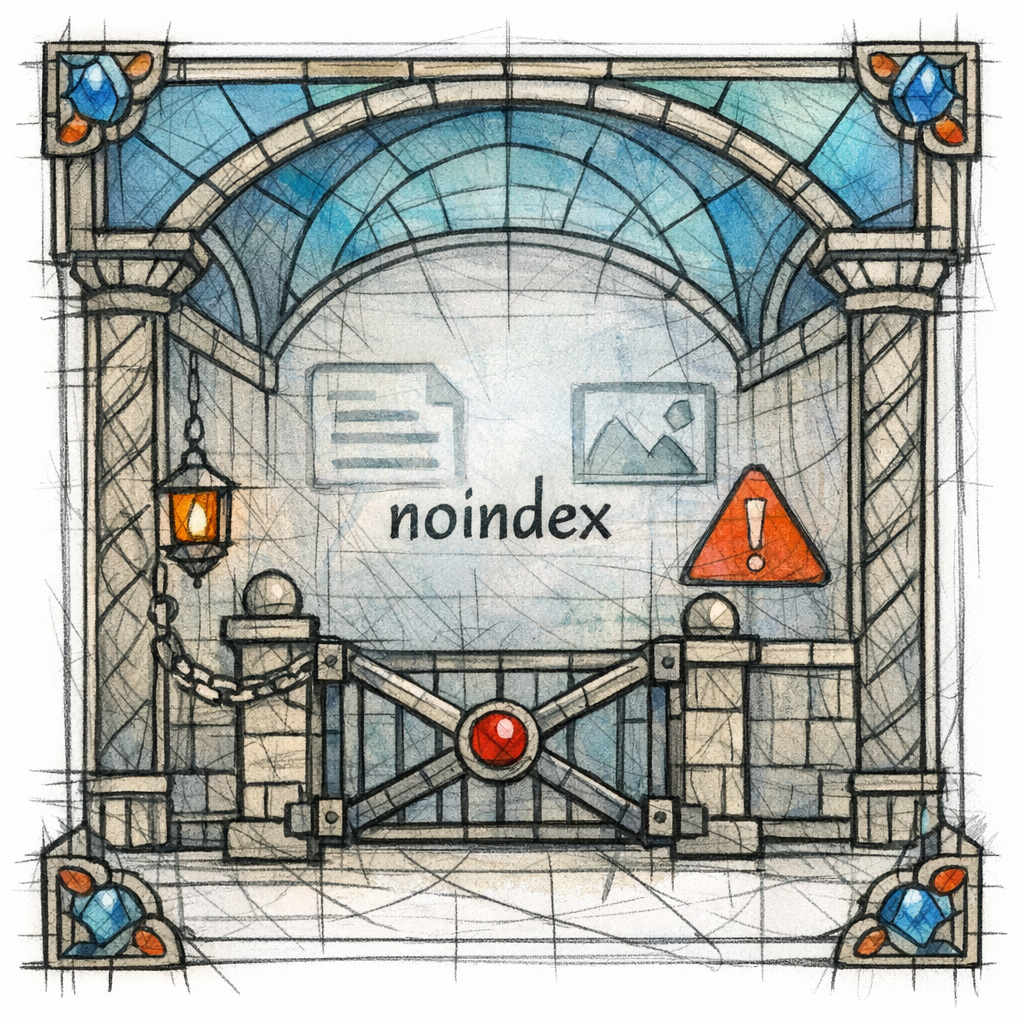
Use “noindex” for pages that are not ready
Staging pages, incomplete pages, and “coming soon” templates should not enter the index. If you need a page accessible to users but not indexed until it meets your thresholds, use Google’s robots meta tag guidance (including noindex) as your operational standard.
This is how you keep scale from polluting your domain with pages you would not proudly read out loud to a prospect.
Common mistakes and misconceptions (the sins that sabotage pSEO)
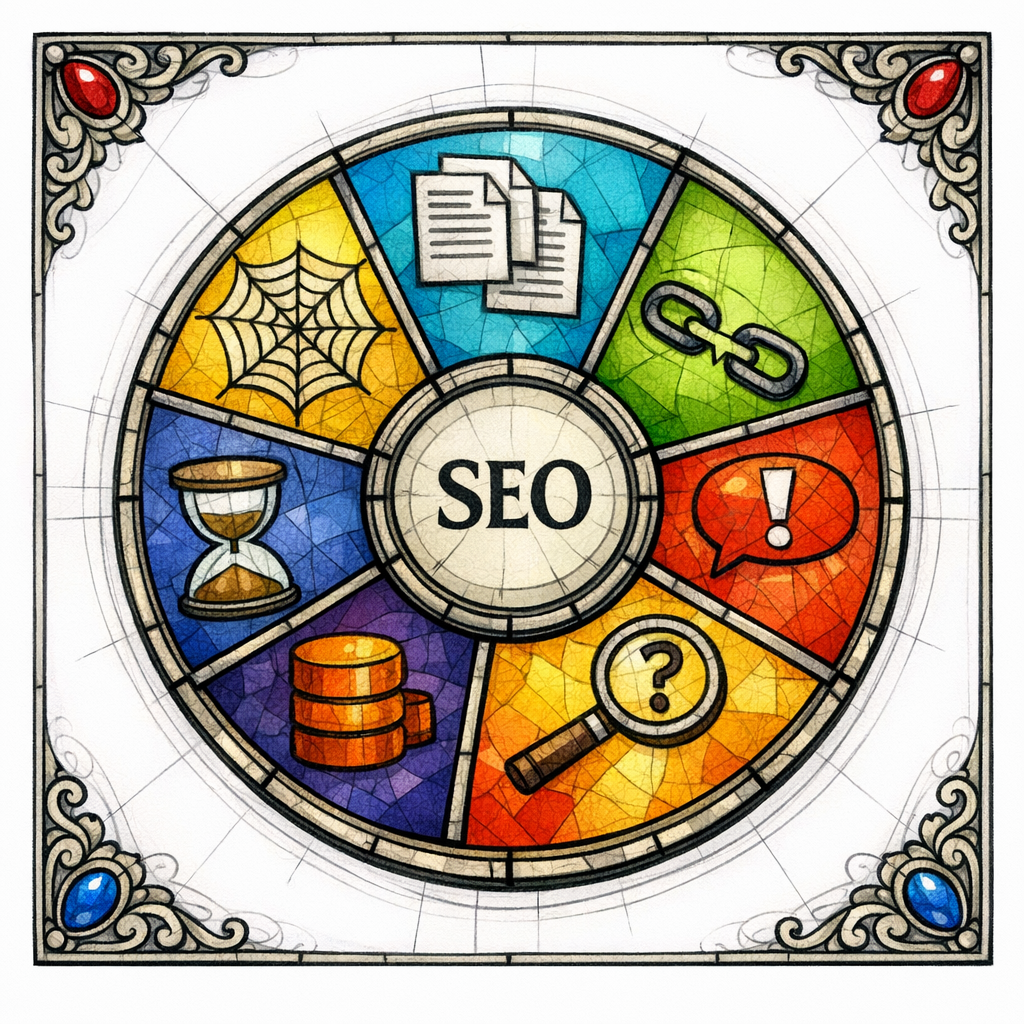
Most pSEO failures are not mysterious. They are predictable, repeated, and completely preventable. Here are the most common traps that keep teams stuck.
Mistake 1: “Programmatic” means “automated” means “low effort”
Automation should reduce repetitive formatting work, not reduce thinking. If your system cannot reliably produce helpful, distinct pages, you do not have pSEO. You have scaled noise.
Mistake 2: Shipping templates without a dataset that can carry meaning
If your dataset is just a list of integration names or industry labels, your pages will be 90% boilerplate. You will feel productive and the rankings will feel indifferent.
Mistake 3: Treating internal links as decoration
Internal links are not just navigation. They are how you show relationships between pages, distribute attention, and guide users to the next step.
Mistake 4: Publishing everything as indexable on day one
Index bloat happens when you treat “published” as “ready for Google.” A scalable content system needs a quarantine stage.
Mistake 5: Ignoring trust signals in sensitive categories
Healthcare and legal pages cannot be “close enough.” Even if you are not giving medical or legal advice, low-quality or speculative content creates brand risk.
Use Google’s framing around E-E-A-T to pressure-test your pages: do they show real experience, real expertise, and real trustworthiness, or do they merely sound like they do?
What to do next (a practical checklist)
If you want pSEO that scales with quality, do these steps in order. This is the shortest path to building a system that can grow without constant rework.
- Pick 1 page type to prove the model (usually integration pages or a single industry cluster).
- Define “helpful” for that page type with required sections, required variables, and publish thresholds.
- Build the dataset with attributes that create real differences per page (capabilities, limitations, examples).
- Ship a template with conditional logic so it cannot output identical pages for different entities.
- Design internal linking rules (hub pages, cross-links, “related” modules, breadcrumb strategy).
- Quarantine incomplete pages using noindex until they pass QA.
- Prevent duplicates with canonicalization rules when variants are unavoidable.
- Run a monthly accuracy refresh for integrations and workflows so your pages do not rot.
- Measure outcomes by intent: ranking is nice; leads, trials, demos, and qualified pipeline are the offering.
If your brand team cares about presentation: keep headings consistent, keep spacing tight, and use the typography you specified (Poppins SemiBold for headers, Inter Regular for body, Inter Medium for UI labels) when you move this system into your design components.
Get a free SEO audit today

If you want programmatic SEO that multiplies results without multiplying risk, get help from a team that builds the system, not just the pages. Content God (yes, Content Generated on Demand) will review your current site structure, integration/use-case strategy, internal linking, and scalable content plan, then identify the fastest path to quality growth.
Get a free SEO audit today! If you also want the doctrine, the lore, and the blueprint, stop praying for better search results and download your free copy of the SEO Bible and learn the true path to SEO Salvation.