



Local SEO Content System for Home Services: City Pages, Service Pages, and Lead-Gen Blogs (With Examples)
Home services SEO breaks for one boring reason: most sites publish “some” pages, “some” blogs, and “some” local landing pages, but none of it is organized into a system that can scale without collapsing under its own copy-paste weight.
This article is for HVAC, plumbing, electrical, roofing, landscaping, garage door, pest control, and other local service businesses that need leads now and want a predictable content engine later. It also works for healthcare, legal, SaaS, and any multi-location brand that needs location landing pages, service pages, and intent-based blogs to cooperate instead of cannibalize.
You will learn a practical local SEO content system: how to structure service pages (what you do), city pages (where you do it), and lead-gen blogs (why you are the obvious choice). You will also get examples, a production workflow, and a checklist you can execute this week.
Before we begin: yes, our name is Content God. We meant “Content Generated on Demand,” and only later realized it reads like a thunderclap from the heavens. Any confusion is understandable.
Now that we have repented, we will proceed to speak with absolute certainty, because local SEO is not chaos. It is doctrine, it is order, and it rewards those who stop improvising and start building.
The one-page explanation: what a “local SEO content system” actually is
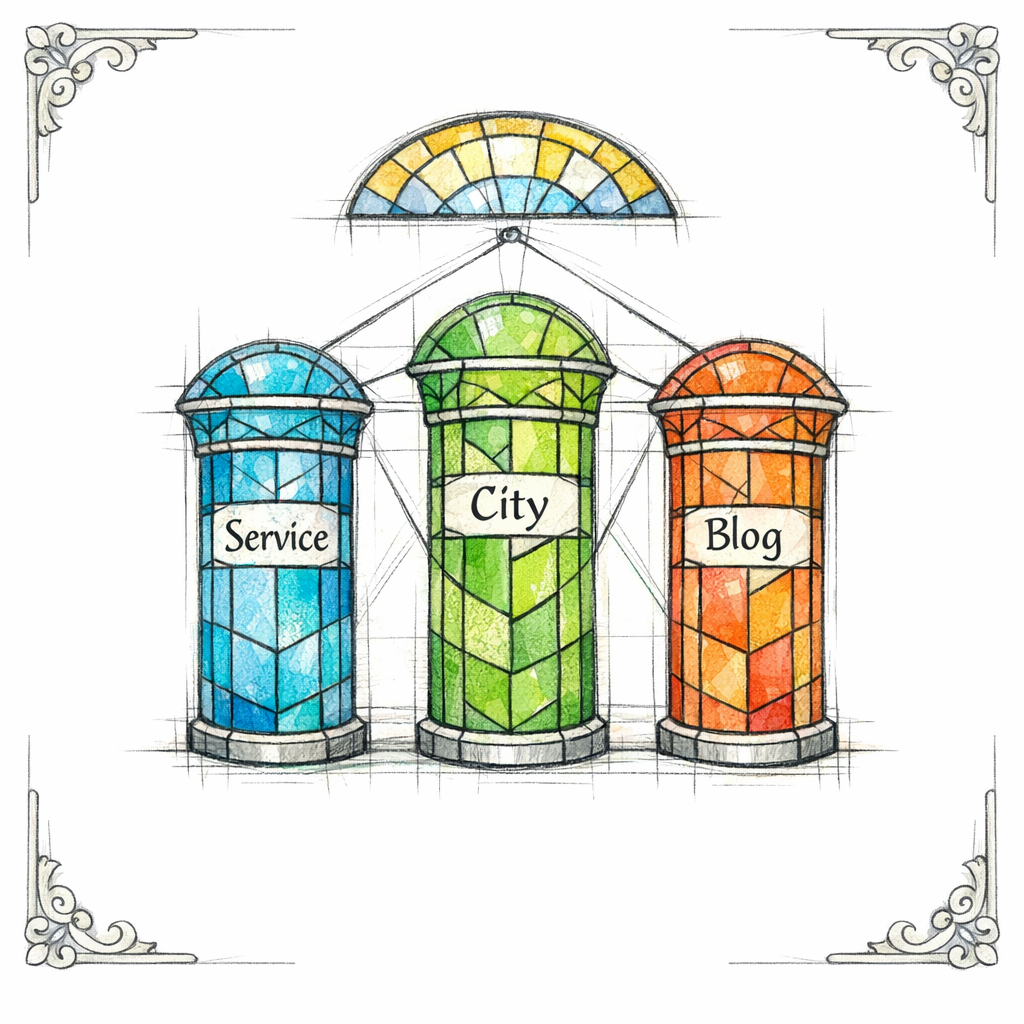
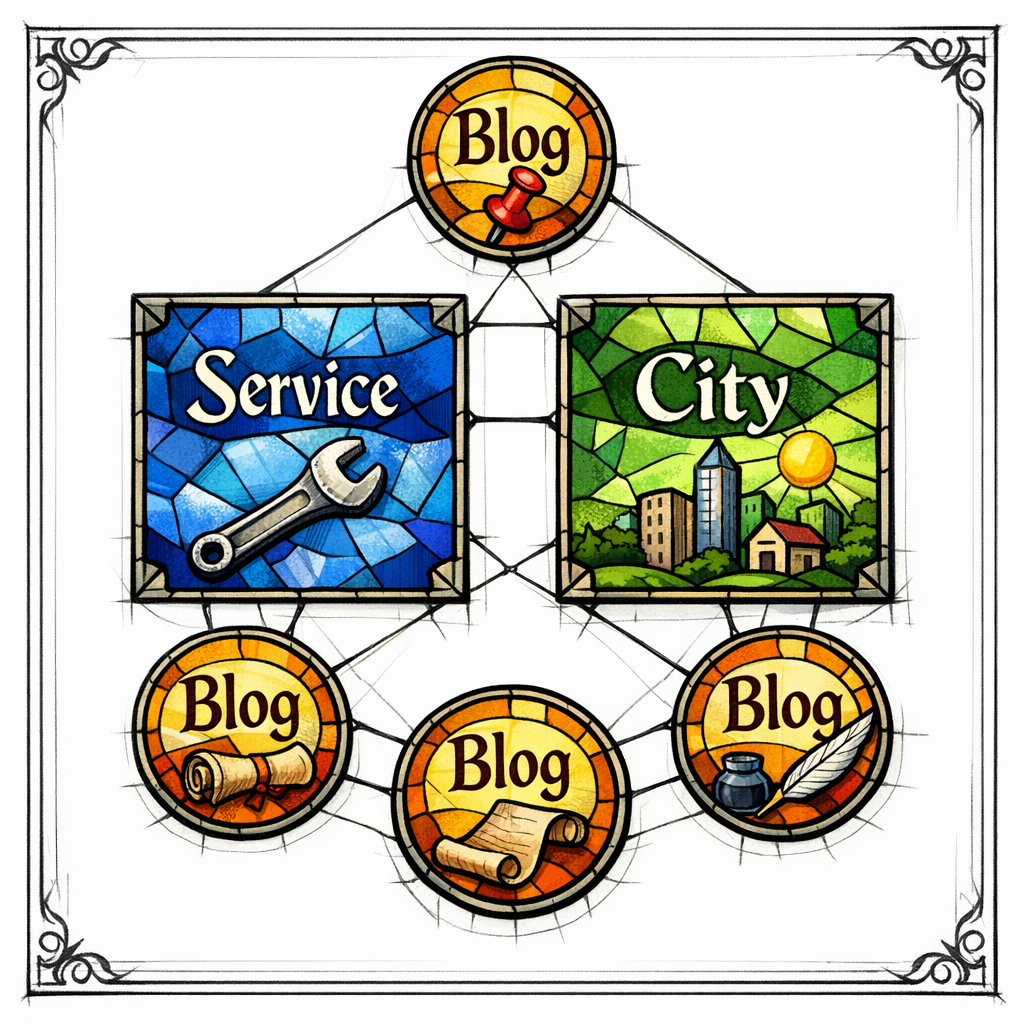
A local SEO content system is a repeatable set of page types that map to search intent, connect with internal links, and create a “grid” of relevance for both humans and search engines. It is not “writing more,” it is writing the right pages in the right hierarchy.
For home services, your system typically has three pillars: service pages, city pages (also called service-area pages), and lead-gen blogs. Your Google Business Profile content supports and amplifies the on-site system, especially for branded and near-me behavior, because Google describes local ranking in terms of relevance, distance, and prominence.
- Service pages capture “I need this service” intent (HVAC repair, water heater installation, panel upgrade, roof replacement).
- City pages capture “I need this service in this city” intent (HVAC repair Mesa, plumber Arlington, electrician Naperville).
- Lead-gen blogs capture “I’m researching” intent (cost, troubleshooting, comparisons, timelines, maintenance, emergency signals).
What changed (and what’s new) that makes this system non-negotiable
First, Google has been explicit for years that thin, duplicated “location landing pages” can become a problem when they exist mainly to rank and funnel users, because Google’s spam policies define doorway pages as pages created to rank for specific searches and lead users to a single destination.
Second, Google Business Profile has become a more active publishing surface, because you can add updates to your Business Profile that show customers what’s new, what you offer, and what to do next. In other words, your “off-site” presence is not just a listing anymore; it is a content channel.
Third, service-area and multi-location realities are handled more explicitly in Google’s own guidance, because Google distinguishes service-area businesses that visit or deliver to customers from storefronts. That matters because your site architecture needs to reflect your real-world service model, not a fantasy your competitor made up.
The doctrine of page roles: stop making every page do everything
The fastest path to local SEO confusion is forcing one page to rank for every service, every city, and every question. That creates bloated pages, weak relevance signals, and internal competition.
Instead, assign each page type a job. Then interlink them so the user can travel from general to specific to conversion without getting lost in a maze of “also we do everything everywhere” statements.
Role 1: Service pages (what you do)
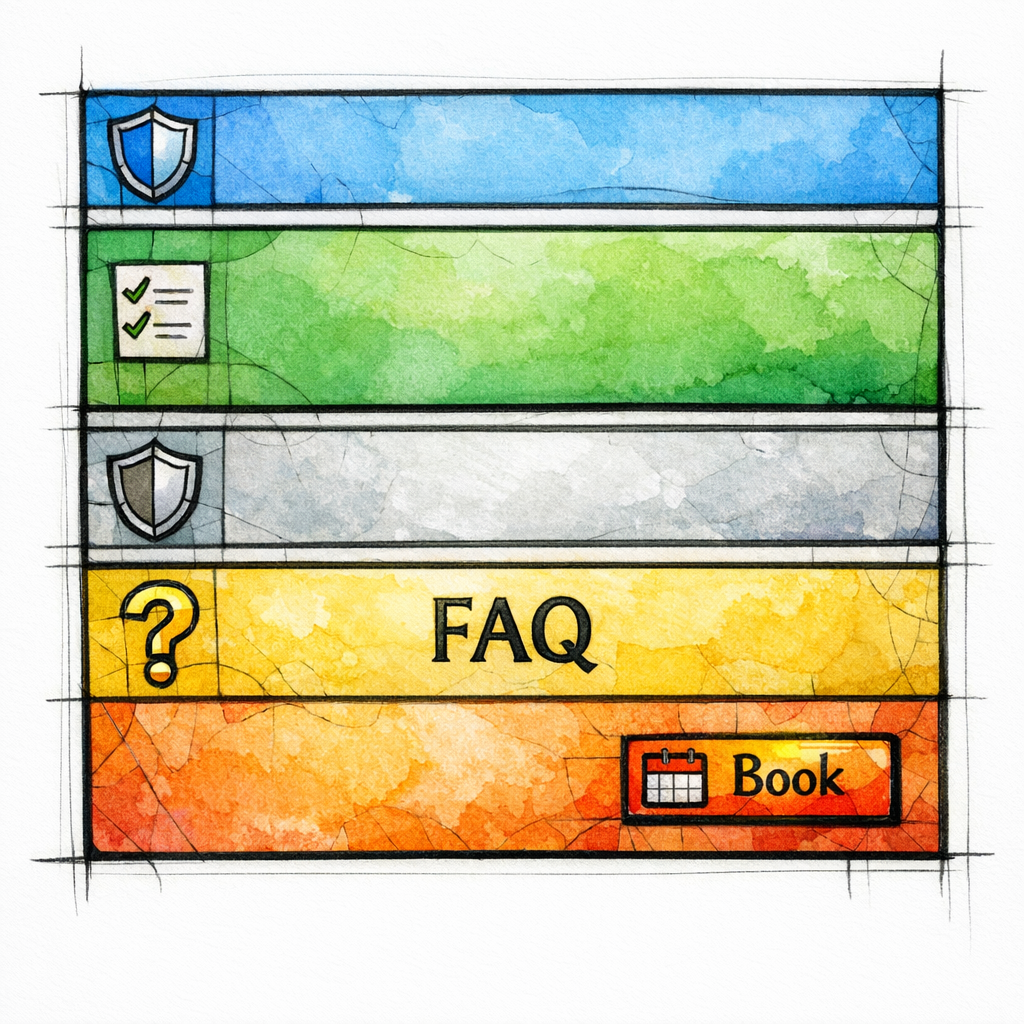
A service page should answer: “Do you do this service, are you credible, and can I book right now?” It should not pretend it is also a city page and also a blog post and also your company history.
In a content system, the service page becomes the canonical home for that service. Your city pages and blogs should point back to it so the authority consolidates instead of fragmenting.
Role 2: City pages (where you do it)

A city page should answer: “Do you serve my area, can you show proof you actually work here, and is there anything locally relevant I should know?” This is where you earn the right to rank for “service + city” without becoming a copy-and-paste factory that drifts into doorway territory.
The city page is not “a different service page with the city swapped.” It is a local proof page that routes the user to the service page for deeper service specifics.
Role 3: Lead-gen blogs (why you are the obvious choice)
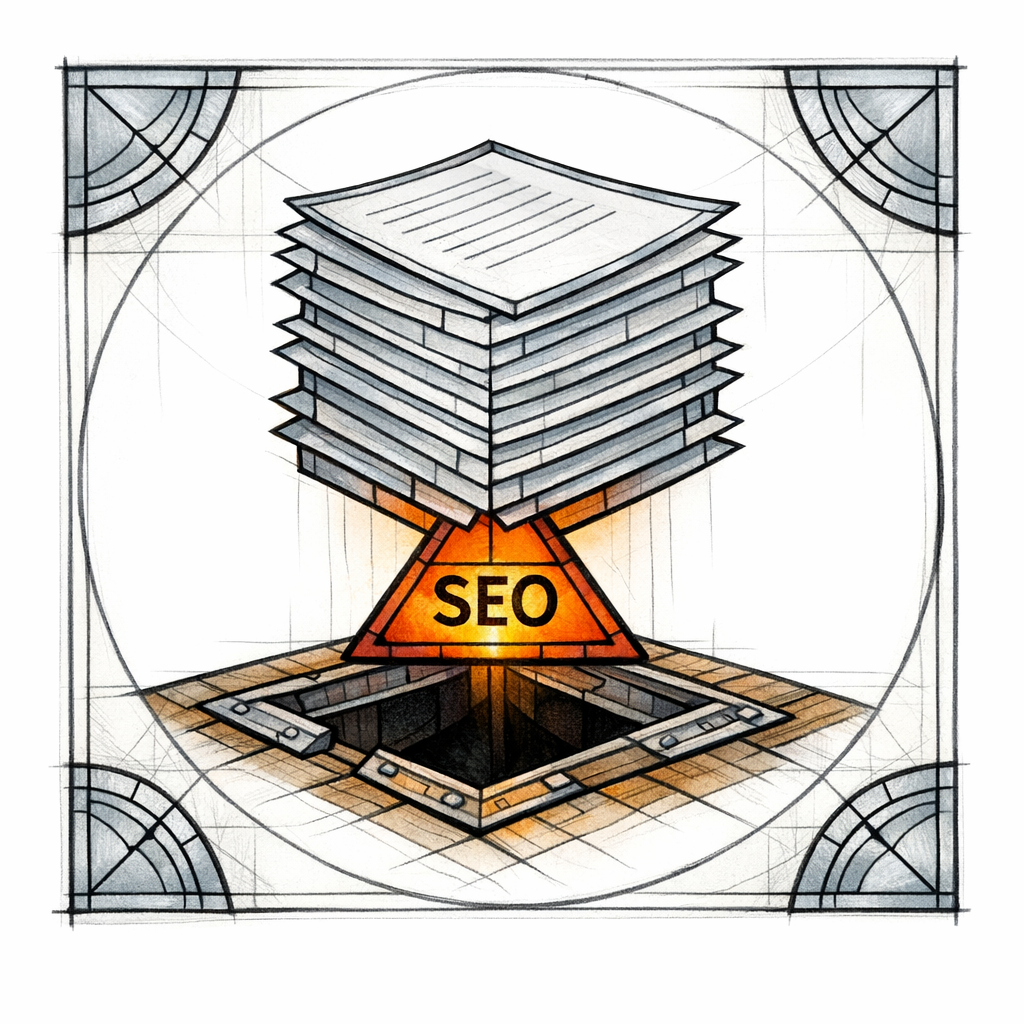
A lead-gen blog should answer: “What should I do, what does it cost, how urgent is this, and what’s the safest next step?” Blogs are where you capture the undecided, the anxious, the price-checker, and the DIY-er before they become a customer for whoever explained it best.
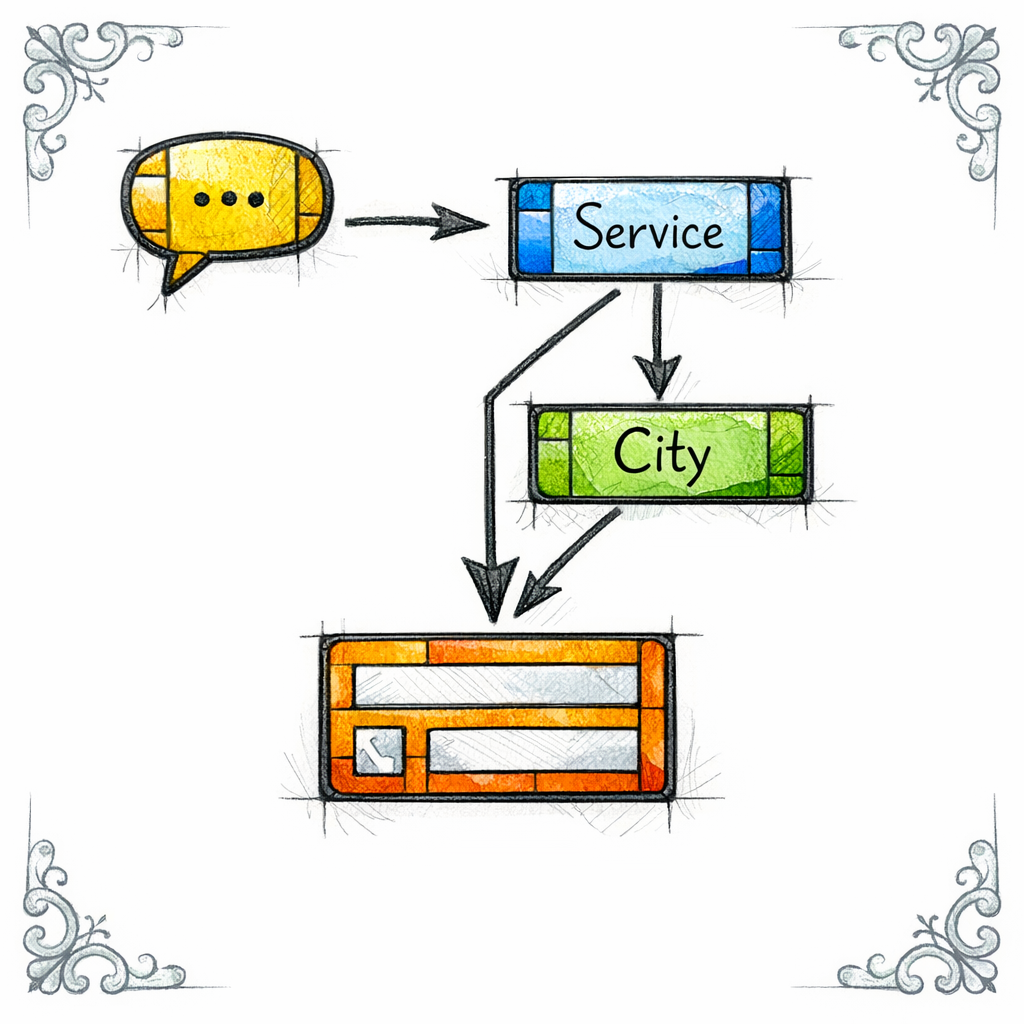
In the system, blogs feed service pages and city pages with internal links, while service and city pages feed blogs with “learn more” pathways that keep users engaged instead of bouncing.
Site architecture that scales: the simplest structure that still feels intentional
You do not need a complicated URL labyrinth. You need a consistent pattern that a writer can follow, a developer can implement, and a customer can understand.
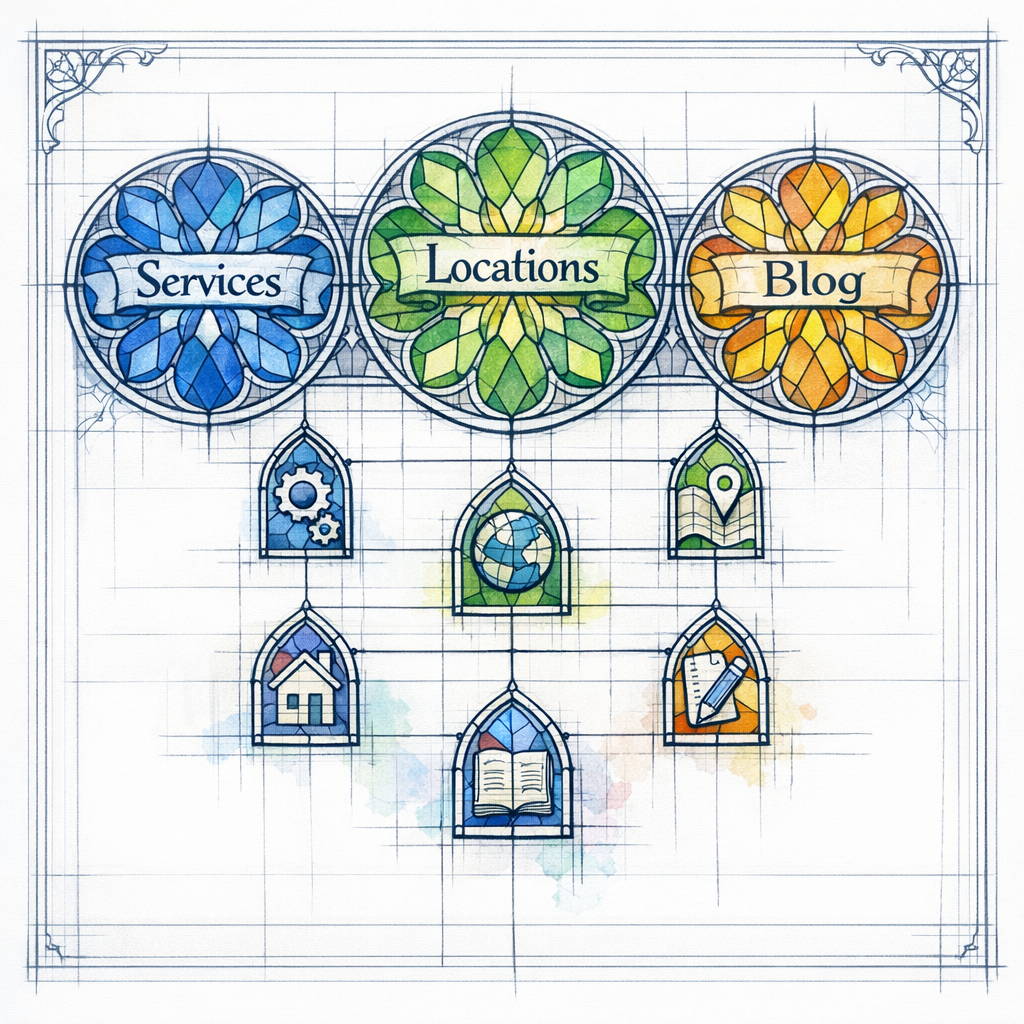
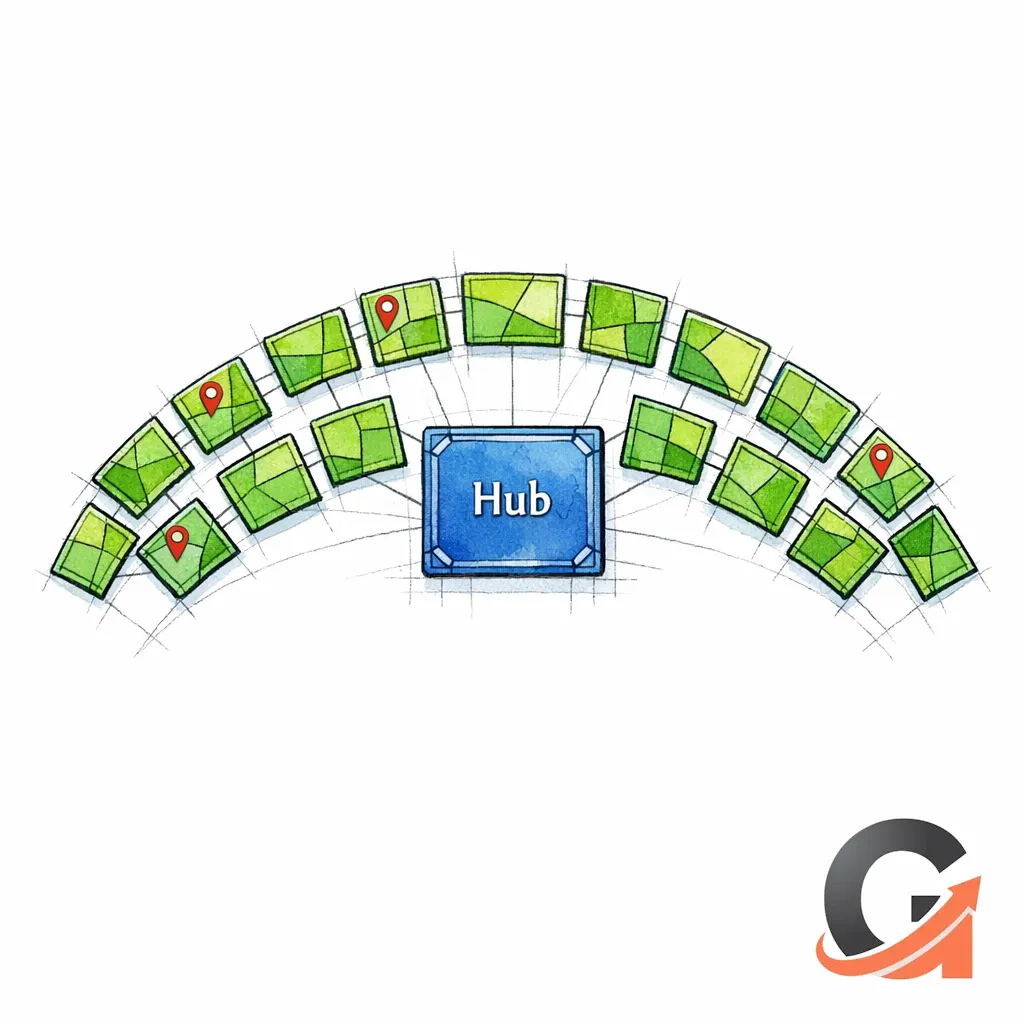
A clean baseline for home services is: one hub for services, one hub for locations, and one hub for resources. From there, you connect the hubs with obvious internal links that match the user’s next question.
- Services hub: /services/ (lists and clusters your core offerings)
- Service pages: /services/hvac-repair/ or /services/water-heater-installation/
- Locations hub: /service-areas/ (lists the cities/neighborhoods you truly serve)
- City pages: /service-areas/mesa-az/ or /service-areas/arlington-tx/
- Blog/resources hub: /blog/ or /resources/
When the system is working, each service page has a “Service Areas” section that links to relevant cities. Each city page has a “Popular Services in This Area” section that links to relevant service pages. And your blogs link to both, based on what the reader is actually trying to solve.
Service pages that convert: the anatomy of a money page
Many home services sites have “service pages” that read like a vague brochure. They rank poorly because they are thin, and they convert poorly because they hide the decisive details behind fluff.
Your service page is allowed to be direct. It is allowed to be structured. It is allowed to guide the reader toward booking with calm authority.
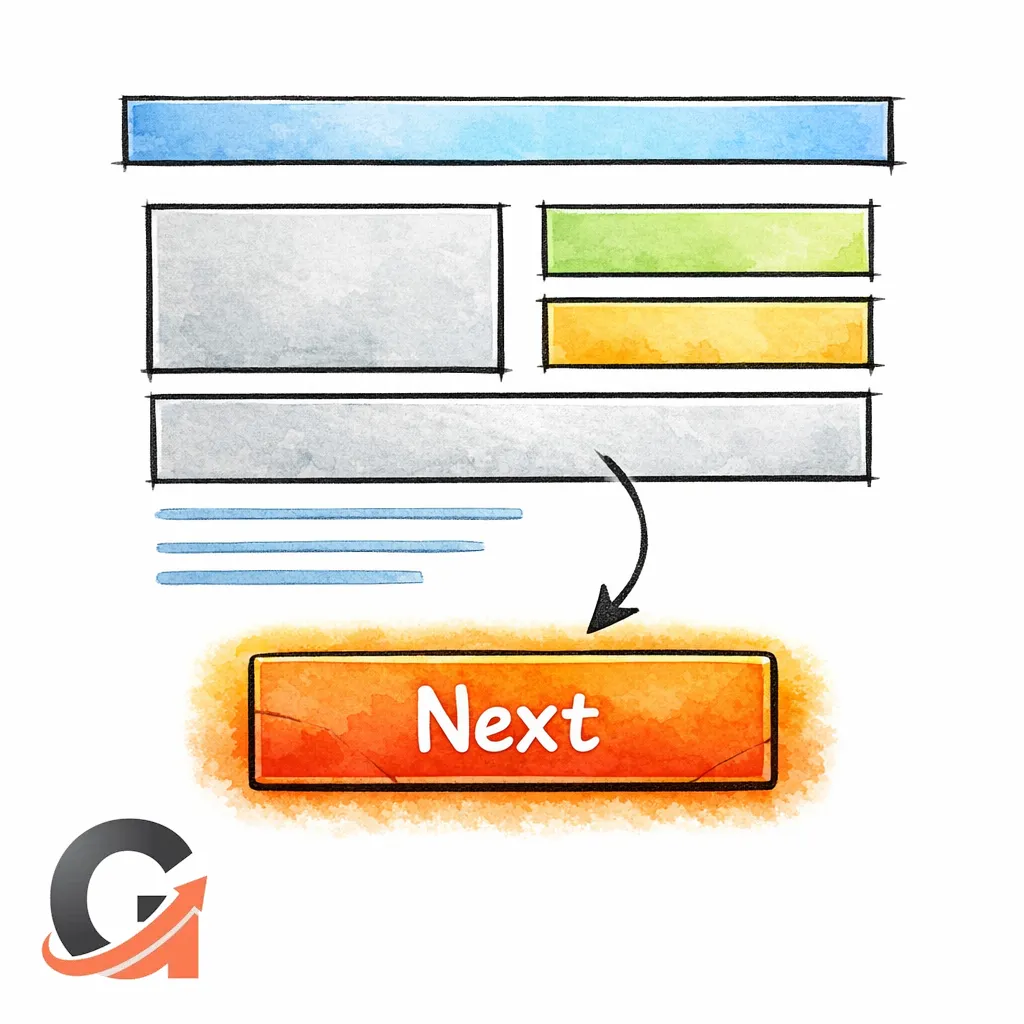
Service page core sections (use this as a template)
Service definition: what the service includes, in plain language (not jargon).
Who it’s for: common scenarios (no cooling, tripping breakers, leaking water heater, missing shingles).
- What happens next: your process (diagnosis, options, approval, work, cleanup).
- Trust proof: licenses, certifications, warranties, guarantees, and real reviews.
- Service FAQs: objections and high-intent questions (price ranges, timelines, emergency signs, repair vs replace).
- Book now block: phone, form, hours, and what to expect when you call.
Example: HVAC repair service page (outline you can reuse)

Page title idea: HVAC Repair (Fast Diagnostics, Clear Options, No Guesswork)
Intro paragraph concept: confirm the pain (no cooling, weak airflow, strange noises), then promise the process (diagnose first, quote clearly, fix what’s necessary, document what you did).
FAQ examples: “Why is my AC running but not cooling?”, “What can cause frozen coils?”, “When is it smarter to replace instead of repair?”
Example: Plumbing service page (outline you can reuse)
Page title idea: Emergency Plumbing and Same-Week Repairs
Body concept: split into “urgent” vs “non-urgent,” explain what you can do on the first visit, and make the booking step feel safe for the customer who is already stressed.
FAQ examples: “What should I do if my water heater is leaking?”, “How do I shut off my main water line?”, “Why does my drain keep clogging?”
Service pages for non-home-services (how to translate the pattern)
If you are in healthcare, legal, or any regulated-adjacent space, your service pages need extra restraint and clarity. A useful way to frame it is: make the page educational, make the next step obvious, and avoid overpromising outcomes you cannot ethically guarantee.
For trust-heavy topics, align your content with principles that mirror how quality is evaluated, because the Search Quality Evaluator Guidelines discuss experience, expertise, authoritativeness, and trust as concepts raters use when judging page quality. Even if raters are not an algorithm, those expectations describe what real users look for when stakes are high.
City pages that rank without becoming doorway pages

City pages are where most contractors either win the market or accidentally create a penalty-shaped crater. The core issue is not having city pages; the issue is publishing dozens of near-identical pages that exist only to rank and funnel.
If you are tempted to generate 200 pages by swapping city names, remember that Google’s doorway page policy is specifically aimed at low-value pages built for search phrases rather than users.
The city page mindset: local proof beats local adjectives

Customers do not need another paragraph about “proudly serving the great city of.” They need to know you actually work there, you can get there, and you have handled their kind of home in their kind of neighborhood.
Local proof can be simple. It just has to be real, specific, and written like a human who has been on-site before.
City page core sections (a repeatable pattern)

Service area statement: confirm coverage (and boundaries if relevant).
Local context: housing stock, common system types, seasonal issues, or neighborhood patterns (only if true for you).
- Popular services in this city: 3–6 internal links to relevant service pages.
- Recent work examples: short “problem → fix → result” summaries (no private details).
- Trust elements: reviews that mention the city, local affiliations, photos (where permitted).
- FAQs for the area: answer the questions that matter locally (permits, older homes, common failure points).
- Book now block: same conversion block as your service pages, consistent sitewide.
Example: “Plumber in Mesa, AZ” city page (sample copy blocks)
Local intro example: “If you’re in Mesa and dealing with a leak, a backed-up drain, or a water heater that won’t stay hot, you don’t need a lecture. You need a plumber who shows up, diagnoses fast, and explains options in plain English.”
Local proof example: “We frequently help Mesa homeowners with slab leak detection, water heater replacements, and recurring kitchen drain clogs in older lines. If you can describe what you’re seeing, we can usually tell you the safest first step before we arrive.”
Internal link block example: “Popular services in Mesa: Water Heater Repair, Drain Cleaning, Leak Detection, Sewer Line Repair.”
Example: “HVAC service in Arlington, TX” city page (sample copy blocks)

Local intro example: “Arlington heat is not the time for ‘maybe it will start working again.’ If your AC is short cycling, blowing warm air, or freezing up, we can diagnose the cause and give you a fix-first plan.”
Local FAQ example: “Why does my AC struggle more in the late afternoon?” “Is it an airflow issue or a refrigerant issue?” “What should I check safely before I call?”
How many city pages should you publish?
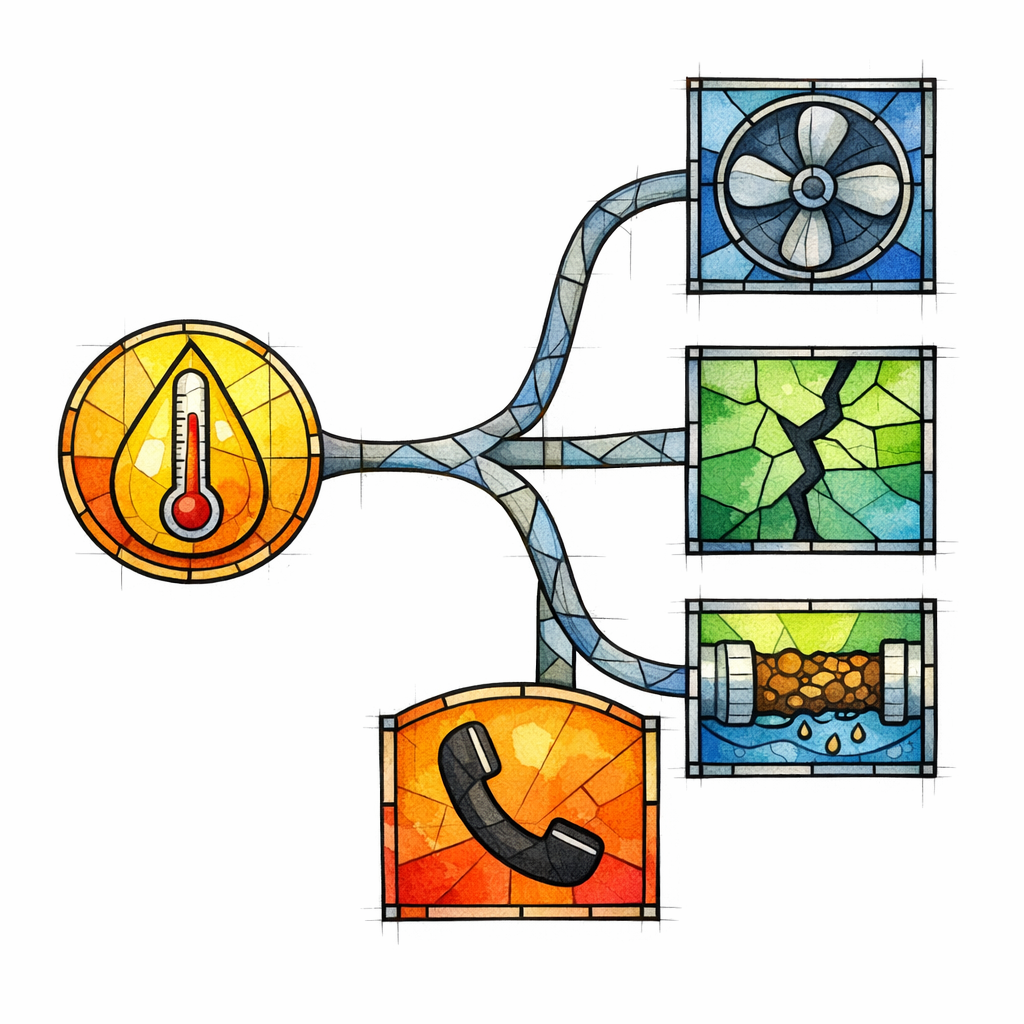
Publish as many as you can support with real-world coverage and real-world proof. If you cannot honestly describe how you serve that area, route, schedule, and common job types, the page will be weak even if it exists.
A useful rule is: fewer pages with stronger local specificity will outperform a sea of thin duplicates over time, and it keeps you away from patterns that resemble doorway pages.
Lead-gen blogs that create customers (not just traffic)

Most contractor blogs fail because they are written for “traffic” in the abstract. The posts are either too generic to be trusted, or too technical to be read, and they never guide the reader toward the next step.
A lead-gen blog post has one job: move the reader one step closer to a booked call. That means choosing topics with commercial gravity and building internal links that make the next step obvious.
The 6 blog categories that reliably drive leads in home services
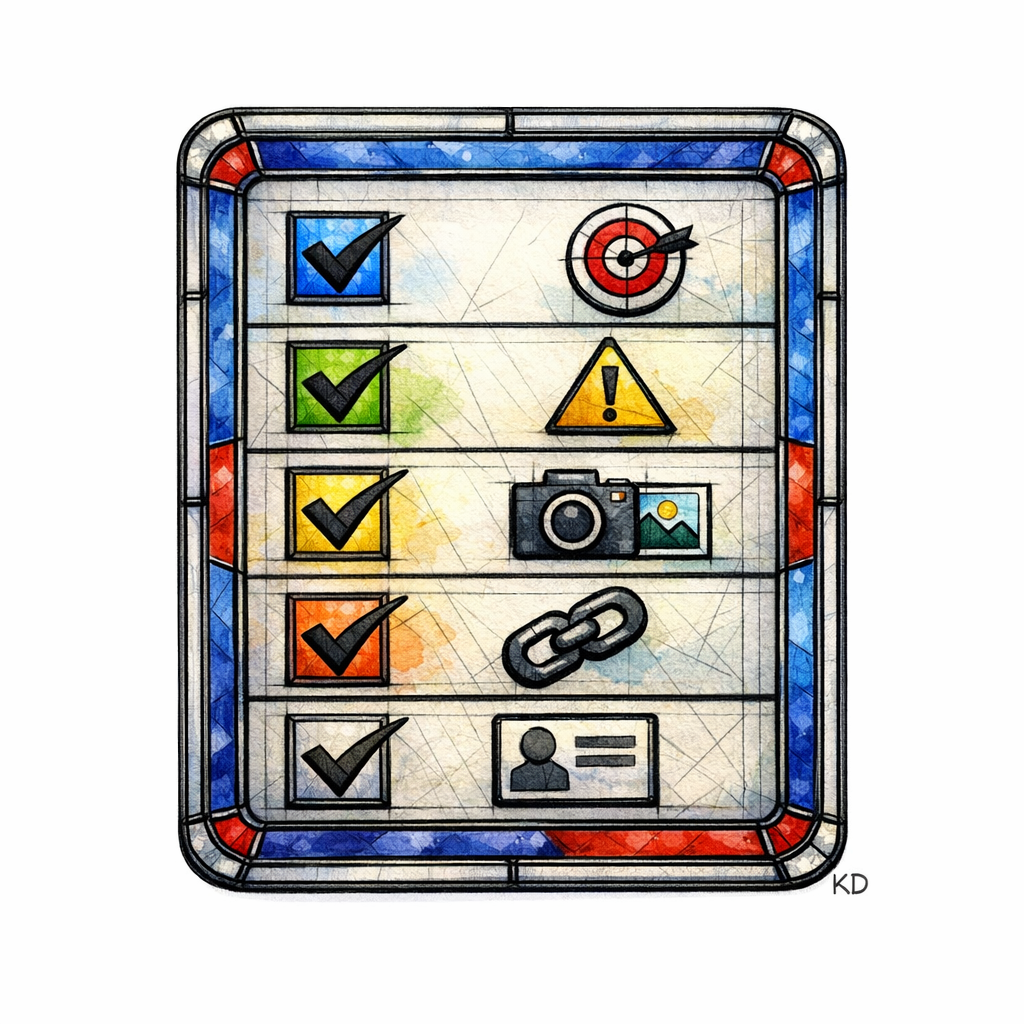
Cost and pricing intent: “How much does X cost?” with clear variables and ranges you can defend.
- Repair vs replace: decision frameworks (when repair makes sense, when it doesn’t).
- Symptom-to-cause troubleshooting: “AC running but not cooling,” “breaker keeps tripping,” “toilet keeps running.”
- Time-to-complete and disruption: “How long does a panel upgrade take?” “Do I need to leave the house?”
- Seasonal readiness: maintenance checklists and “before the first heat wave” prep.
- Buyer education and comparisons: brands, system types, efficiency tiers, material options.
Blog post structure that quietly converts
Start by naming the exact scenario and confirming the emotion: confusion, urgency, sticker shock, or fear of making it worse. Then explain the decision in steps, not in trivia.
Place internal links where a rational person would ask, “Okay, then what?” Your link should feel like the next page in the story, not an ad break.
Examples: blog topics that map cleanly into service and city pages
- HVAC: “AC is blowing warm air: the safest checks before you call” → links to HVAC Repair service page and the user’s city page.
- Plumbing: “Water heater leaking from the bottom: what it usually means” → links to Water Heater Repair/Replacement service page and city page.
- Electrical: “Breaker keeps tripping: overload vs short vs ground fault” → links to Electrical Repair service page and city page.
- Roofing: “How to tell if missing shingles are a patch or a bigger issue” → links to Roof Repair service page and city page.
How to prevent blog content from becoming a dead end
Every lead-gen blog should link to one primary service page and, when relevant, one city page. That keeps the reader moving toward a booking action without forcing them to hunt through your navigation like it is a scavenger hunt.
Also, give your blog posts a clear “What to do next” section, even if the next step is simply “take a photo of the issue” or “shut off the water.” Clear direction builds trust, and trust builds calls.
Google Business Profile content: the overlooked amplifier
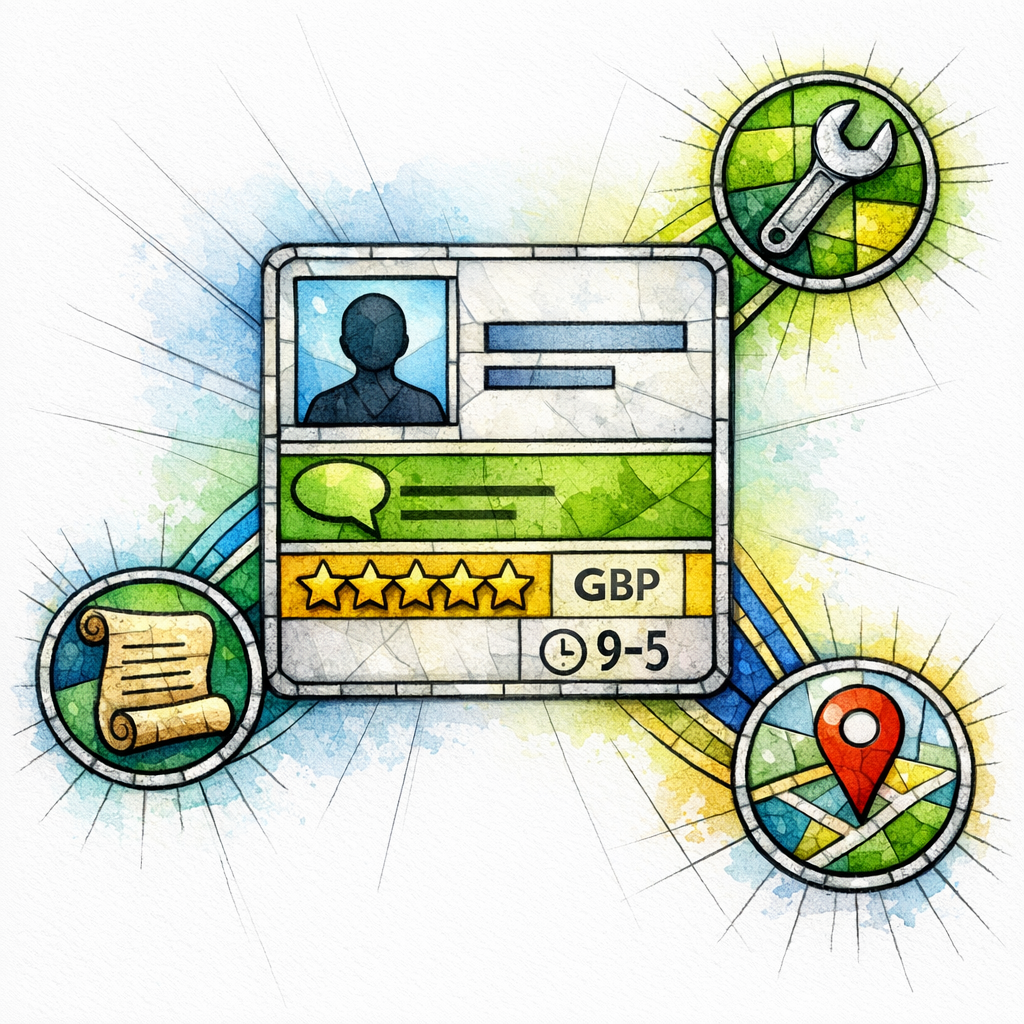
Your website is your cathedral, but your Google Business Profile is the street corner where people decide whether to walk in. If your profile looks inactive, your competitors will look safer by comparison.
When you publish updates on your Business Profile, you are giving searchers proof of life: recent work, seasonal reminders, service announcements, and simple next steps. Done well, this content also becomes raw material you can expand into blog posts and city-page proof blocks.
A simple “reuse loop” between GBP, blogs, and landing pages
- From GBP to blog: a short update about “AC tune-ups filling up this week” becomes a full post on “When to schedule an AC tune-up.”
- From blog to service page: the blog’s decision framework becomes an FAQ section on the service page.
- From service page to city page: the service page’s top questions become localized FAQs (only where truly relevant).
This loop keeps your content consistent across channels without duplicating the exact same paragraphs everywhere.
On-page essentials that make the system easier for search engines to understand
Local SEO content is not only copy. It is also clarity: what you do, where you do it, and who you are as an entity.
If you implement local business structured data, follow what Google documents for Local business structured data so your business details are presented in a machine-readable way that matches your real-world presence. Treat this as alignment, not magic.
Entity alignment checklist (plain language, no mysticism)
- Consistency: your business name and core details should match across your site and key profiles.
- Service clarity: each service has a single “home” page that other pages reference.
- Location clarity: each city page exists because you actually serve it, not because you want to.
Common mistakes and misconceptions (and how to avoid them)
Mistake 1: “City pages are spam, so we shouldn’t have any”
City pages are not inherently spam. Thin, copy-paste pages built only to rank are the problem, especially when they look like doorway pages in practice.
Mistake 2: “We’ll just write one giant ‘Service Areas’ page”
A single mega-page usually cannot satisfy “service + city” intent at scale, because users want a page that speaks to their area with a clear next step. A hub page is useful, but it should route to city pages that actually help people decide.
Use the hub as a directory. Use the city pages as proof and conversion.
Mistake 3: “Our blog is just for branding”
If your blog does not link to your services and service areas, it becomes a traffic museum. It may get visitors, but it will not reliably produce leads.
Write blog posts like an expert answering a real customer question on a recorded call, then guide the reader toward the relevant service page and booking step.
Mistake 4: “We can publish 100 pages this month and see results next week”
Publishing volume without structure often creates internal competition and inconsistent quality. A content system is not about speed alone; it is about compounding clarity.
If you want momentum, start with the pages that match the highest-intent services, then expand into your top service areas, then fill in the blog topics that support those pages.
How to build the system in 30 days (a realistic rollout plan)
You can build this like an orderly creation story instead of a frantic scramble. The goal is not to “finish the internet.” The goal is to publish the pages that unlock leads in your best markets first.
Below is a rollout plan that works for both single-location and multi-location home services businesses.
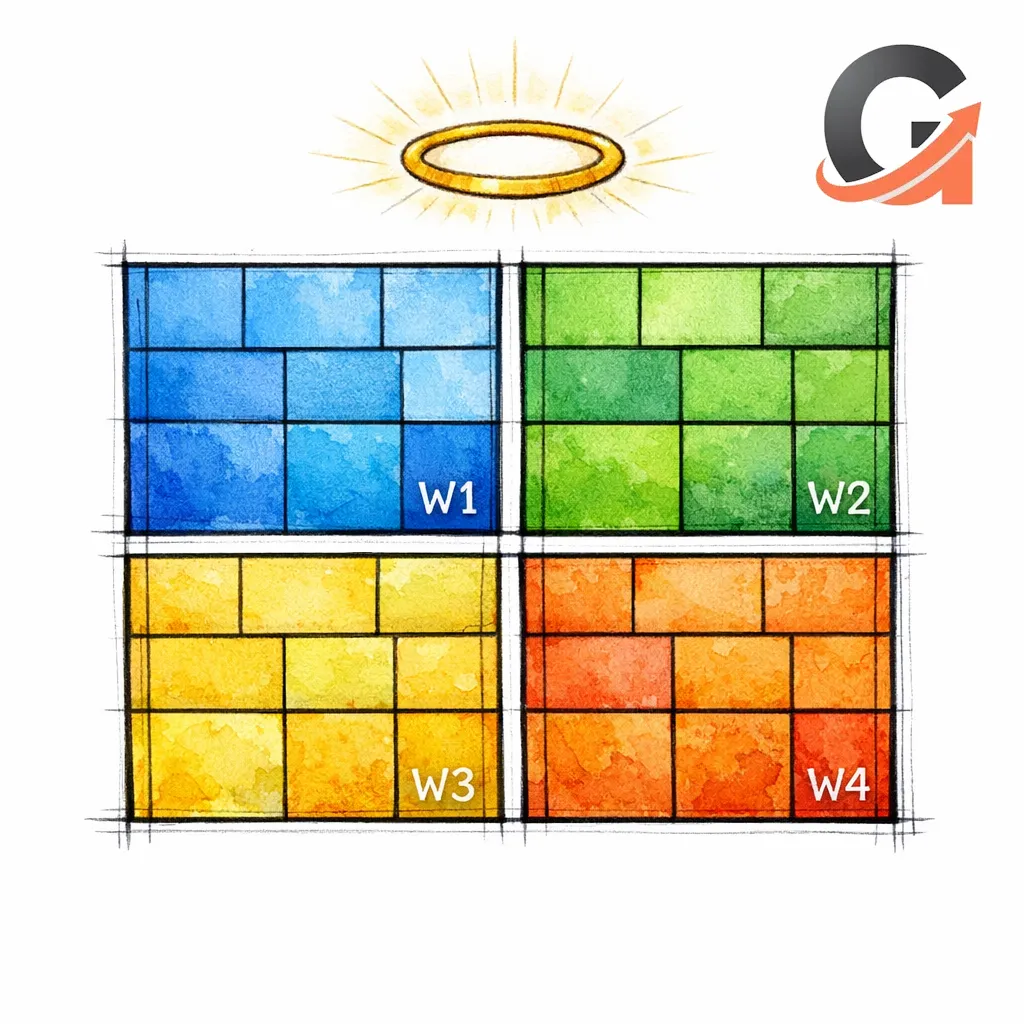
Week 1: Establish the canon (core service pages)
- Choose 6–12 core services that make real revenue (not every minor add-on).
- Write or rebuild the service pages using the template: scenarios, process, trust, FAQs, book-now block.
- Add internal links from each service page to the service areas hub.
Week 2: Claim your territory (top city pages)
- Select the top 5–15 service areas that actually drive work or strategic growth.
- Create city pages with local proof blocks, “popular services,” localized FAQs, and conversion blocks.
- Link each city page to the most relevant service pages (not every service you’ve ever offered).
Week 3: Build the lead net (first lead-gen blog cluster)
- Pick 10–20 blog topics tied to your top services (cost, repair vs replace, symptoms, timelines).
- Write each post to answer the question and then route the reader to the relevant service page.
- Add a short “What to do next” section that makes calling feel safe and simple.
Week 4: Amplify and recycle (GBP updates + optimization passes)
- Publish a steady stream of Business Profile updates that mirror what you just published on-site.
- Review internal links: blogs should point to service pages; service pages should reference service areas; city pages should reference services.
- Add proof: photos, reviews, and short job summaries where appropriate and permitted.
Examples of a complete “mini-system” for one city (HVAC)
Here is what “organized content” looks like when it is actually organized. This is one service in one city, with supporting blogs that capture research intent and pass it toward booking.
- Service page: HVAC Repair
- City page: HVAC Repair in Mesa, AZ (local proof + links to HVAC Repair, AC Installation, Heating Repair)
- Blog 1: “AC running but not cooling: likely causes and safe first checks” (links to HVAC Repair + Mesa page)
- Blog 2: “AC repair vs replacement: a decision framework” (links to HVAC Repair + AC Installation)
- Blog 3: “How much does AC repair cost? variables that change the price” (links to HVAC Repair + booking block)
Build this mini-system, then replicate it for your next city. After that, replicate it for your next service. This is how you scale without losing quality.
Examples of a complete “mini-system” for one city (Plumbing)
- Service page: Water Heater Repair
- City page: Water Heater Repair in Arlington, TX
- Blog 1: “Water heater leaking from the bottom: what it often means”
- Blog 2: “Water heater replacement timeline: what to expect on install day”
- Blog 3: “Gas vs electric water heaters: how to decide”
This approach is especially effective for services with urgent intent, because the blog posts capture early-stage fear and uncertainty, then route the reader toward the service page that makes the booking step feel safe.
Multi-location and service-area businesses: how to keep the system honest
Many home services brands do not serve “everywhere,” even if they want to. Some are truly regional; some have hard travel boundaries; some have tech scheduling constraints that make a “wide service radius” unrealistic.
Align your content with how your business actually operates, because Google’s guidance on service-area businesses reflects a real distinction between businesses that serve at the customer’s location and those with customer-facing storefronts.
Practical rules for multi-location clarity
- If you have multiple offices: build a location page for each office, then build city pages beneath the relevant location footprint.
- If you are one location with a service area: build one primary “Service Areas” hub and city pages that represent actual demand zones.
- If you are expanding: publish new city pages only when you can support them with scheduling, dispatch, and proof.
Quality and trust for healthcare, legal, and other high-stakes industries
If you operate in healthcare or legal, your content system still applies, but your bar for trust signals should be higher. The goal is to make the user feel informed and protected, not “marketed to.”
Use clear authorship, editorial review, and cautious language for sensitive topics, because the Search Quality Evaluator Guidelines emphasize trust and expertise concepts that mirror what real people demand when consequences are real.
How to translate city pages for healthcare and legal
- Healthcare city pages: focus on access, insurance logistics (only what you can verify), appointment expectations, and local availability.
- Legal city pages: focus on jurisdiction context, intake steps, what to bring, and how consultation works.
- Never do: copy-paste city swaps that imply services you cannot provide in that area.
What to do next (checklist you can execute this week)
- Pick your first battle: choose one core service and one core city where you want more calls.
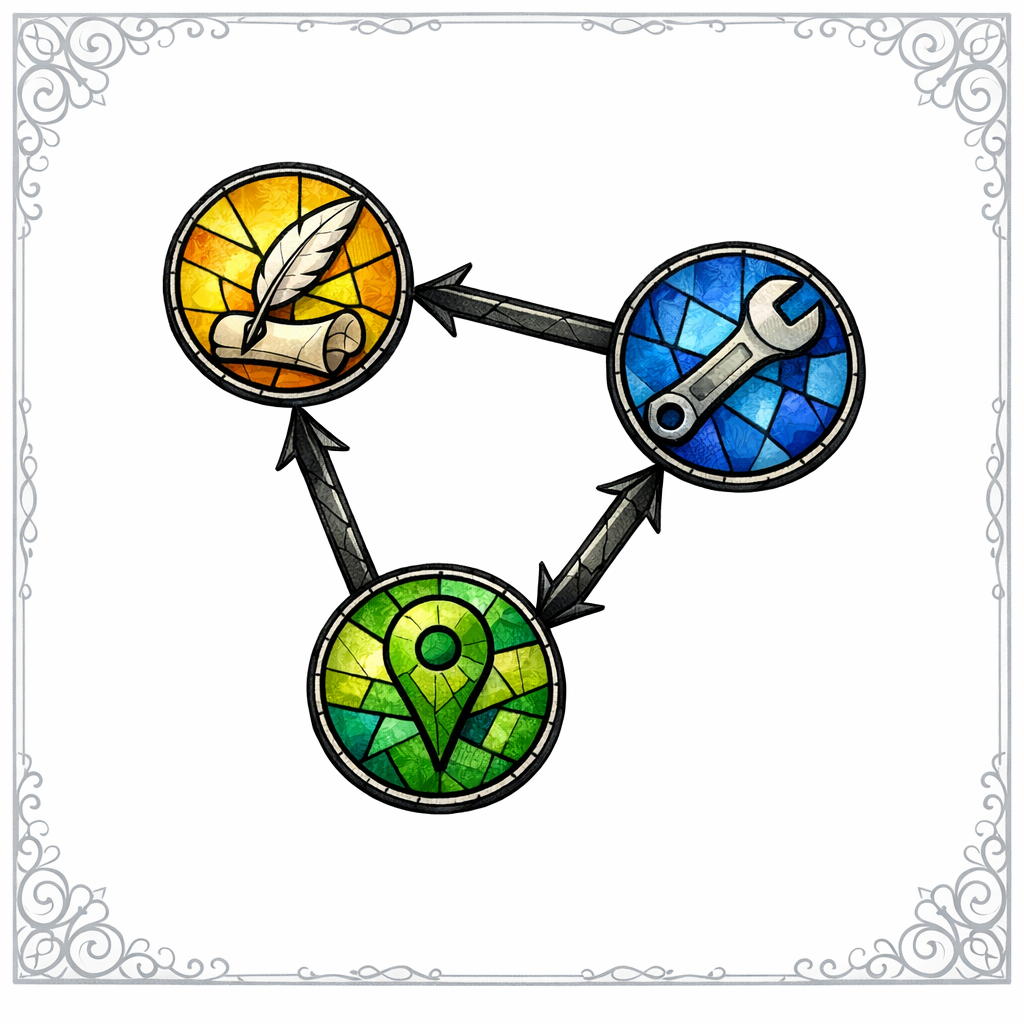
- Build the triangle: publish (or improve) the service page, the city page, and one lead-gen blog that links to both.
- Add local proof: job summaries, reviews, photos, and FAQs that reflect reality, not templates.
- Link with intention: city pages link to services; services link to service areas; blogs link to both based on the topic.
- Publish one GBP update: mirror the new page or recent work using Business Profile updates.
- Audit for doorway risk: remove or rewrite pages that are thin and duplicative enough to resemble doorway pages.
- Repeat weekly: one service page upgrade, one city page, one blog post. Compound consistency beats content sprints.
Get a free SEO audit today!
If you want this system built around your actual markets, actual services, and actual lead goals, get a free SEO audit today. We will tell you what to fix first, what to publish next, and where your site is bleeding leads.
Work with Content God when you want content that behaves like a system, not a pile of pages. We generate Content on Demand, and then we bless it with structure so it can rank, convert, and scale.
Stop praying for better search results — download your free copy of the SEO Bible and learn the true path to SEO Salvation.