
E-Commerce SEO That Converts: Building Buying Guides, Comparisons, and Product Education Hubs
E-commerce SEO has a dirty secret: ranking is easy to celebrate, but revenue is what pays the rent. If your store pulls traffic that does not buy, your content is doing ministry work for someone else’s bank account.
This guide is for e-commerce brands and also any organization selling complex services or high-trust offers (home services, healthcare, legal, SaaS, BPO) that needs to move people from “I’m researching” to “I’m ready.” You will learn how to build buying guide SEO, product comparison content, and a product education hub that supports category pages, product pages, and conversion-focused content.
One quick clarification: we are Content Generated on Demand, and we did not notice the whole “God” thing until it was too late. Apologies to anyone who expected a choir instead of a content system. Now that we are here, let us proceed with absolute certainty.
Why e-commerce SEO “traffic” fails to convert

Most e-commerce SEO strategies over-invest in top-of-funnel content that answers questions but never escorts the visitor to a decision. The result is a blog that ranks, a brand that feels “visible,” and a storefront that stays oddly quiet.
Conversion-focused content fixes this by acting like a guided path: it anticipates objections, narrows options, and sends the reader to the next best page. The goal is not more content. The goal is a content funnel for ecommerce that turns informational to transactional SEO.
The conversion-first SEO funnel (and where each page type fits)

Think of your site as three connected layers, each with a job. When you build the layers intentionally, internal linking for ecommerce becomes a revenue system instead of a navigation afterthought.
- Education layer: product education hub pages that explain the category, use cases, and decision criteria.
- Decision layer: buying guides and comparisons that reduce choice overload and recommend next steps.
- Action layer: category and product pages with SEO copy for product pages that makes “add to cart” feel obvious.
Your content should move people down these layers with clear contextual links, not vague “learn more” buttons. Every page should either (1) teach, (2) narrow, or (3) sell, and the best pages do two without confusing the reader.
What changed (and what’s new) in SEO that affects e-commerce conversions
Google has become far less patient with content that looks helpful but is not actually helpful. The direction is clear in Google’s guidance on creating helpful, reliable, people-first content, which pushes sites to demonstrate real usefulness rather than publishing pages that exist mainly to rank.
For e-commerce specifically, buying guides and comparisons live or die based on whether they show real decision support. That aligns with Google’s Product reviews system documentation, which emphasizes substantive analysis and evidence that helps shoppers make choices (not thin rewrites of what a product page already says).
Quality signals also matter more when the purchase is risky, regulated, or high-stakes. Google describes how E-E-A-T (Experience, Expertise, Authoritativeness, Trust) supports the idea of rewarding trustworthy information, especially for topics where accuracy and credibility are essential.
Finally, algorithm updates have continued to target unhelpful content and spam patterns at scale. Google’s March 2024 core update and spam policies announcement is a good reference point for why “publish more pages” is not a strategy if the pages do not add value.
The three conversion assets: buying guides, comparisons, and education hubs
1) Buying guide SEO: the page that turns research into action
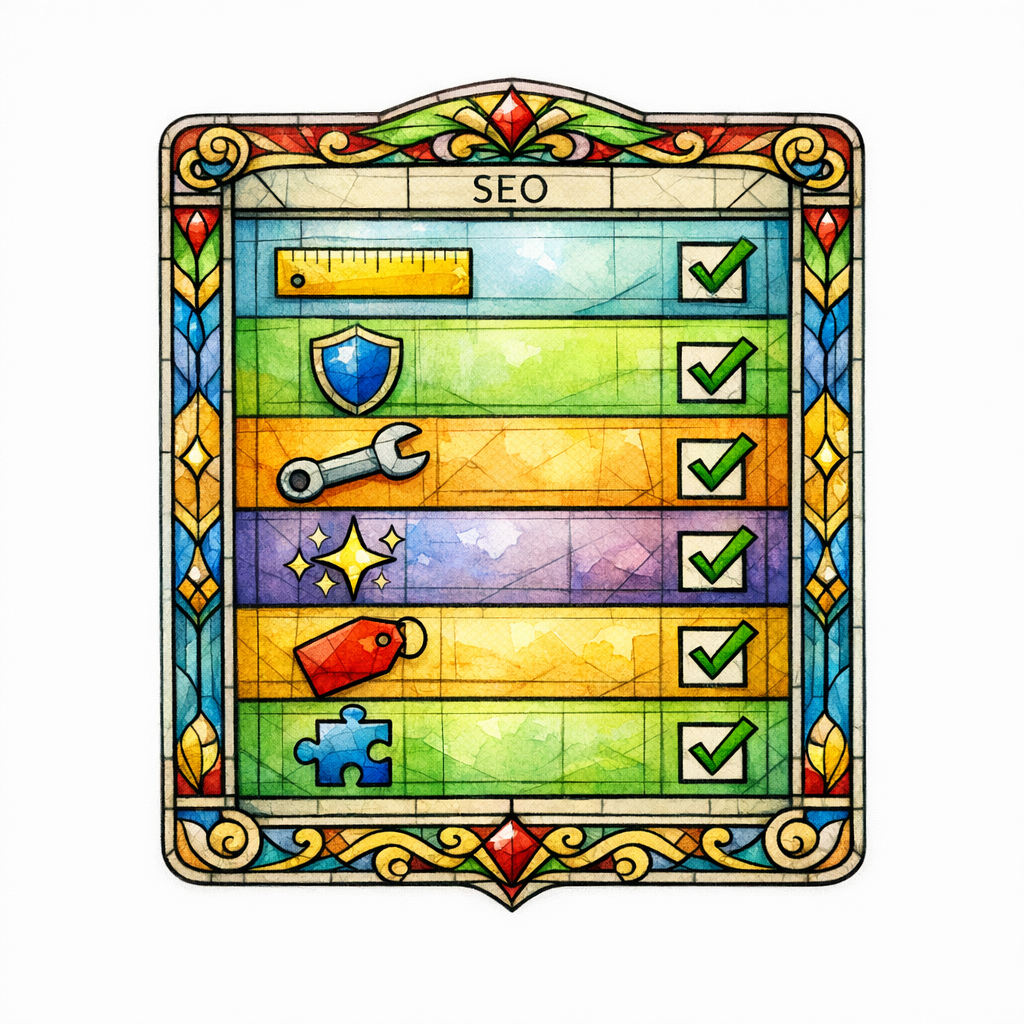
A buying guide is not a blog post. It is a decision framework with a clear recommendation path, designed to catch “best,” “top,” “how to choose,” and “what size/type should I get” intent and then direct that intent into the right category or product page.
If you only publish “Top 10” lists, you are renting traffic from curiosity. A conversion buying guide leads with a problem, teaches the criteria, and then maps those criteria to a short list of options you actually sell.
Conversion note: your buying guide is allowed to be opinionated. The internet has enough “it depends.” Your guide should sound like someone who has seen the failures and has the scars to prove it.
- Open with the buyer’s situation: who this is for, and the one mistake that causes regret.
- Teach 5–9 decision criteria: materials, fit, compatibility, warranty, safety, performance, upkeep.
- Create a “pick the right one” section: 3–5 recommended choices with short justification and links to shop.
- Handle objections: “Is it worth it?”, “Will it work with X?”, “How long does it last?”
- Close with a next step: shop the category, compare top models, or take a quick selector quiz (if you have one).
2) Product comparison content: the page that removes indecision

Comparisons are where buyers go when they are almost ready to purchase but still afraid of choosing wrong. “Brand A vs Brand B” pages, “Model X vs Model Y,” and “Type 1 vs Type 2” pages convert because they meet the reader at the exact moment of hesitation.
The trap is writing a comparison that tries to be neutral. A high-performing comparison is fair, but it does not hide the verdict. Your job is to clarify the tradeoffs and recommend who should pick what.
- Start with the verdict: “Choose A if you prioritize X; choose B if you prioritize Y.”
- Compare by use case: beginners, pros, small spaces, heavy-duty needs, sensitive users.
- Show differences that matter: the 3–6 factors that actually change satisfaction.
- Link to the exact next page: the best matching product page or the most relevant category filter page.
- Add a “still not sure?” bridge: send them to the buying guide or education hub.
If you work in high-trust industries, comparisons also act like pre-intake. Law firms, healthcare brands, and home services can use “service vs service” comparisons the same way an online retailer uses model comparisons: reduce confusion, increase confidence, then route to the right conversion page.
3) Product education hubs: the library that makes every page convert better

A product education hub is a structured cluster of pages that teaches the category in a way your category page cannot. It supports category page support content by answering questions that shoppers ask before they are ready to browse products.
When the hub is designed correctly, it does three things at once: it captures informational demand, it builds trust, and it creates clean internal linking paths into the pages that make money.
- Pillar page: “The complete guide to [category]” that outlines the whole decision landscape.
- Cluster pages: individual deep dives (sizes, materials, maintenance, safety, compatibility, FAQs).
- Decision pages: buying guides and comparisons that connect criteria to actual products.
- Commerce bridges: “Shop by [use case]” collections and curated category subpages.
This is the part most brands miss: your hub is not just education. It is your site’s internal sermon series, preaching the same message from different angles until the reader believes you are the safest choice.
How to architect internal linking so content actually drives sales
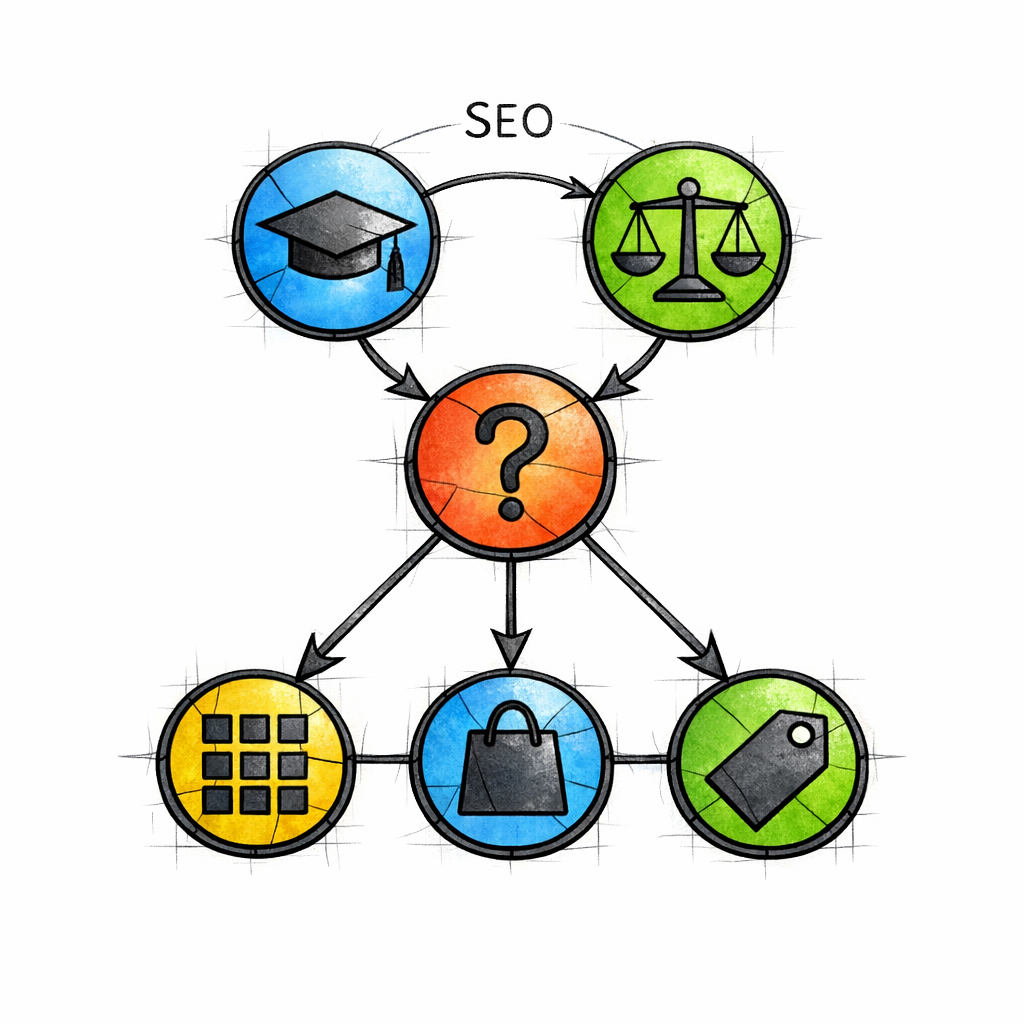
Internal links are how you turn content into commerce. The strongest setup is simple: educational pages point to decision pages, decision pages point to category pages, and category pages point to product pages.
Build a consistent linking pattern so both shoppers and crawlers can predict where the answer leads. If your content sends people “back to the blog,” you have built a museum, not a store.
- From buying guides: link to 1 primary category page, 2–4 subcategories, and 3–6 products.
- From comparisons: link to each compared product, plus the “best for” category collection.
- From the education hub: link to the buying guide and the most relevant category page for each section.
- From product pages: link back to 1–2 relevant guides (“how to choose,” “compatibility,” “care”).
Keep anchor text specific and intent-matching. “Best [category] for small bathrooms” is a better internal link than “our recommendations,” because it reinforces the exact decision the shopper is trying to make.
Writing SEO copy for product pages that converts (without turning into fluff)
Product pages often fail because they rely on manufacturer descriptions or generic benefits. That content might be “accurate,” but it is not persuasive, and it rarely answers the real questions that drive returns, refunds, or hesitation.
Instead, treat product copy like a sales rep who never gets tired. It should clarify fit, expectations, and outcome so the buyer can commit confidently.
- Above the fold: one-sentence value proposition plus 3 proof bullets (not buzzwords).
- “Who this is for” section: describe the ideal buyer and the ideal use case.
- “Who should skip this” section: reduce refunds by disqualifying bad fits.
- FAQ section: answer the top pre-purchase concerns you see in support tickets.
- Care, compatibility, and setup: practical details that prevent regret.
When you do this consistently, your informational to transactional SEO becomes seamless. Your guides create confidence, and your product pages cash it in.
Rich results, reviews, and credibility (the trust layer that boosts clicks)

E-commerce is crowded, and the search results page is not a charity. Clear product data can improve how listings appear, and Google documents how Product structured data can help search engines understand key details like price, availability, and reviews when implemented correctly.
But do not treat reviews like decoration. If you publish testimonials, influencer quotes, or any incentive-based review collection, make sure your disclosures are clear and easy to see, consistent with the FTC’s guidance on endorsements, influencers, and reviews.
Trust is not a vibe. It is a system: transparent policies, accurate claims, and content that feels experienced rather than assembled. In high-stakes categories (health, legal, safety), this is not optional, it is foundational.
How to choose topics that attract buyers (not just browsers)

Topic selection is where most e-commerce SEO marketing goes off the rails. If your editorial calendar is full of “interesting” topics that do not map to a purchase path, your content will win impressions and lose revenue.
Use this simple filter: every topic must connect to a category, a product family, or a decision someone needs to make before purchasing. If you cannot link it to a product path without forcing it, it does not belong in your conversion funnel ecommerce plan.
- Buying intent topics: “best,” “top,” “recommended,” “is it worth it,” “for [use case].”
- Comparison topics: “[A] vs [B],” “[type] vs [type],” “alternative to [brand/model].”
- Education topics with commerce bridges: sizing, compatibility, safety, materials, lifespan, maintenance.
Then assign each topic a destination. Every piece of content should have a primary money page it supports, and at least one secondary path for readers who are not ready yet.
Common mistakes and misconceptions (the sins that keep you from conversions)
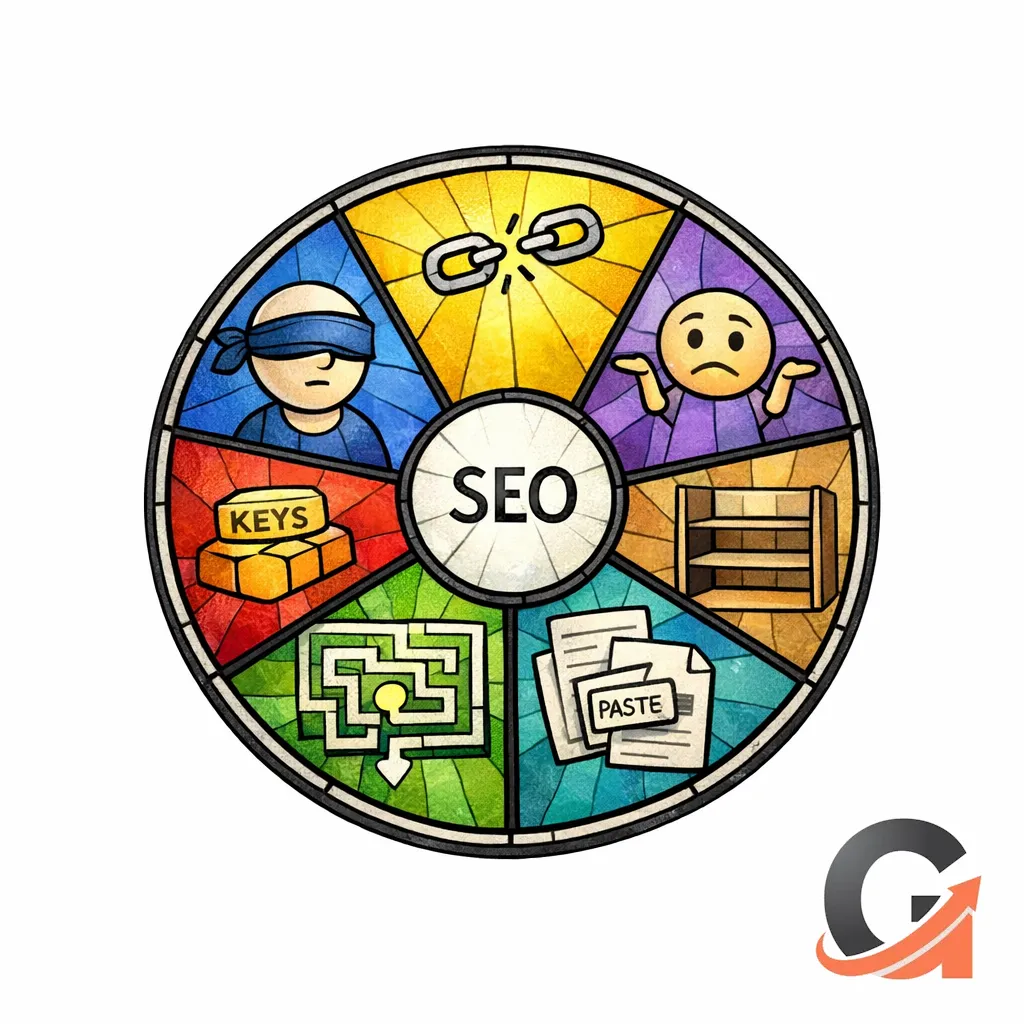
Mistake 1: Treating buying guides like listicles
A list of products without criteria is not a buying guide, it is a shelf. Shoppers need a framework so they can see themselves in the recommendation, not just see items on a page.
Mistake 2: Publishing comparisons that avoid a verdict
“They’re both great” is a great way to keep someone stuck. A comparison page should clearly state who wins for which use case, then link to the next best action.
Mistake 3: Orphaning your content from category and product pages
If your education content does not link into the exact shopping pages that solve the problem, it will not convert. Internal linking for ecommerce is not technical housekeeping; it is revenue routing.
Mistake 4: Over-optimizing for keywords and under-optimizing for clarity
Yes, keywords matter. But if the page does not reduce confusion, answer objections, and make the next step obvious, it will rank and still fail the business.
Mistake 5: Recycling generic claims without proof
Shoppers can smell generic content. Add specifics: what changed, what to watch for, who it is for, what goes wrong, and what to do instead.
A practical build plan: launching a product education hub in 30–60 days
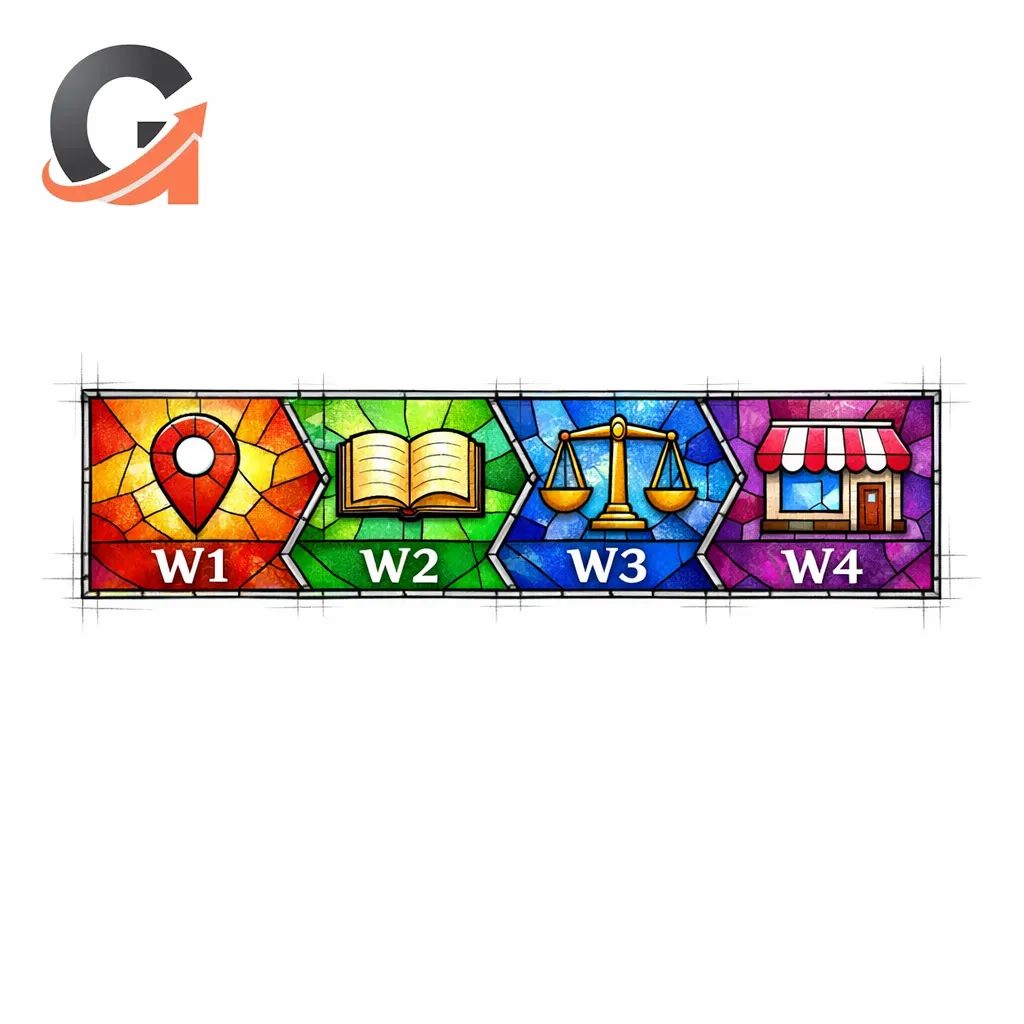
You do not need to boil the ocean. You need a small set of pages that cover the highest-leverage decision points and connect cleanly to your core revenue pages.
- Week 1: pick 1 category to “win,” map 10–20 high-intent questions, and define the internal linking paths.
- Week 2: publish 1 pillar education page and 2–4 cluster pages (sizing, compatibility, care, safety).
- Week 3: publish 1 buying guide and 1 comparison page (or 2 comparisons if your category is competitive).
- Week 4: upgrade the category page copy and add guide links to product pages and FAQs.
- Weeks 5–8: expand comparisons and publish the next cluster set based on real customer questions.
As you build, keep the structure consistent. Consistency scales, and scaling is where e-commerce SEO strategy becomes an unfair advantage.
What to do next (conversion-focused checklist)
- Choose one category: start where margins are healthy or where shoppers are most confused.
- Draft one pillar hub page: define the category, criteria, and top use cases in one place.
- Create one buying guide: criteria first, then curated recommendations with clear links to shop.
- Create one comparison: verdict up front, “best for” sections, links to each product.
- Fix internal links: every education page links to a money page, every money page links back to 1–2 helpful guides.
- Upgrade product pages: “who it’s for,” “who should skip,” FAQs, and practical setup/care guidance.
- Validate trust: disclosures, policies, and claims are consistent and easy to verify.
If you do nothing else, do this: build pages that help someone decide. Decision support is the bridge between ecommerce SEO optimization and real revenue.
Get a free SEO audit today!
Get a free SEO audit today! If your store has content but not conversions, we will identify where your funnel leaks, which pages should be rebuilt as buying guides or comparisons, and how your product education hub should route traffic into revenue.
Stop praying for better search results — download your free copy of the SEO Bible and learn the true path to SEO Salvation. You can bring your current pages, your category priorities, and your most painful “we get traffic but nobody buys” problem, and we will help you turn it into a system.
Visit Content God when you are ready to replace random content with conversion-focused content that actually sells.