




301 Redirect SEO Guide: How to Migrate, Consolidate, and Clean Up Pages Without Losing Rankings
301 redirect SEO is where technical housekeeping meets revenue protection. If you are consolidating blog posts, renaming service pages, rebuilding a site, or expanding into new markets, a sloppy redirect plan can waste relevance, break user journeys, and send valuable leads into the void. A clean plan can preserve context, keep visitors moving, and help your new URLs earn trust faster.
This guide is for marketers, SEO managers, agency teams, and operators in home services, healthcare, legal, SaaS, e-commerce, and multi-location businesses. You will learn when 301 redirects help, when they hurt, how to map them before launch, how to avoid redirect chains, and how redirects connect to content refreshes, pruning, and preserving lead-gen performance.
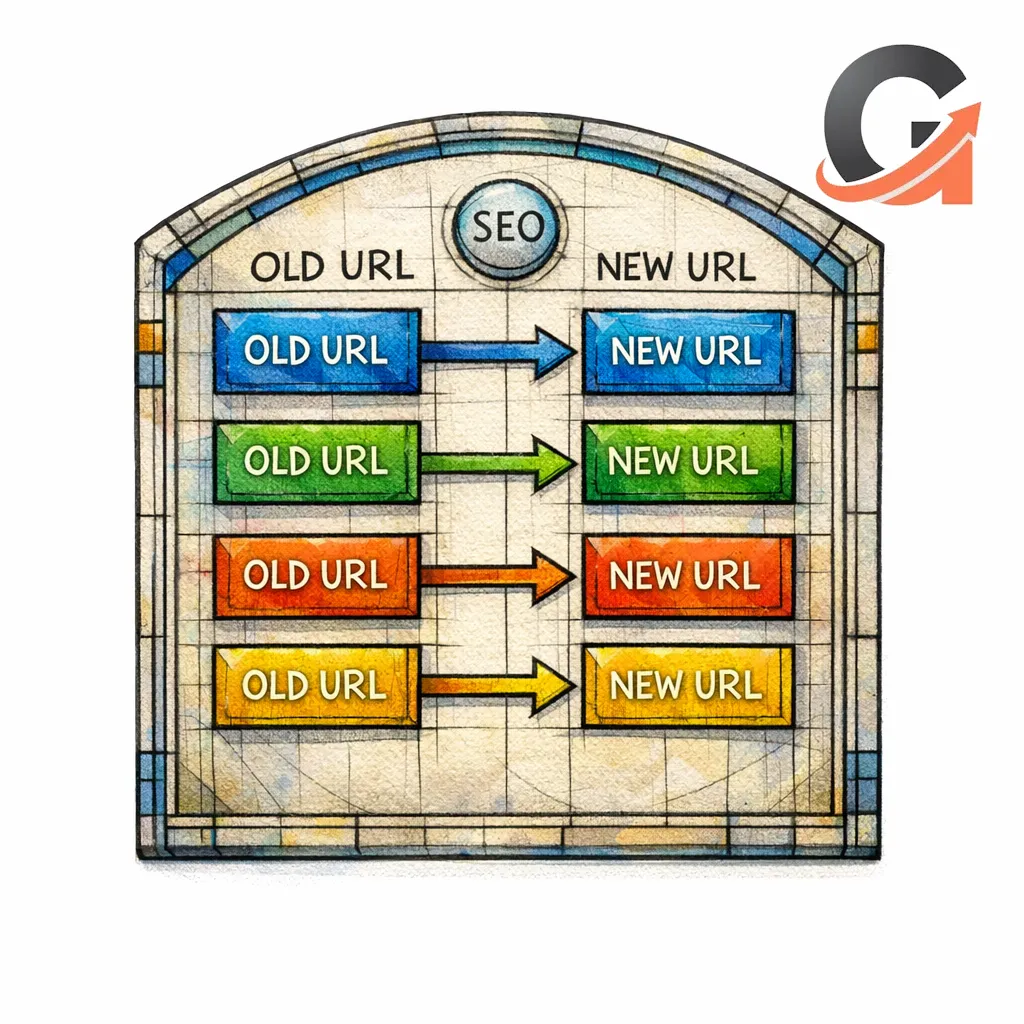
Also, yes, Content God means Content Generated on Demand. We noticed the whole divine implication after the stone tablets were already in production. We apologize for any confusion. Now let us proceed with confidence, because migrations do not need prayer. They need commandments.
What changed and what matters now
Old SEO folklore treated redirects like mystical percentages and penalty magnets. The modern takeaway is simpler: Google documents supported server-side redirects, including 301, 302, 307, and 308, for handling moved URLs. That means the real risk is usually not the concept of redirecting. It is bad mapping, mixed signals, weak replacement pages, and messy launch execution.
For marketers, that shift matters. The best redirect plan is not the one with the most rules. It is the one that protects the URLs tied to calls, quote requests, demo forms, consultations, and sales pages while keeping the site structure cleaner than it was before.
Is 301 or 302 better for SEO?
Neither is “better” in the abstract. The honest status code is better. If the move is permanent, use a 301. If the change is temporary, use a 302. Problems begin when the code tells search engines and users one story while your site is living another.
What a 301 redirect is and why SEOs use it
What is a 301 redirect?

A 301 status code means a resource has been moved permanently, so browsers and crawlers request the new location instead of the old one. In SEO, marketers use 301 redirects for permanent URL changes, content mergers, and site migrations where the new page is the rightful successor to the old one.
The important word is permanently. A 301 is not a bandage for indecision. It is a statement that the old URL should retire and the new URL should carry the experience forward.
301 vs 302 vs 308 in plain English
302 is a temporary redirect, so it fits short-term changes like tests, seasonal swaps, or a brief detour during maintenance. 308 is also permanent and preserves the request method, which matters more to developers than to most marketers. For everyday SEO planning, the rule is simple: permanent move, use 301 or 308; temporary move, use 302.
If you are handling service pages, articles, local landing pages, or product education URLs, do not overcomplicate the choice. Match the code to the real-world intent of the move. Then focus your energy on relevance, internal links, and launch quality.
What happens to rankings, indexing, and link equity
Search engines still have to process the move, crawl the destination, and decide that the new URL is the page they should keep showing. Google explains that redirects are a strong signal for canonicalization, which is exactly why a close 1:1 match matters so much. A redirect can preserve momentum, but it cannot sanctify a worse page, muddled intent, or a weaker conversion experience.
That is the heart of 301 redirects SEO. The redirect itself is a signal. The destination page is the proof. If the proof is poor, the signal cannot save you.
When 301 redirects help
Site migrations and domain changes

When you change domains, move folders, rebuild templates, or switch CMS platforms, use redirects to maintain continuity between the old site and the new one. For these moves, think in terms of Google’s site move guidance for URL changes and map each old URL to the closest new equivalent. The goal is not to redirect everything somewhere. The goal is to preserve meaning.
If an old roofing repair page drove phone calls, the replacement should still be a roofing repair page. If a legal practice-area page brought qualified consultations, do not dump it into a broad services hub and call that a migration strategy. Relevance is the altar. Protect it.
URL slug updates and site rebuilds
Slug updates are common during redesigns. Teams shorten URLs, remove dates, flatten folders, or standardize naming conventions across service pages and blog content. A 301 helps when the page still serves the same intent and the main change is structural rather than strategic.
This is where many launches go wrong. Teams redesign the page, change the URL, rewrite the copy, alter the internal linking, and remove supporting sections all at once. Then they blame the redirect when rankings wobble. Often, the real issue is that too many variables changed without a clear replacement plan.
Content consolidation and pruning

301 redirects are especially useful when you merge overlapping content into one stronger destination. If you have three thin articles targeting nearly the same query, or five near-duplicate city pages fighting each other, consolidation can reduce internal competition and create a better page for users.
But pruning is not the same as deleting. If an old page has useful backlinks, rankings, or conversions, retire it only after you have chosen a destination that deserves to inherit the traffic. A content graveyard with random redirects is not strategy. It is disorder wearing a spreadsheet.
Local expansion and merged location pages

Multi-location and regional brands often create redundant market pages over time. Maybe you built separate pages for nearby towns, then later replaced them with stronger regional hubs. A 301 helps when the new page genuinely serves the same service and geography well enough to satisfy the visitor.
For home services, that might mean merging thin suburb pages into a more useful county-level page with clear service-area details. For healthcare or legal, it might mean retiring outdated office pages in favor of an active, verified location page. The test is simple: would a visitor feel accurately served after landing there?
When should I use a 301 redirect?
Use a 301 redirect when the old URL is permanently replaced by a new URL that serves the same or broader intent well enough to satisfy the visitor. That includes site migrations, slug changes, content merges, retired duplicates, and local page cleanups where one destination is clearly the best successor.
When 301 redirects hurt
Redirect chains and loops
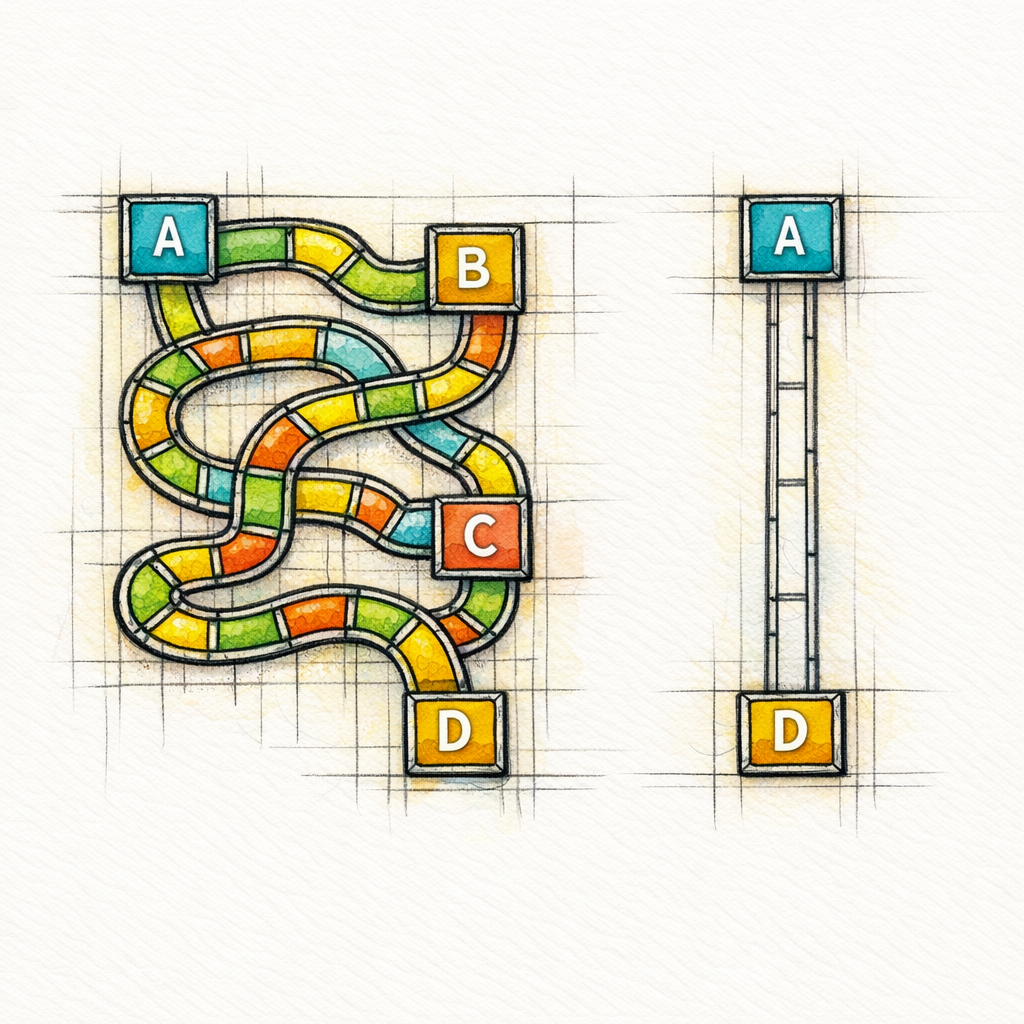
A redirect chain is what happens when URL A redirects to URL B, which redirects to URL C, and sometimes to URL D for extra chaos. A loop is worse because the user or crawler never gets a clean final answer. Both problems create friction, make testing harder, and turn simple URL logic into a maze.
Chains often appear after multiple redesigns, domain shifts, or piecemeal CMS changes. One team redirects an old slug. Another later redirects that interim slug. Eventually the path is technically alive but operationally foolish. If you can send users and crawlers straight to the final page, do that.
Irrelevant redirects to the homepage

The homepage is not a universal forgiveness machine. Sending deleted blog posts, old service pages, expired promotions, and retired local URLs to the homepage usually creates a poor experience because the destination does not answer the visitor’s original need.
If the old page has a true successor, redirect there. If it does not, be honest about that instead of pretending the homepage is close enough. Generic redirects clean up reports, but they rarely preserve intent.
Redirecting pages with no true replacement

Not every dead page deserves a 301. If the old content is obsolete, low-value, or has no logical successor, forcing it into an unrelated destination can make the site feel less trustworthy. Good cleanup sometimes means letting a page retire without theatrical attempts to recycle every URL.
This matters during content pruning. Marketers often assume every deletion must point somewhere. A better rule is this: redirect pages with a real replacement. Retire pages without one. The discipline is in knowing the difference.
Using 301s for temporary changes
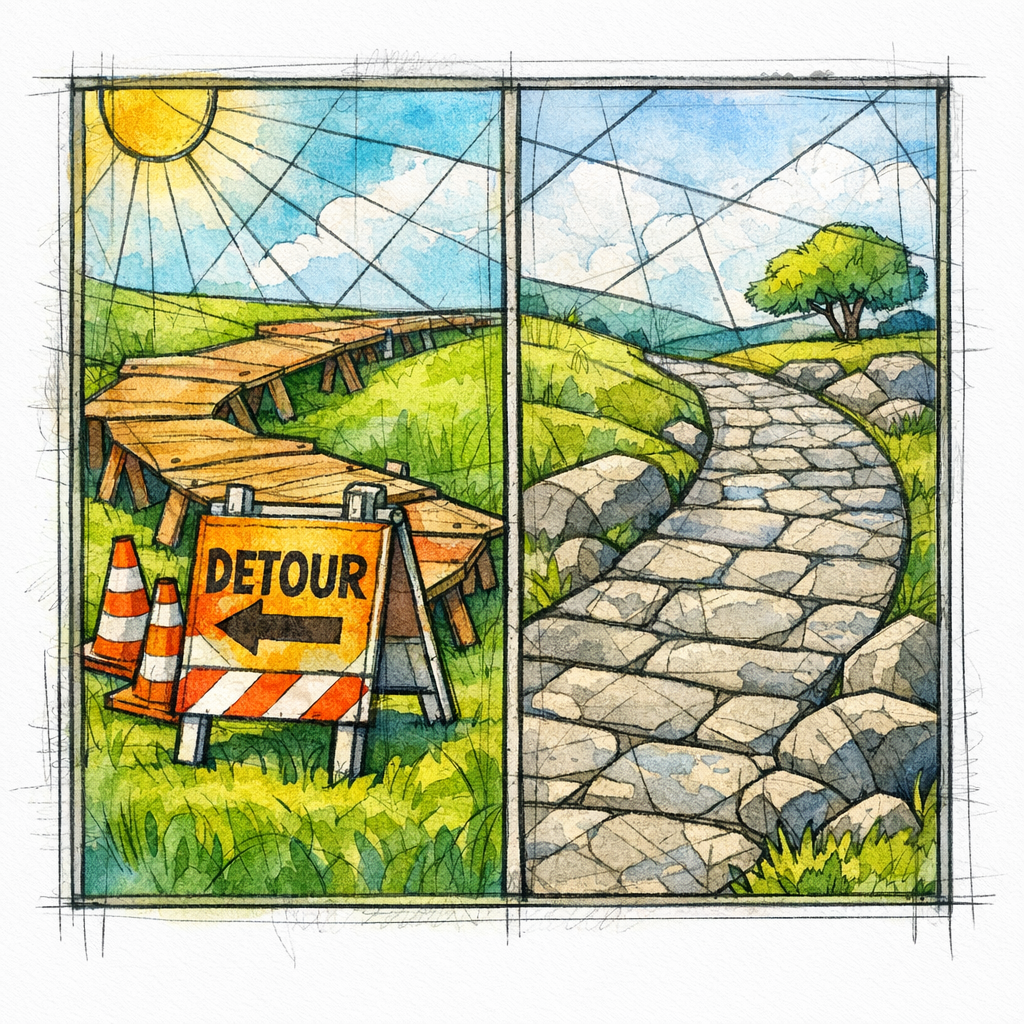
If the change is temporary, a permanent redirect creates unnecessary cleanup later. Seasonal campaigns, short-term tests, temporary outages, and limited-time content swaps should not be treated like permanent moves just because the engineering ticket was easier that day.
A 301 should describe reality. If reality changes back soon, you chose the wrong tool.
Can a 301 redirect hurt my website?
Yes, a 301 can hurt when the mapping is irrelevant, the destination is weaker, the chain is messy, or the move is temporary rather than permanent. The redirect is not the enemy. Dishonest intent matching, lazy homepage dumping, and weak replacement pages are.
How to build a redirect plan before launch
URL inventory and redirect mapping sheet
Before launch, export every URL that matters. That usually includes current indexed pages, pages with organic traffic, pages with backlinks, pages tied to leads or revenue, and pages still linked from navigation, footer links, campaigns, or partner sites. Then map each one to a final destination in a single sheet.
Your sheet does not need to be beautiful. It needs to be decisive. One old URL, one intended destination, one owner, one status. Ambiguity is how migrations become archaeology projects.
1:1 relevance rules
Create clear rules for what counts as a valid redirect target. The destination should match the old topic, satisfy the old intent, and serve the same stage of the funnel whenever possible. A city service page should land on the best current city or regional service page. An informational article should land on the strongest updated article, not a category page chosen by convenience.
If two destinations seem possible, pick the one that gives the visitor the fastest path to the original answer or offer. This is especially important for lead-gen pages. Search visibility matters, but preserving the user’s next step matters too.
Priority pages by traffic, leads, and backlinks

Not every URL deserves the same amount of scrutiny. Start with pages that drive leads, rankings, or authority. For many businesses, that means core service pages, high-performing location pages, comparison pages, templates, buyer guides, and the articles that attract links or introduce new prospects.
If you only have time for one deep QA pass, do it on the pages that generate business outcomes. Preserve the sacred texts first, then tidy the side chapel.
How to implement 301 redirects without losing rankings
Server-level, CMS, and platform options
Implement redirects as close to the server or platform routing layer as you reasonably can. Whether the site runs on WordPress, Shopify, Webflow, a custom stack, or something more cursed, the principle is the same: the old URL should resolve directly to the final new URL with as little ambiguity as possible.
Do not wait weeks after launch to “circle back” to redirects. If the old URLs matter, launch with the map ready. A migration is not complete because the new pages exist. It is complete when the old paths know where to go.
Updating internal links, canonicals, and XML sitemaps
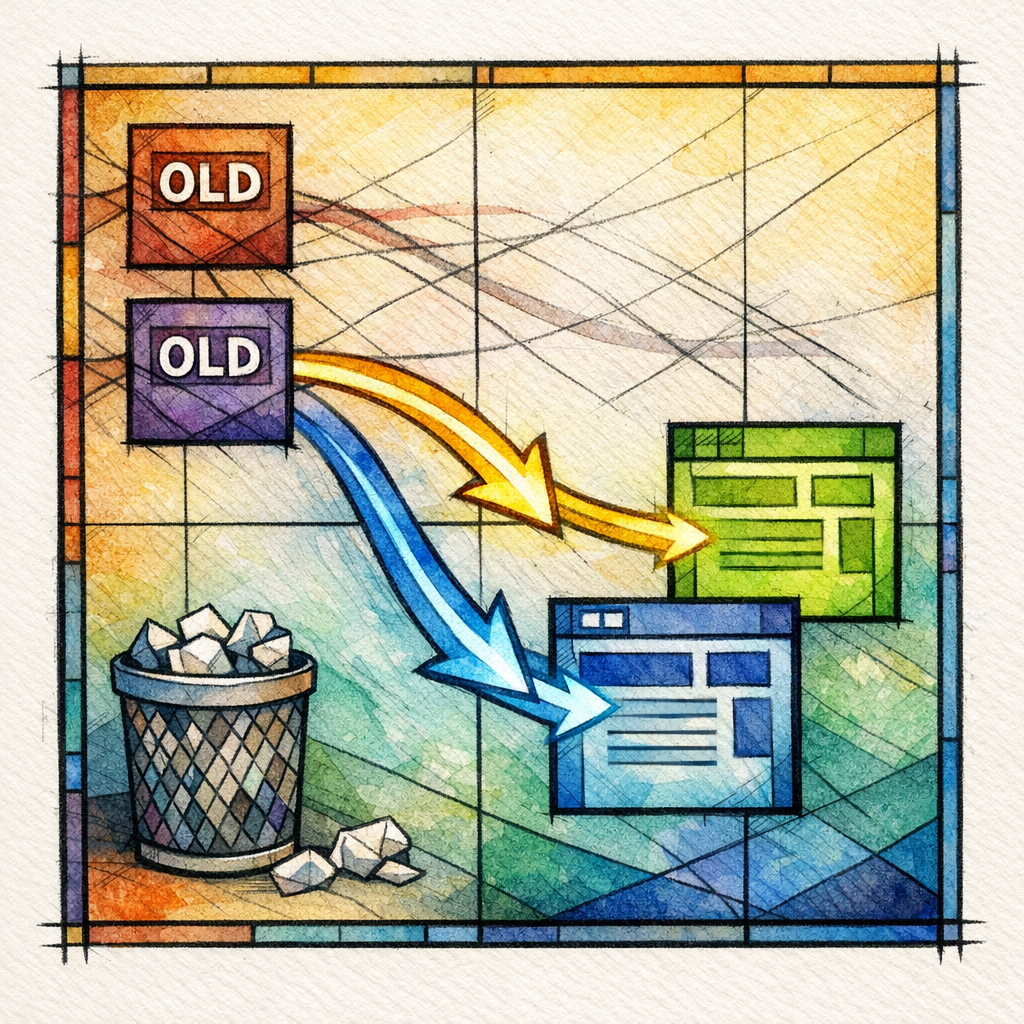
One of the most common mistakes in 301 redirects SEO is treating redirects as a substitute for cleanup. They are not. Internal links should point directly to the new URLs. Navigation should use the current structure. Canonicals should align with the pages you want kept. XML sitemaps should list live destination URLs, not retired ones.
If your internal linking still points to old URLs, you are making users and crawlers take unnecessary extra hops through your own site. That is not preservation. That is self-inflicted friction.
Testing status codes and final destination URLs

Test the full redirect map before and after launch. Crawl the old URL list. Check whether each page returns the intended status. Confirm that each old URL lands on the correct final page in one hop. Review priority templates, location pages, articles, PDFs, and campaign pages separately if they behave differently.
- 1. Export the old URL inventory and choose one final destination for each page that matters.
- 2. Implement redirects before or at launch, not after rankings start slipping.
- 3. Update internal links, canonicals, navigation, and sitemaps to point directly to the new URLs.
- 4. Crawl the old list and verify each URL resolves cleanly to a live final page.
- 5. Monitor rankings, conversions, and crawl issues until the move settles.
What is 301 and 302 redirection in SEO?
In SEO, a 301 means the move is permanent and a 302 means the move is temporary. The practical difference is not superstition. It is whether your redirect accurately reflects what the URL change is supposed to be.
How to find and fix redirect chains
What a redirect chain is
A redirect chain is simply a sequence of redirects instead of one clean jump. It often forms when old rules are never removed, legacy folders stay in place, or multiple migrations stack on top of one another. The result is a path that still works but no longer deserves to exist.
Why chains waste crawl effort and slow pages
Google’s crawl budget guidance is written for large or frequently changing sites, but the principle is useful for everyone: extra URLs and extra hops create extra work. Even when the final destination is correct, chains slow down the route, make diagnostics harder, and increase the chance that one broken rule derails the whole path.
For marketers, chains also make reporting messy. You cannot confidently judge a migration when old URLs keep bouncing through half a dynasty of redirect rules. Clean lines produce clean answers.
How to audit chains with crawlers and redirect checkers
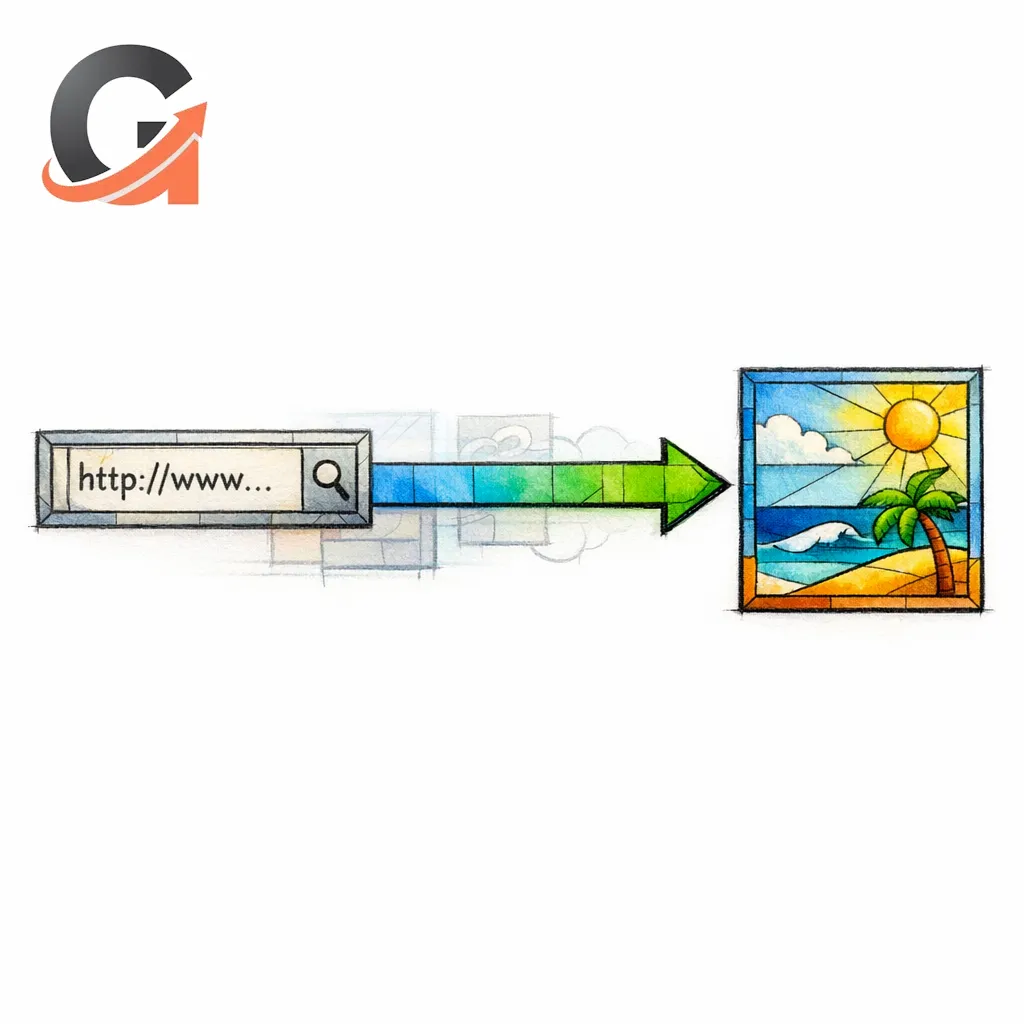
Start with your redirect sheet, then crawl the old URL list. Sort by any URL that takes more than one hop. Review templates, pagination, faceted URLs, image paths, and location-page patterns because chains often hide in repeated structures rather than single pages.
Fix chains by replacing the first redirect with a direct route to the final destination. Then remove the outdated middle rules if they are no longer needed. The holiest redirect is the shortest one that tells the truth.
How do I fix 301 redirects?
Fix 301 redirects by auditing the old URLs, identifying chains or bad targets, and rewriting each rule so the old URL points directly to the best final page. Then update internal links so your site no longer relies on redirects for normal navigation.
301 redirects for content consolidation SEO
How to merge overlapping articles safely
Start by identifying pages that overlap in topic, search intent, or funnel role. Then choose whether one page should absorb the others or whether you need a new destination built from the strongest parts of all of them. Before redirecting anything, improve the destination so it is genuinely better than the pages you are retiring.
If three articles answer the same question, combine their best sections, preserve the examples that still matter, and keep the final page focused. Do not merge content just because keywords look similar in a spreadsheet. Merge because the visitor will be better served by one stronger URL.
Choosing the canonical winner page

The winning page should usually be the one with the clearest intent match, strongest existing authority, best conversion role, and best long-term fit inside your site architecture. Sometimes that is the page with the most backlinks. Sometimes it is the page that sits in the right folder, converts better, or best supports your current service lineup.
For local businesses, choose the page that best represents the active service area and business reality. For publishers and SaaS brands, choose the page that most clearly owns the topic going forward. The winner is not the page you are most emotionally attached to. The winner is the page most likely to deserve the traffic next year.
Refreshing content before redirecting old URLs

Do not redirect weak pages into a destination that still needs help. Refresh first. Tighten the headline, expand the core answer, improve internal links, add proof elements, and make sure the page supports the next conversion step. Then retire the old URLs into something worth inheriting them.
This is where redirects connect directly to lead generation. A migration should not merely preserve rankings. It should preserve or improve what happens after the click. If the new page ranks but converts worse, the ritual failed.
Post-migration monitoring checklist
Search Console checks
After launch, review the pages that matter most and confirm the right URLs are being surfaced and requested. Watch for unexpected indexing patterns, wrong-page replacements, and old URLs that still appear more often than they should. Prioritize the pages tied to leads, not just the pages tied to vanity traffic.
Crawl error monitoring
Keep an eye on broken paths, accidental noindex issues, blocked assets, and redirect rules that do not behave as intended. Check server logs or platform reporting if you have them. A clean redirect map on launch day can still be damaged later by a plugin update, template change, or well-meaning developer who “simplified” something sacred.
Ranking and lead-gen performance checks

Track rankings, yes, but do not stop there. Compare calls, forms, booked consultations, quote requests, demo submissions, and assisted conversions from the migrated sections. A migration is successful when the right pages remain visible and the business outcomes stay intact or improve.
Common mistakes and misconceptions
- “A 301 always saves rankings.” It helps signal the move, but destination quality and intent match still decide whether the new page deserves to perform.
- “Everything should redirect to the homepage.” Usually false. The homepage is rarely the closest replacement for a specific service page, article, or location URL.
- “We can add redirects after launch.” You can, but that turns a controlled migration into damage control.
- “Redirects replace internal link cleanup.” They do not. Your own site should link directly to current URLs.
- “Pruning means deleting anything low traffic.” Not if the page has backlinks, local relevance, assisted conversions, or strategic value in the funnel.
- “If the new design looks better, SEO will sort itself out.” Search engines do not rank aesthetic relief. They process URLs, relevance, internal links, and consistency.
What to do next

- Audit your current URLs. Pull the pages with organic traffic, links, and leads before anyone touches the site structure.
- Build a redirect map. Give every important old URL one best final destination and identify any pages that should truly retire.
- Protect money pages first. Service pages, location pages, practice areas, product pages, and high-converting articles deserve the deepest QA.
- Refresh before you redirect. Strengthen destination pages so they deserve inherited traffic and trust.
- Eliminate chains. Route old URLs directly to the final page, not to intermediate legacy versions.
- Update your own signals. Fix internal links, navigation, canonicals, and sitemaps so the new architecture stands on its own.
- Monitor outcomes, not just rankings. Watch leads, calls, demos, and consultations from the migrated sections.
Get a free SEO audit today!

If you are planning a migration, content consolidation project, local expansion, or site cleanup, Content God can help you review the redirect map before launch turns into repentance. We will help you find the pages most likely to lose traffic, spot chain risks, protect lead-gen URLs, and align your content structure with the search intent you actually need to win.
Stop praying for better search results — download your free copy of the SEO Bible and learn the true path to SEO Salvation. If your team needs a steadier hand for redirects, content refreshes, and the blog pipeline that supports long-term visibility, now is the time to bring order to the kingdom.