




Changelog SEO for SaaS: Turning Release Notes Into Pages That Rank (Without Cannibalizing Product Pages)
Release notes are supposed to help users. But they can also become a compounding SEO asset that captures long-tail demand, supports product-led growth, and fuels product marketing SEO without bloating your blog.
This guide is for SaaS marketers, SEO marketers, and content teams who ship often and want “product updates SEO” to drive qualified traffic without accidentally outranking (or duplicating) your core product and feature pages. You will learn a practical changelog SEO system, how to structure release notes SEO content, and how to avoid keyword cannibalization in SaaS with clean internal linking and indexing rules.
One quick note before we begin: yes, our name is Content God. It stands for “Content Generated on Demand.” We did not notice the whole “God” thing until it was too late, and we apologize for any confusion.
Now that the formalities are out of the way, let us speak plainly: your release notes are scripture, your product is the gospel, and your site architecture is the temple. Build it correctly, and the search engines will arrive with offerings.
What “changelog SEO” actually means (and why it works)

Changelog SEO is the practice of turning product release notes into indexable pages that target specific, real-world search intent: feature names, integration changes, UI updates, permissions, deprecations, error messages, and “what changed” queries.
It works because update-related searches are naturally long tail, specific, and high-intent. Done well, release notes become the missing middle between documentation and marketing.
But there is a condition: the pages must be genuinely useful and not just thin copies of internal tickets. Google explicitly emphasizes creating helpful, reliable, people-first content, and changelogs only win when they serve users first and rankings second.
Who should use release notes SEO (beyond SaaS)
This playbook is strongest for SaaS, but the pattern applies anywhere “updates” create search demand.
If you are in home services, healthcare, legal, BPO, e-commerce, or multi-location local SEO, your “changelog” might be service-area expansions, new financing options, policy updates, new intake flows, new product specs, or seasonal offerings. The principle is the same: publish what changed, for whom, and what to do next.
What changed recently: why update pages are getting harder (and more rewarding)

Modern SEO is less forgiving to low-effort, mass-produced pages. Google regularly rolls out ranking changes through core updates, which is why templated “v1.2.3 shipped” notes with no context often stall out.
At the same time, if your competitors are afraid to publish anything beyond generic blog posts, your changelog can become a durable moat, because it is closer to user reality than most “top-of-funnel” content.
One warning from on high: if you scale release notes into hundreds of thin pages, you can drift into patterns Google describes in its Search spam policies. The goal is not “more URLs.” The goal is “more solved problems.”
The core problem: ranking release notes without cannibalizing product pages

Most SaaS sites have three competing page types that can fight each other in search:
- Product/feature pages that should rank for the head term (“Workflow automation software”).
- Blog posts that chase broader education (“How to automate onboarding”).
- Release notes that match specific changes (“New webhook retry logic,” “SSO provider update”).
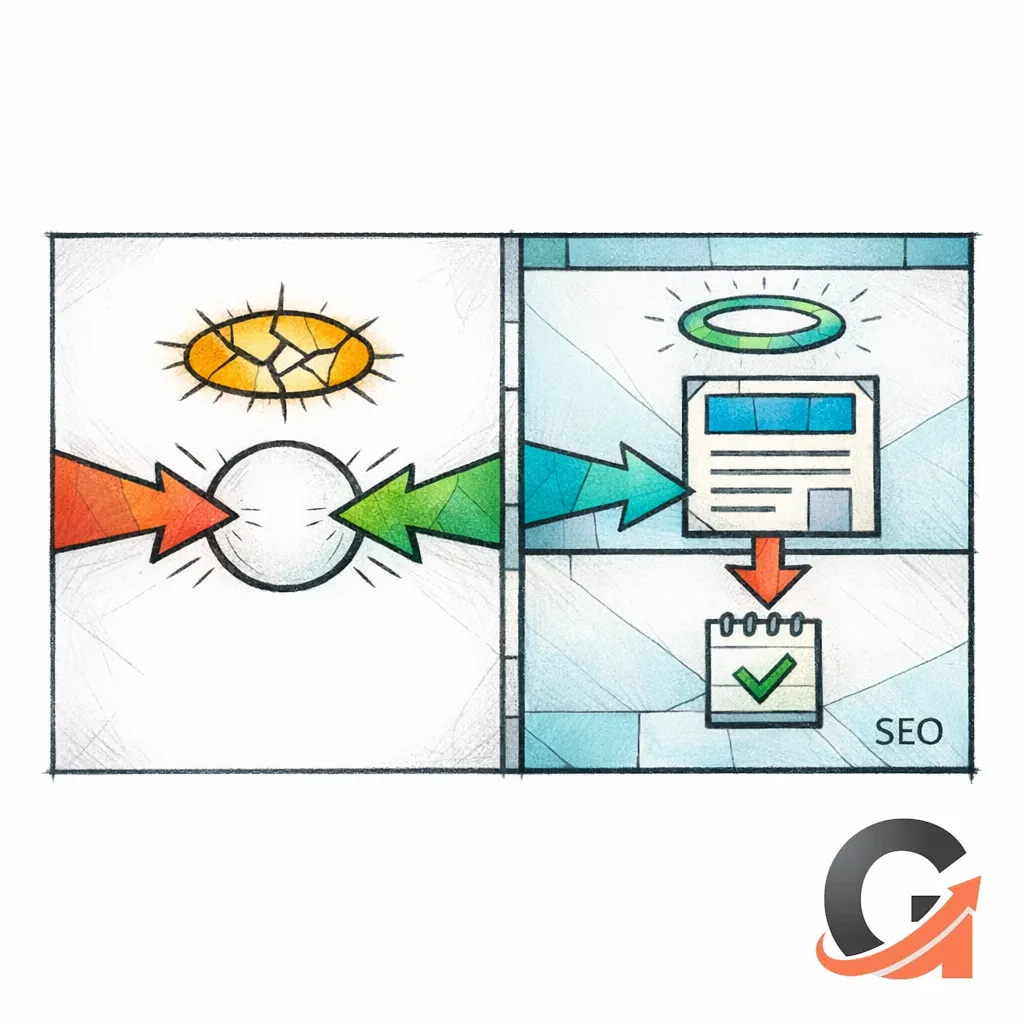
Cannibalization happens when two or more pages send the same topical signal and compete for the same query. The fix is not “publish less.” The fix is to give each page type a distinct job, a distinct keyword target, and a distinct internal linking role.
The “temple architecture”: a changelog system that scales

Here is the simplest structure that scales for changelog SEO while protecting core pages.
Layer 1: Evergreen product and feature pages (the canon)

These pages should remain stable, comprehensive, and designed to rank for your primary commercial terms. They explain the “what” and “why,” not today’s patch notes.
Your changelog exists to support them, not replace them.
Layer 2: A changelog hub (the index)
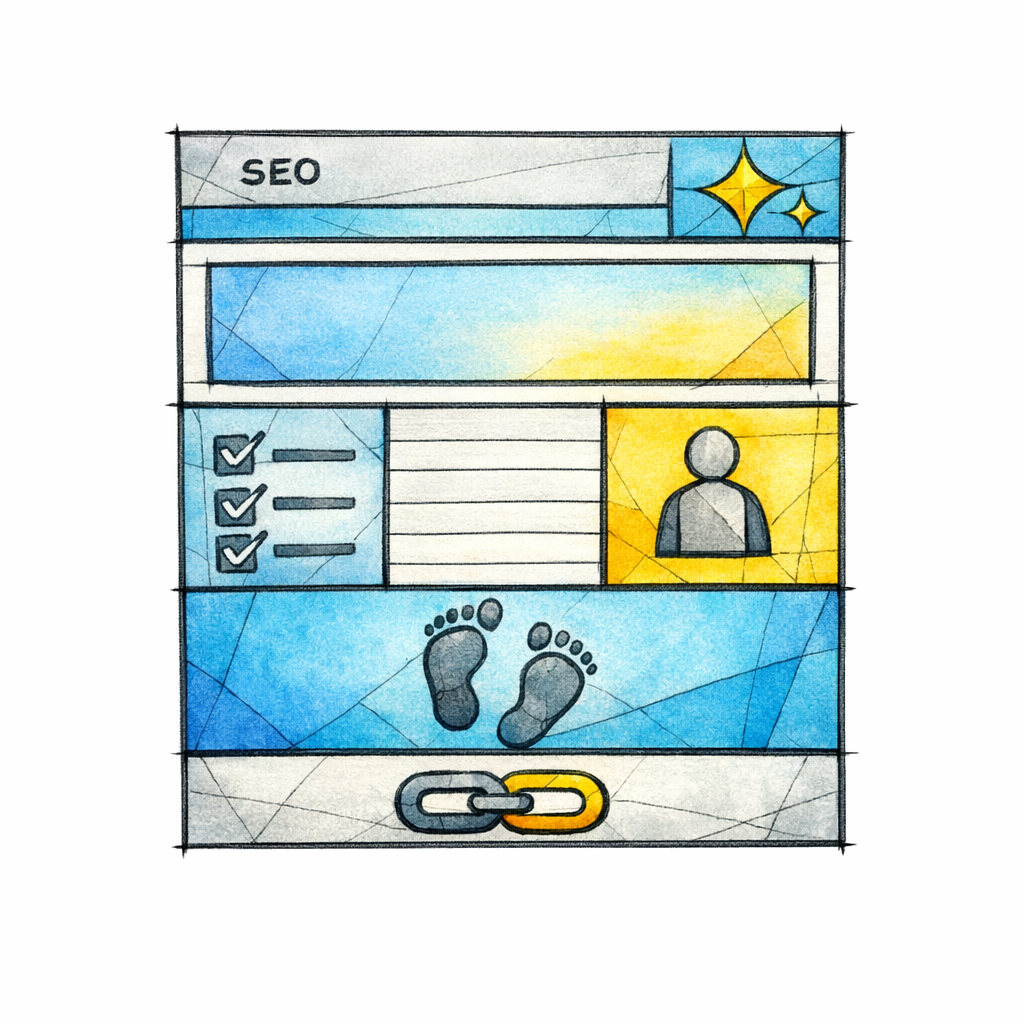
Create a central changelog or “Product updates” hub that lists releases by month/quarter and by category (integrations, reporting, security, mobile, API, admin). This hub should be optimized for navigational queries like “Brand changelog” and “Brand release notes,” and it should funnel authority into the most important update pages.
Keep the hub scannable. Make it easy for both humans and crawlers to understand the hierarchy.
Layer 3: Individual release note pages (the verses)

Each update page should target a narrow intent and include enough context to stand on its own. That usually means explaining who is affected, what changed, why it matters, and what the user should do next.
When updates are tiny, bundle them into a weekly/monthly rollup instead of forcing a thin page to pretend it is worthy.
Indexing rules: when release notes should be indexable (and when they should not)

Not every release note deserves to rank. Some should exist purely for existing users, support tickets, or customer success workflows.
Use these rules of thumb:
- Index updates that answer a search question (new integration, renamed feature, deprecation, security change, pricing/plan capability change, permission change, public API change).
- Consider noindex micro-updates that add no standalone value (minor UI polish, small bugfix lists, internal-only notes).
- Consolidate repetitive updates into a single “rolling” page when they share the same intent.
If you choose to prevent a page from appearing in search results, do it intentionally with a meta robots directive. Google documents the correct implementation in its robots meta tag guidance.
Duplicate content and canonicals: the clean way to publish the same update twice

A common SaaS workflow is to publish the update in multiple places: a changelog, documentation, an in-app modal, and sometimes a “feature update blog” post.
If two URLs are substantially the same, decide which one should be the primary for search, then consolidate signals. Google explains how to do this with canonicalization and duplicate URL consolidation.
Practical examples where a canonical strategy is often appropriate:
- A changelog page and a documentation page share the same “What changed” details, but the docs page is the true long-term reference.
- A short “announcement” blog post repeats the changelog, but the changelog is the better evergreen record.
- An integration partner page repeats the same release note content across multiple partner directories.
Keyword targeting for product updates SEO: stop aiming at the throne

Your product page should fight for the head term. Your changelog should win the battles no one else is even showing up for.
In practice, changelog SEO is a long-tail SaaS keywords strategy built from nouns and verbs your users already use:
- Feature + modifier: “bulk edit,” “role-based access,” “audit log export.”
- Integration + action: “Salesforce sync,” “Slack notifications,” “ActiveCampaign landing pages.”
- Platform + update: “iOS mail tracking,” “Windows update rings,” “Shopify new updates” (as analogs for how people search when things change).
- Error + fix: “webhook failed,” “SSO login loop,” “API 401 after update.”
The discipline is to keep each release note page narrow. Do not force it to rank for your main “software category” term. Let it rank for the exact thing that changed.
On-page structure: a release note template that earns rankings

Most release note pages fail because they are written like internal engineering notes. Write them like a high-trust answer page.
A strong template:
- H1: “New: [Feature] for [Persona/Use case]” or “Update: [Integration] now supports [Capability].”
- Summary paragraph: one or two sentences explaining the user impact.
- What changed: clear, specific bullets.
- Who is affected: plan, role, platform, region.
- How to use it: steps, settings, screenshots if appropriate.
- Why it matters: tie to outcomes (speed, compliance, fewer errors, better reporting).
- Related links: deep links to the feature page, docs, integration page, or setup guides.
Keep paragraphs short, use specific nouns, and avoid writing like a press release. Your goal is not hype. Your goal is clarity.
Internal linking that does not sabotage you

Internal links are where most “avoid keyword cannibalization SaaS” efforts either succeed or fail. You are effectively telling search engines which page is the authority for which topic.
Make sure your important links are discoverable and crawlable in the way Google describes in its link crawling guidance.
Use this internal linking map:
- Release note → Feature page: Use descriptive anchor text that matches the feature’s primary term (“workflow approvals,” “SOC 2 reports,” “HIPAA-ready audit logs”) rather than vague anchors.
- Feature page → Best release notes: Add a small “Latest updates” module that links back to the most meaningful changes.
- Changelog hub → Category hubs: “Security updates,” “API updates,” “Integration updates.”
- Integration pages strategy: If you have partner/integration landing pages, link from the release note to the integration page, and from the integration page back to the key update that unlocked new capabilities.
If you do this right, your feature page ranks for the head term, while your update pages win dozens of specific queries and pass relevance upward.
Common misconceptions that keep changelog pages from ranking

Misconception 1: “Release notes are too small to rank”

Small is fine. Thin is not. A short page that answers a specific question can outperform a long page that dodges the point.
If the change affects user behavior, setup, reporting, compliance, billing, or integrations, you likely have enough material for a useful page.
Misconception 2: “We should stuff every update with our main keywords”

This is how you turn release notes into noisy clones of your product pages. Instead, keep the head terms on the canonical product pages, and let updates target long-tail queries your product pages should not try to own.
When you blur the line, you invite cannibalization.
Misconception 3: “We can mass-publish AI release notes and clean them up later”

“Later” is how quality debt becomes a penalty-shaped crater. If you scale pages, scale usefulness.
Google’s Search spam policies are a good reminder that automation is not the sin; low-value pages at scale are the sin.
A practical workflow: from product update to ranking page in 60 minutes

This is the operational side of SaaS content strategy for release notes SEO. You want a repeatable pipeline, not heroic writing sessions once per quarter.
Workflow:
- Collect the raw update: PRD snippet, changelog entry, Jira ticket summary, support notes, or launch email.
- Clarify the search intent: What would a user type into Google the moment they notice this change?
- Pick the page’s “one job”: announce, explain setup, document behavior changes, or prevent support tickets.
- Write for the affected persona: admin, operator, analyst, developer, patient user, legal intake team, field tech, store manager.
- Add the right links: feature page, docs, integration page, pricing/plan page if needed.
- Decide index/noindex: based on standalone usefulness.
- Ship, then improve: add screenshots, FAQs, and examples as real questions arrive.
If your team drafts collaboratively, write in Google Docs and keep edits clean using Suggesting mode in Google Docs. It turns feedback into a fast approval ritual instead of a formatting war.
How to “bundle” updates so you rank more and publish less

Not every update deserves its own URL. When updates are minor, bundling protects quality and reduces index bloat.
Use bundles when you have:
- Repeated micro-fixes to the same feature (“export improvements,” “CSV formatting fixes”).
- Many small UI changes that are hard to search for individually.
- Weekly iterations where the real keyword is the feature name, not the version number.
Bundled pages can still target long-tail queries by using descriptive subheadings and a strong summary that includes the key feature/integration terms naturally.
How to prevent product page cannibalization in one simple rule

Here is the rule that saves most SaaS teams: product pages explain the stable promise; changelog pages explain the unstable reality.
If a release note starts reading like your feature page, you have crossed the line. Rewrite the update to emphasize what changed, what’s different, and what the user should do now. Then link to the feature page for the stable, evergreen explanation.
What to do next: a checklist you can hand to your team
- Audit your existing release notes: mark which pages are genuinely helpful and which are thin.
- Create a changelog hub with clear categories (integrations, API, security, admin, mobile, reporting).
- Define your index/noindex rule for micro-updates using the robots meta tag guidance as your implementation reference.
- Pick a canonical strategy for duplicate announcements using Google’s canonicalization guidance.
- Write a release note template that forces “who/what/why/how” instead of version-number fluff.
- Add internal links that reinforce roles: update pages point to feature pages; feature pages point to major updates.
- Bundle minor updates so you publish fewer, better pages.
- Track which updates attract search impressions, and expand those pages with FAQs, examples, and setup steps.
Get a free SEO audit today!
If you want changelog SEO and release notes SEO to drive pipeline without torpedoing your product pages, get a second set of eyes on your architecture, indexing rules, and internal linking. Get a free SEO audit today!
And if you are ready to stop guessing, stop praying for better search results — download your free copy of the SEO Bible and learn the true path to SEO Salvation. If you would rather outsource the blog and content pipeline entirely, Content God can turn your releases into rankings, week after week, without turning your site into a cluttered shrine.
Content God (Content Generated on Demand) is ready when you are.